Player characters
Describe the proportions and signature equipment that make the side-view character readable in play.
Describe a game character and optionally add a reference. Create a pixel or 2D candidate, review its silhouette, outfit and expression, then save the version you approve. Animation is optional.
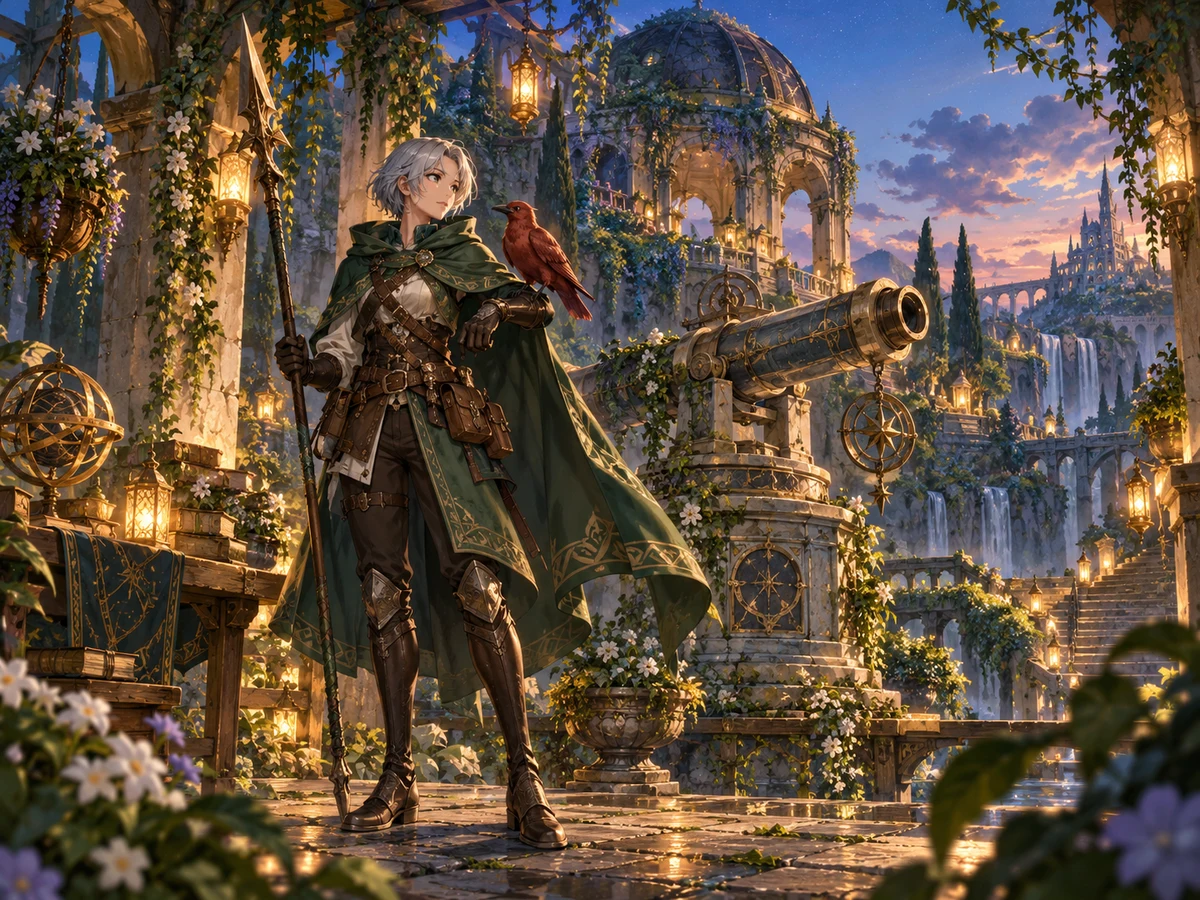
AI SPRITE GENERATOR / SEE THE POSSIBILITY
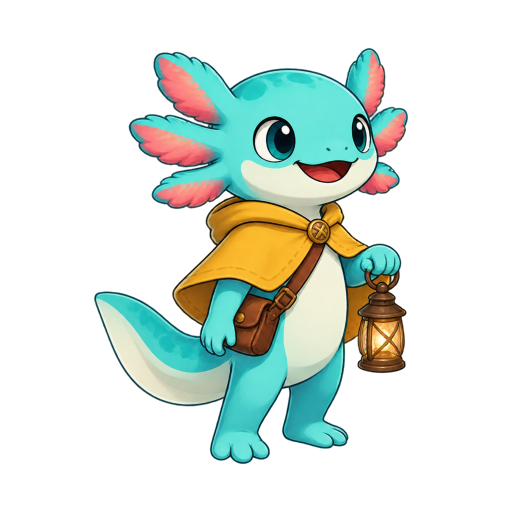
See a real character candidate that was reviewed and accepted in the workspace. Download the 512 × 512 PNG to inspect the result yourself.
Start with your idea →THE CHARACTER BRIEF
A turquoise axolotl.
A mustard cape.
A lantern for the journey.
From a character prompt to a finished transparent sprite, saved in the workspace and ready for edits or animation.
CHARACTERS FOR YOUR WHOLE GAME
Give each character a role and a personality. Build them in the style your project needs.
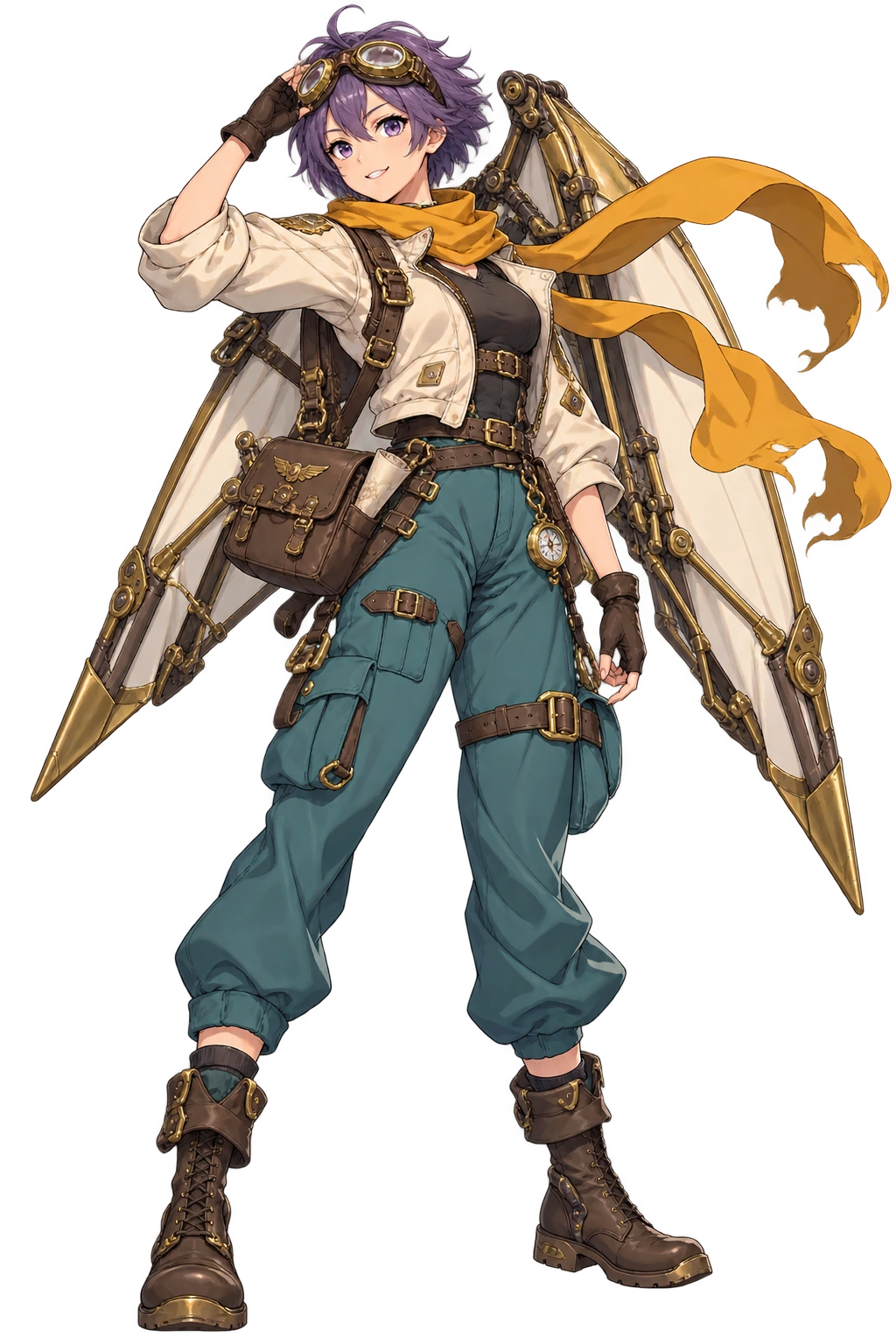
A clear silhouette. Signature equipment.
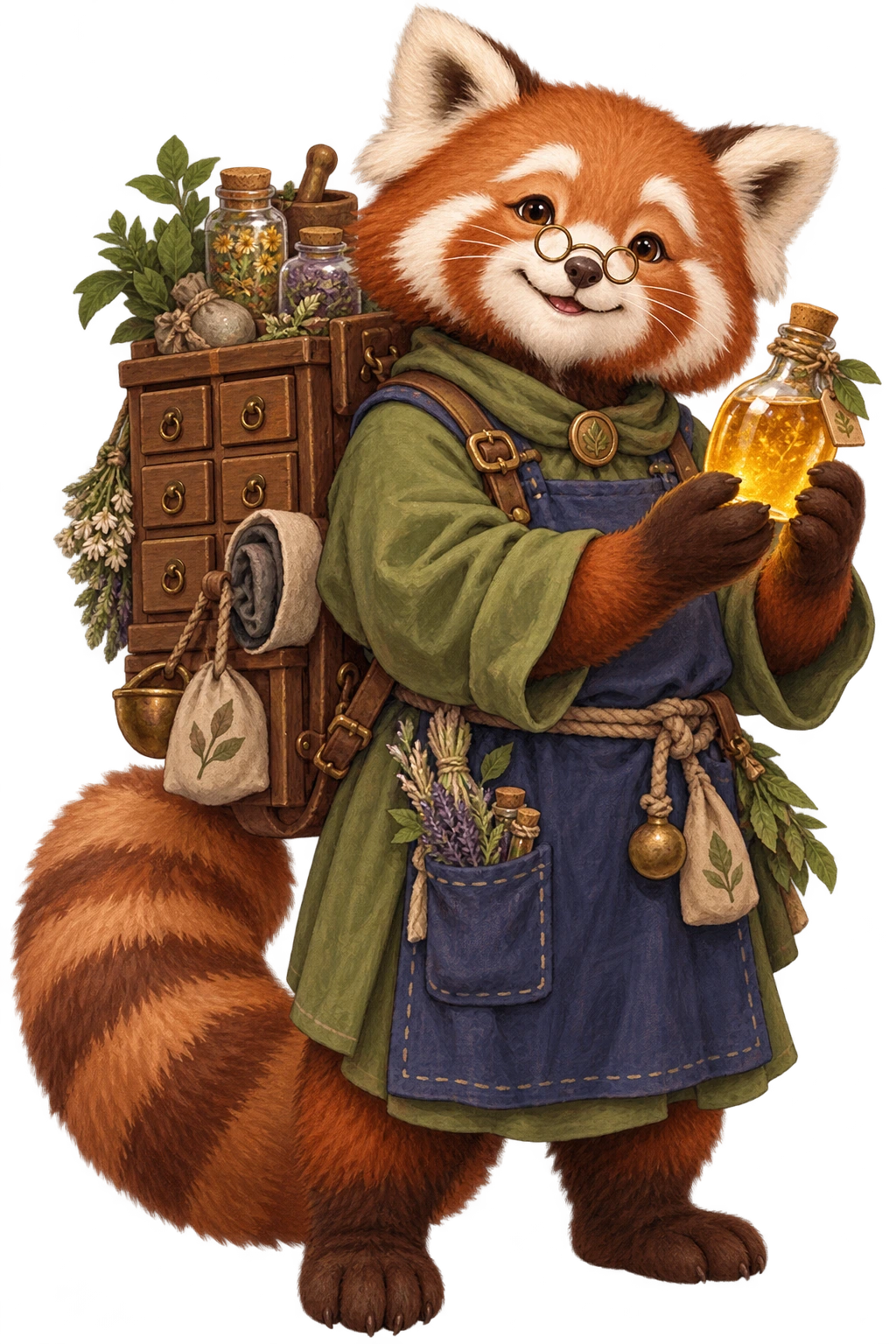
A memorable face for a familiar role.
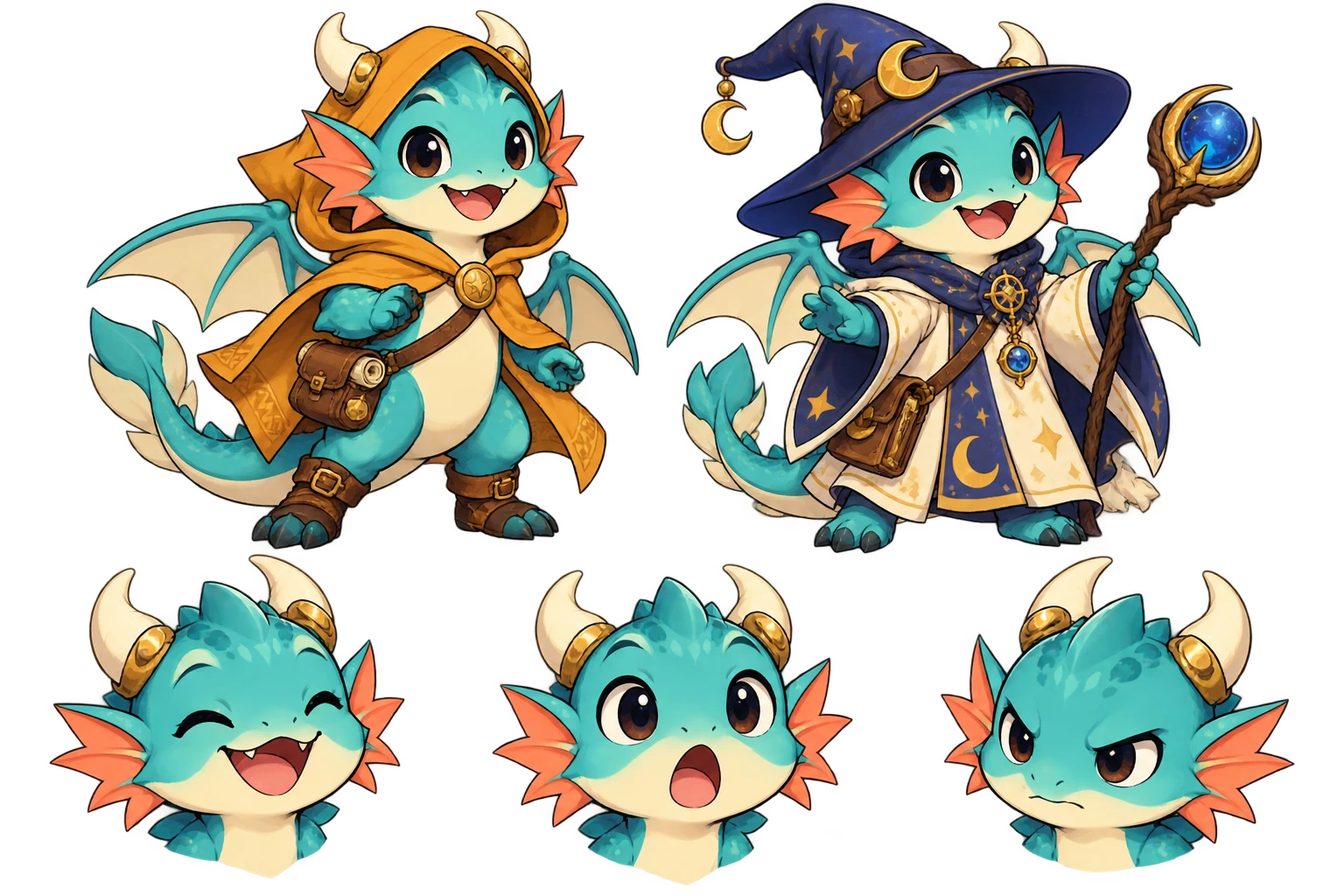
Explore outfits and expressions from the character you keep.
YOUR IDEA. YOUR NEXT STEP.
Start with the role the character plays. A player hero, a merchant and a small enemy need different silhouettes, equipment and expressions. Approve that starting point before asking for another version.
Describe the proportions and signature equipment that make the side-view character readable in play.
Build a shopkeeper, companion or enemy around a clear role and a few recognizable details.
Use the accepted character as the source. State what should change and which details should stay.
KEEP YOUR PROJECT MOVING
Once you approve a character, build its action set or try a new palette for its variants.
ONE CHARACTER. MANY MOVES.
Choose an action for your character, build a matching move set, and review each animation before exporting.
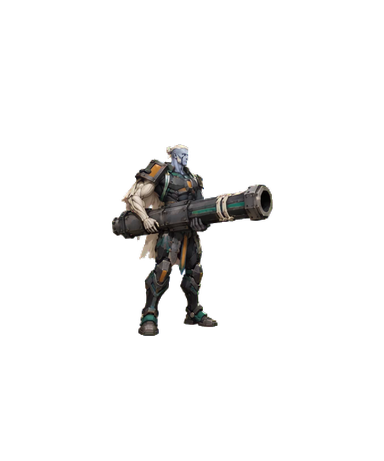
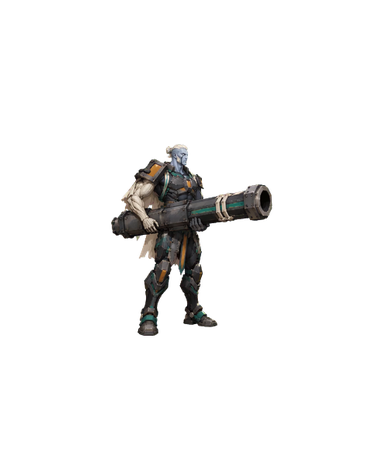
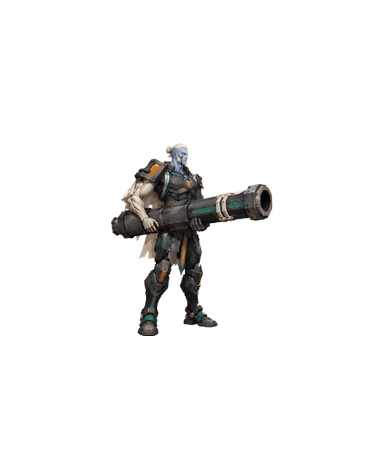
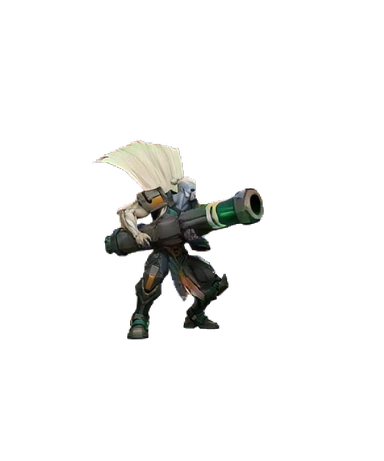
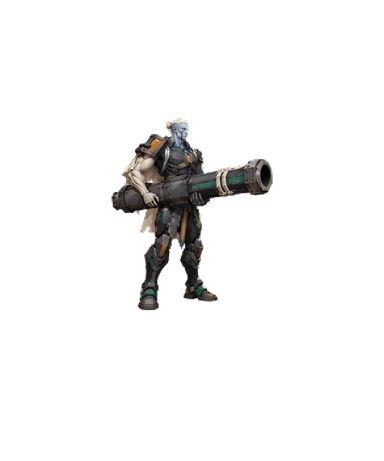
Seven animations from one character reference.
Compare the supplied sheet with three actual palette outputs. The character geometry and transparency remain the same.
One sheet, three palette swaps. Every colorway keeps the same four poses, 1536 × 576 canvas, and transparent edges.
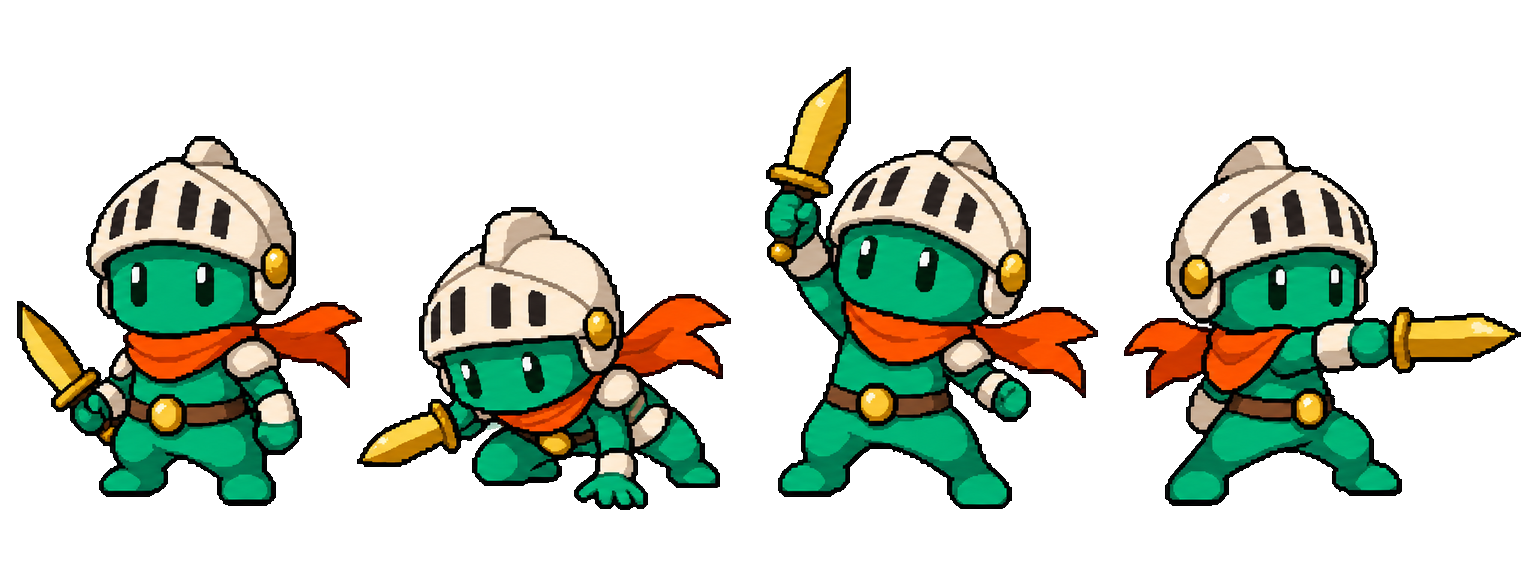
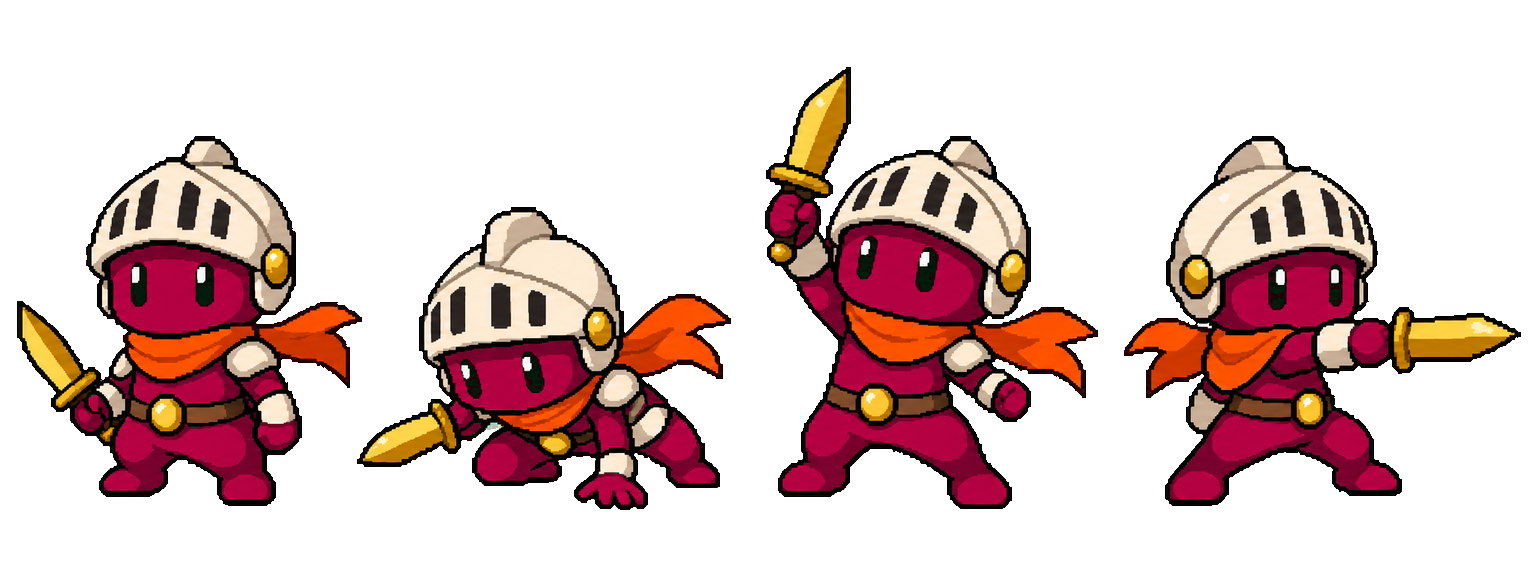
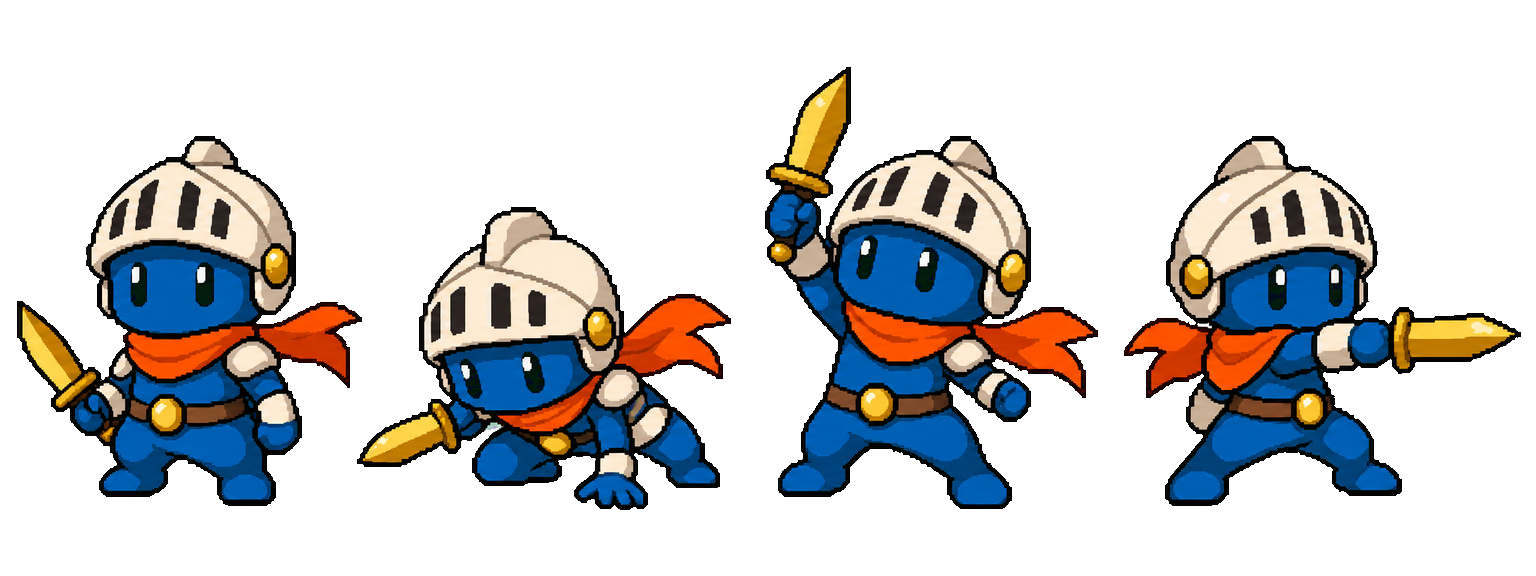
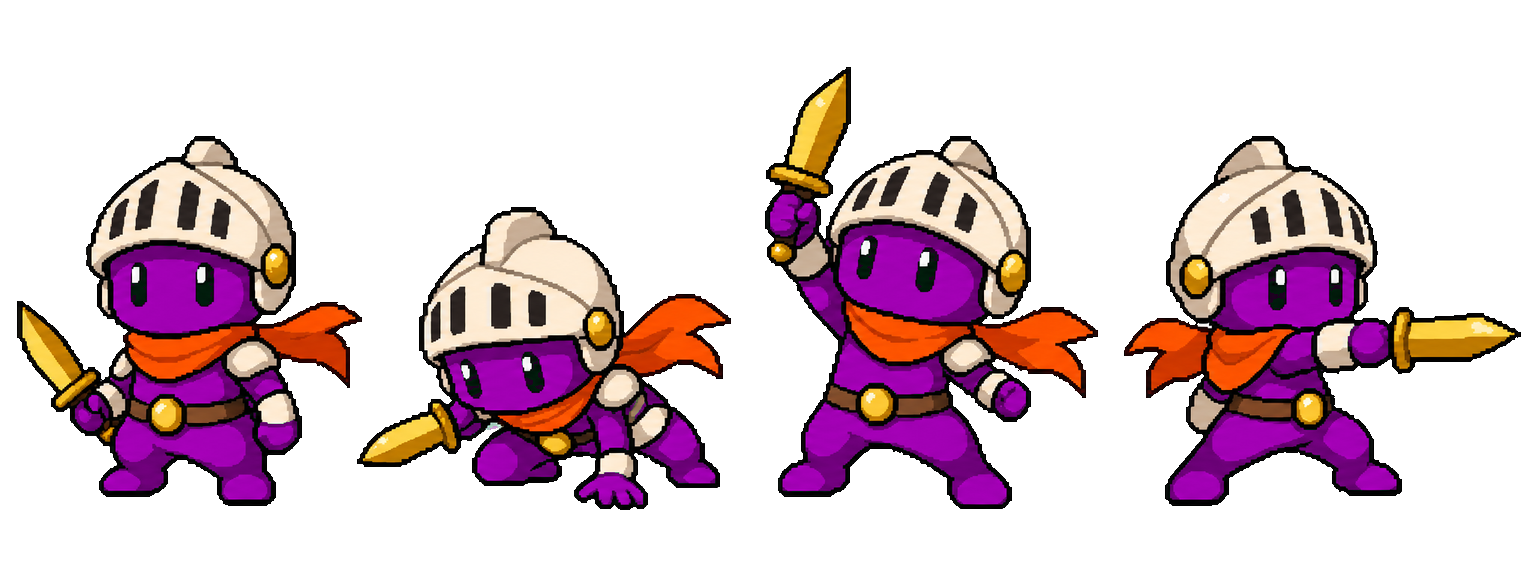
Actual mapped PNG outputs, with all four source poses preserved.
Recolor your animationCOMMON QUESTIONS
Fill in your brief or source and required settings here. Check the displayed Credits or included uses, click the action once to start, then inspect your results before exporting.
Enter its role, silhouette, outfit and essential details. Add a reference if you have one.
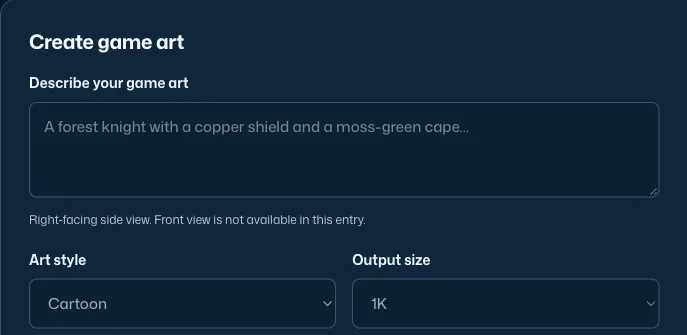
Select a style and size, check the displayed Credits, then select Generate. Sign in if needed.
Inspect the result and keep the version you approve. Download the files available for that version, or continue into animation.
Next: Animate an approved character
Bring a description and an optional reference. Choose the art style and size in the form and check the displayed Credits before generating.
Check the face, proportions, clothing and equipment. Compare the revised outfit with your accepted character. Keep the version you want before making its actions.
An AI sprite generator makes game artwork from a description, with an optional reference. MotifDeck supports pixel characters and general 2D characters, then lets you refine and animate an approved character in the same project.
Yes. Bring a reference in the workspace or start with Pixel Art, Cartoon, Anime, Hand-painted, Flat 2D or 3D Look. 3D Look creates rendered 2D artwork, not a 3D model.
Pixel characters use native 32, 48 or 64 pixel targets. New General 2D character requests offer 1K, 2K or 4K. The generation review checks availability and price for your selected size.
Yes. Use the approved character as the source and describe the expression, outfit or equipment you want to change. Review the resulting version for identity and requested details.
Yes. Approve the character, describe an action and create continuous motion. Choose available frames and their timing after the motion is generated.
Typing a brief does not start generation. Check the displayed Credits and your inputs, then choose Generate to start. If needed, sign in first; your draft is kept.
Yes. A reviewed static character is a complete result. Animation is optional; use the files available for that result and its download eligibility.
More workflow details in Docs. Frame allowances and Credits in Pricing.