A silhouette you can read.
Give each item one clear shape. A wide bottle and a diagonal blade should feel different before the smallest details appear.
A potion worth saving. A sword worth finding.
Make the items that belong in your world.
Bring your idea into the workspace. Add references and review available settings, the plan and price before generation.
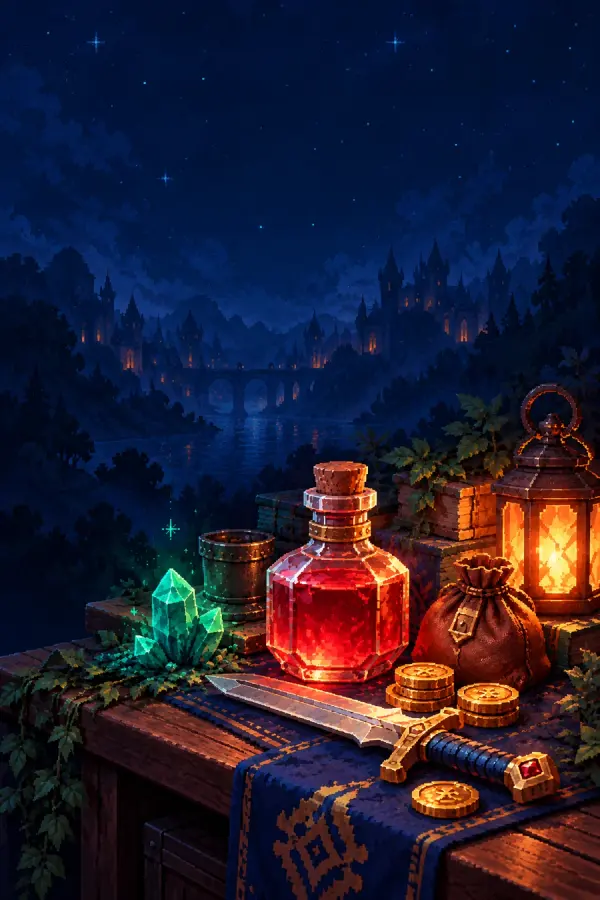
Original art-direction examples. Create and review your own results with Moti in the workspace.
SMALL THINGS. A WORLD OF POSSIBILITIES.
Potions, equipment and little treasures.
Choose a starting point, then make the brief your own.
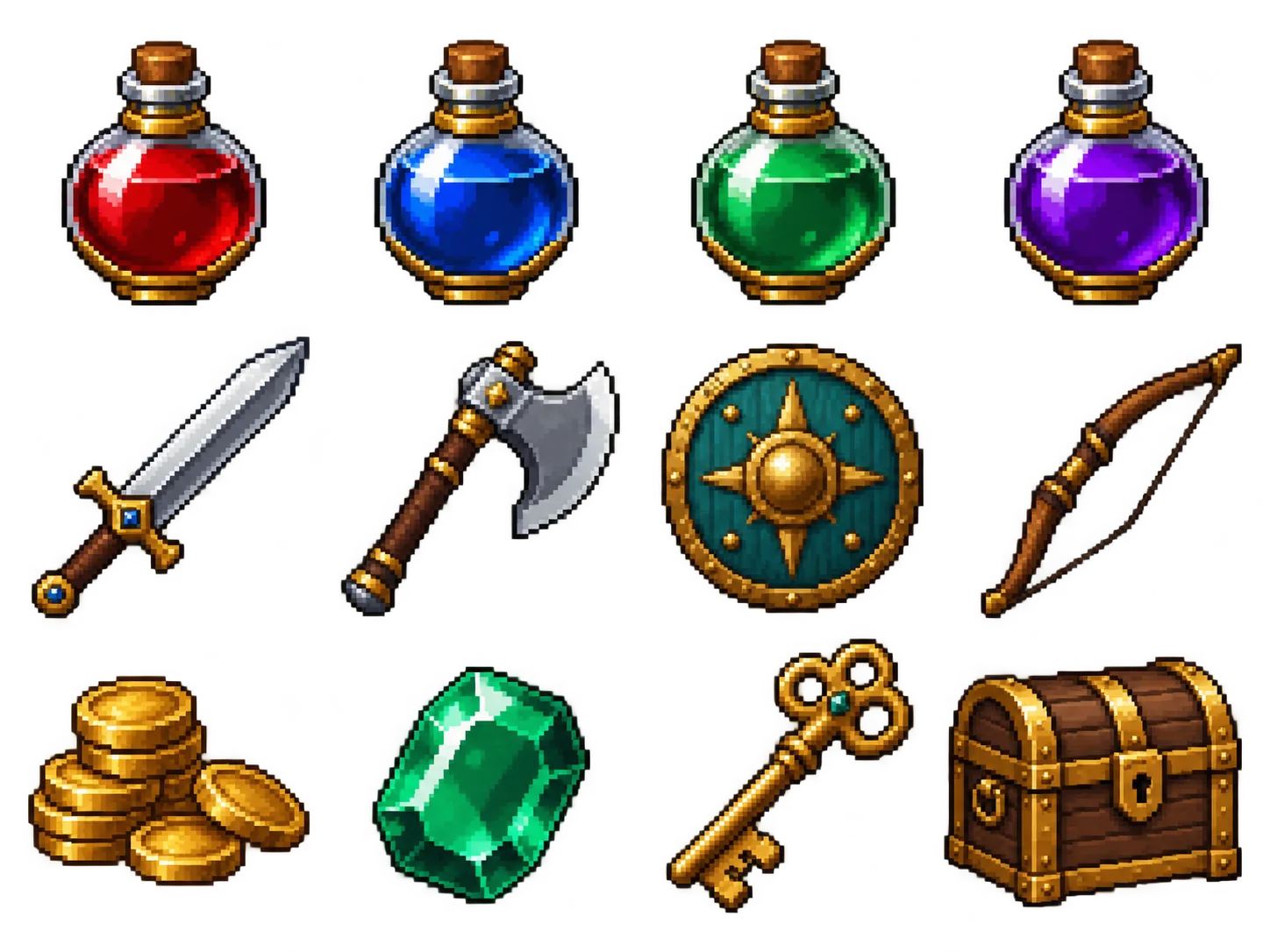
A round red potion bottle, a cork stopper and a little gold band.
Use this item ideaHealing potion selected. Your brief stays editable.
ONE BOTTLE. A WHOLE FAMILY.
Keep the bottle shape, the cork and that little gold band. Change the ingredient, not the identity of the item.
Choose the item version you kept in your project. Tell Moti which details to preserve and what should change next.
Start your item family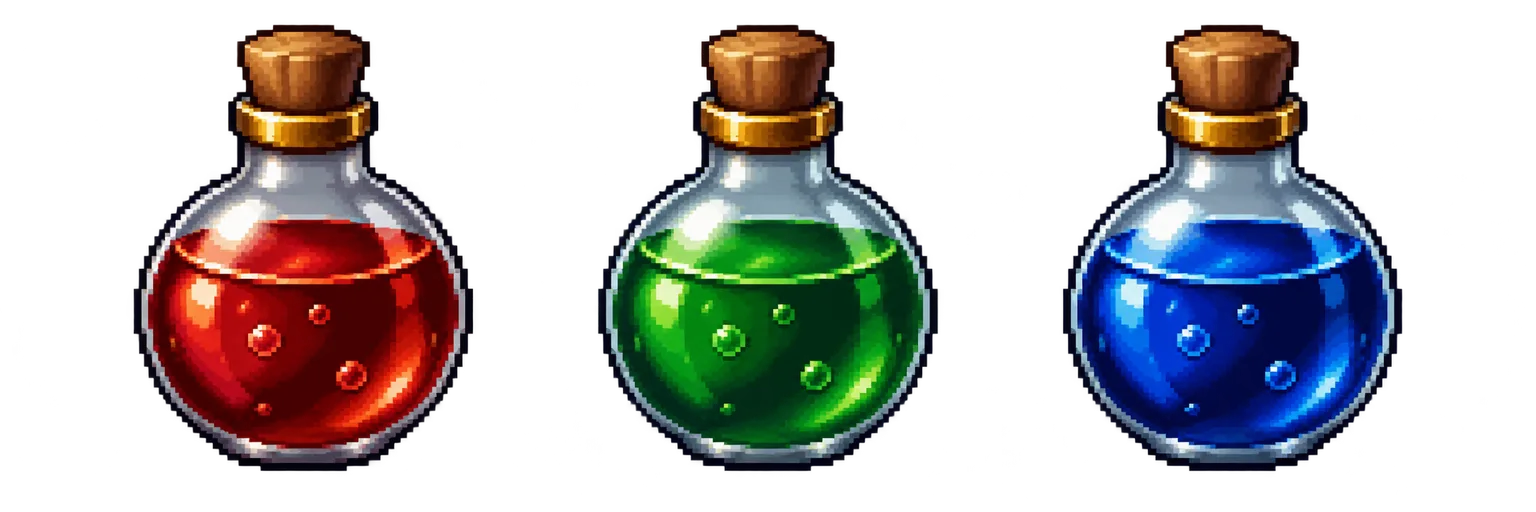
“Keep my potion’s bottle, cork and gold band. Change only the liquid to emerald green.”
Review each new version before it joins your inventory.
A SMALL SLOT. A BIG FIRST IMPRESSION.
A bottle, a blade, a coin, a gem. Make the outline recognizable before you ask the palette to tell the rest of the story.
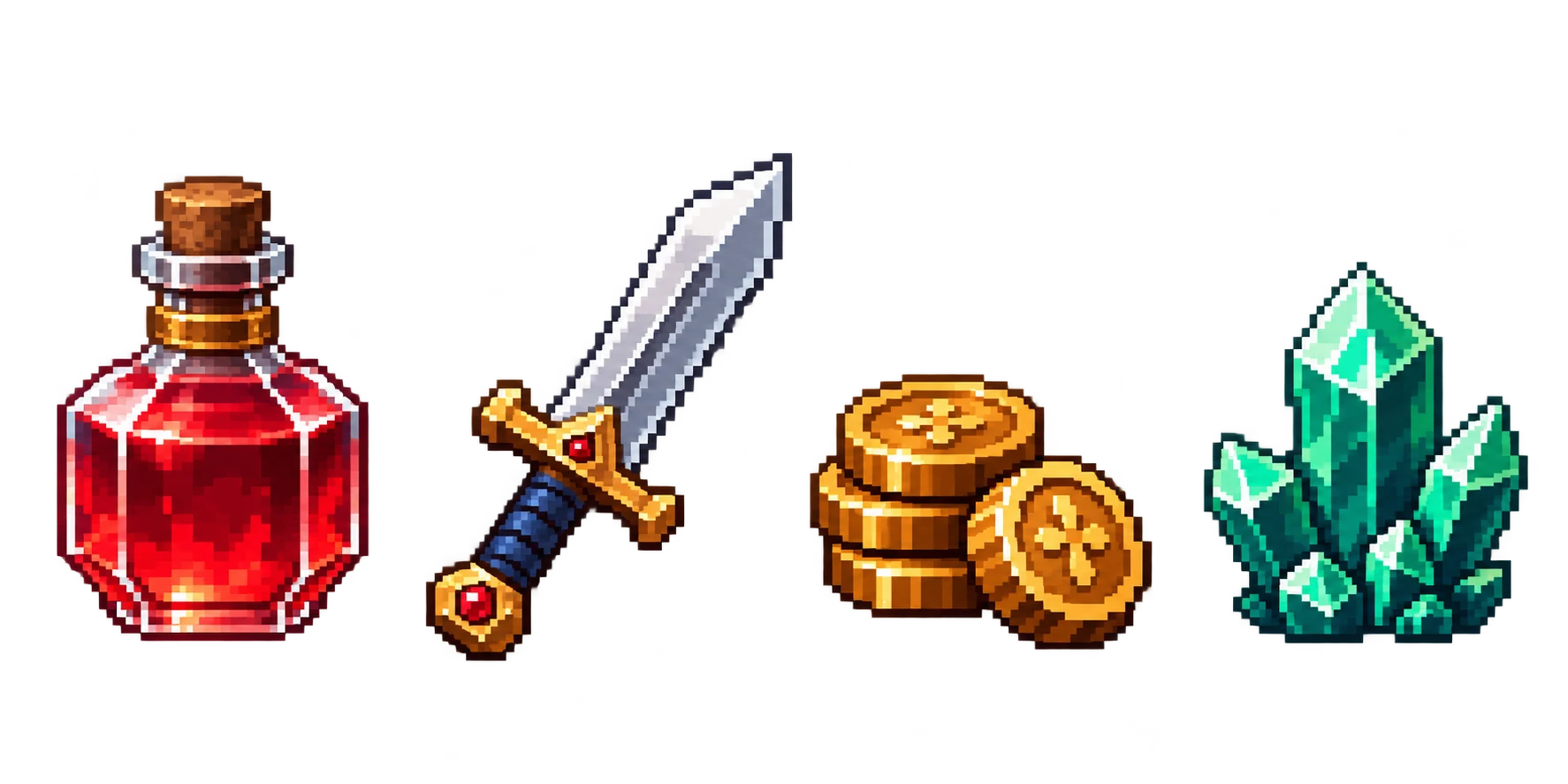
Give each item one clear shape. A wide bottle and a diagonal blade should feel different before the smallest details appear.
Warm gold. Cool steel. An emerald core. Keep materials distinct and carry the same light direction through your set.
After generation, check the returned PNG at its native canvas and an integer zoom. A large illustration is not a native-pixel quality check.
Have an existing PNG? Give the original pixels more room with integer scaling.
Explore Pixel Art ResizerYOUR ITEMS BELONG TO A BIGGER IDEA
Moti carries your direction into the next task. Create a character to carry the sword, a creature to guard the treasure or a scene around the items you keep.

Carry the palette, outline and materials into the next item. Give your equipment and treasures a visual language players can recognize.
Build props, characters and a simple scene around the items you keep. A scene direction is artwork for the project, not a playable game map.
COMMON QUESTIONS
Name its shape, material and most recognizable detail. Choose an idea from the inventory, then edit the brief to fit your world.
Choose a 32, 48 or 64 pixel target. Add an optional reference in the workspace, then review available settings, the plan and quote.
Check the actual native PNG, the palette, transparent edges and a complete item inside the canvas. Keep the version you want before creating another.
Start with individual game items: potions, weapons, coins, gems, food or equipment. Describe one subject and the details that make it recognizable. For a character, portrait or environment, use the broader AI Pixel Art Generator.
Yes. Continue to the workspace and add a reference you have permission to use. Explain whether it guides the shape, palette or overall style. A reference is not automatically an approved project asset.
Choose a 32 × 32, 48 × 48 or 64 × 64 target canvas here. Your selection travels with the brief; the workspace confirms current availability before generation. Smaller icons need simpler shapes. Review the actual native image rather than judging only an enlarged preview.
Build from an approved item and a clear shared direction. Keep its silhouette rules, outline weight, lighting and palette in the next brief. Review each new item individually; a shared reference does not guarantee that an entire set will match without refinement.
No. Choosing an idea or continuing with a brief prepares a draft. In the workspace, review the proposed task, available settings and current price before you confirm generation. Signing in may be required there.
This workflow is for raster pixel art. Inspect the returned PNG, transparent edges, native canvas and small-size readability before accepting it. It does not promise SVG artwork, brand logos, app-store icons or a complete game UI system.
Workflow details in Docs. Current plans and Credits in Pricing.
YOUR NEXT GREAT FIND STARTS HERE
Start with an idea. Review the plan and price before creating.