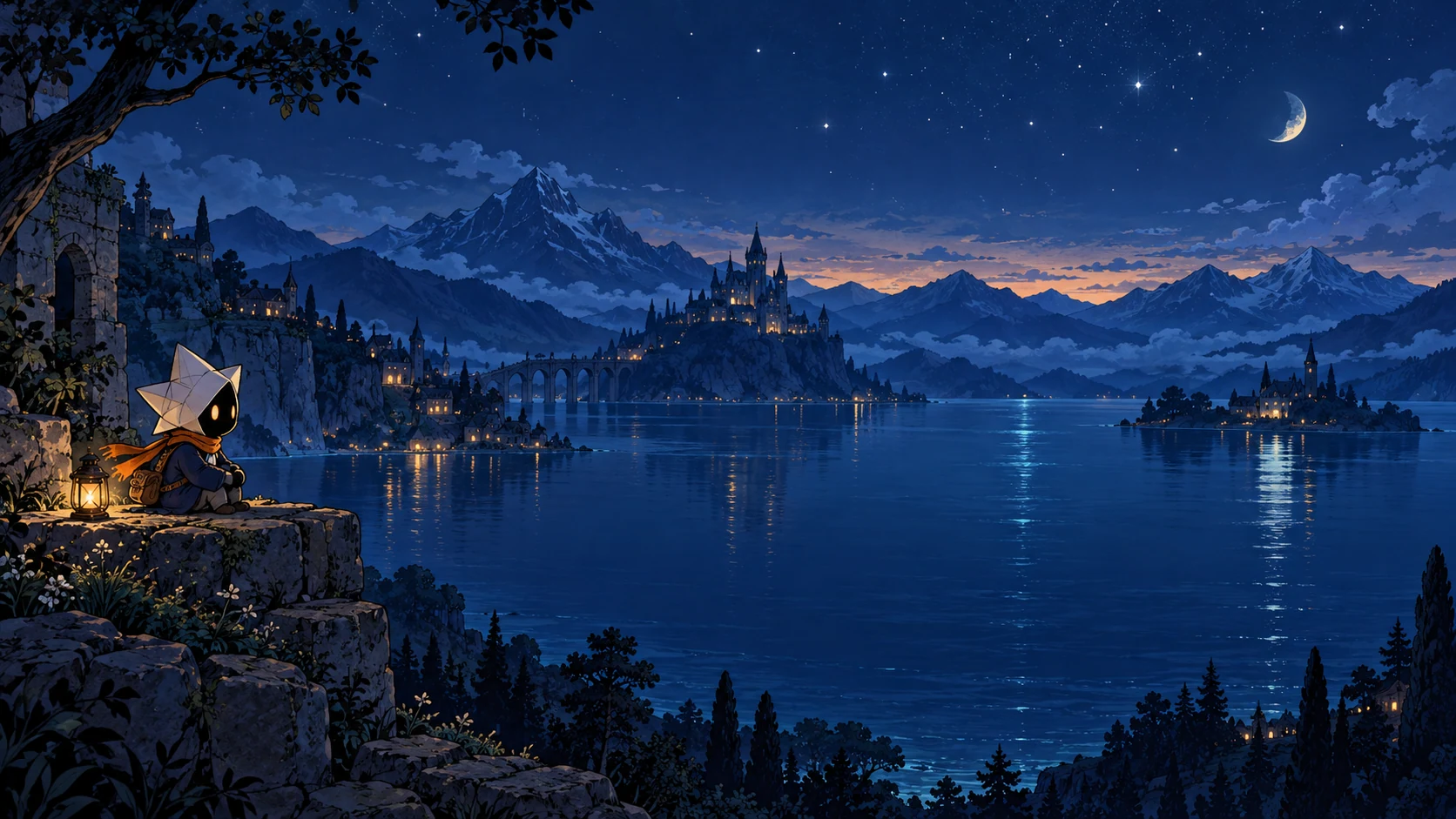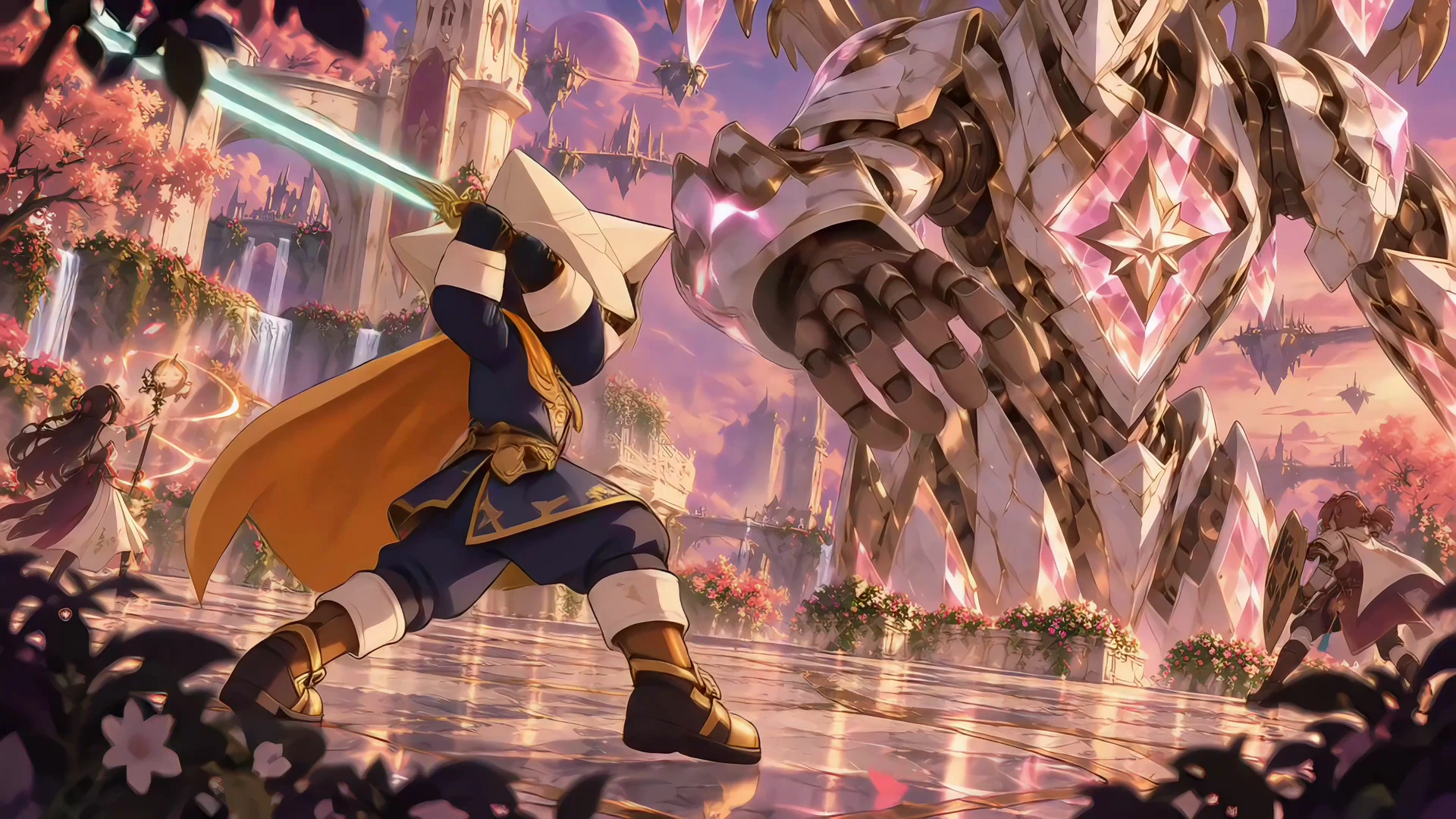
Your game. Your art.
One creative agent.
Create characters, worlds and motion in your style.
Start with an idea. Review the plan and price before generation.
SIX STYLES. ENDLESS DIRECTIONS.
Your game. Your style.
Six starting points. Or bring a style reference.
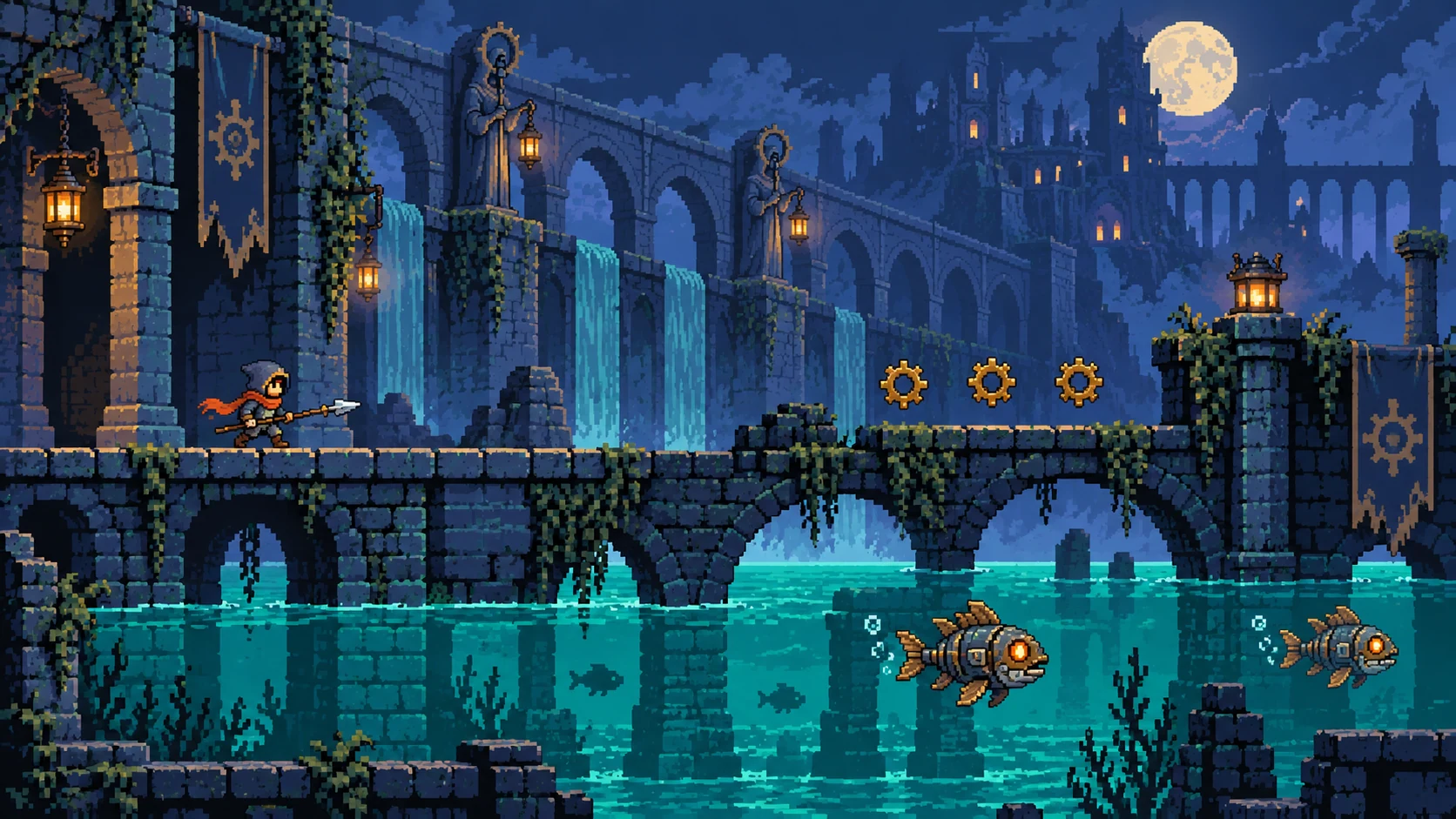
Pixel Art
Aqueduct adventureCrisp silhouettes for a side-scrolling world.
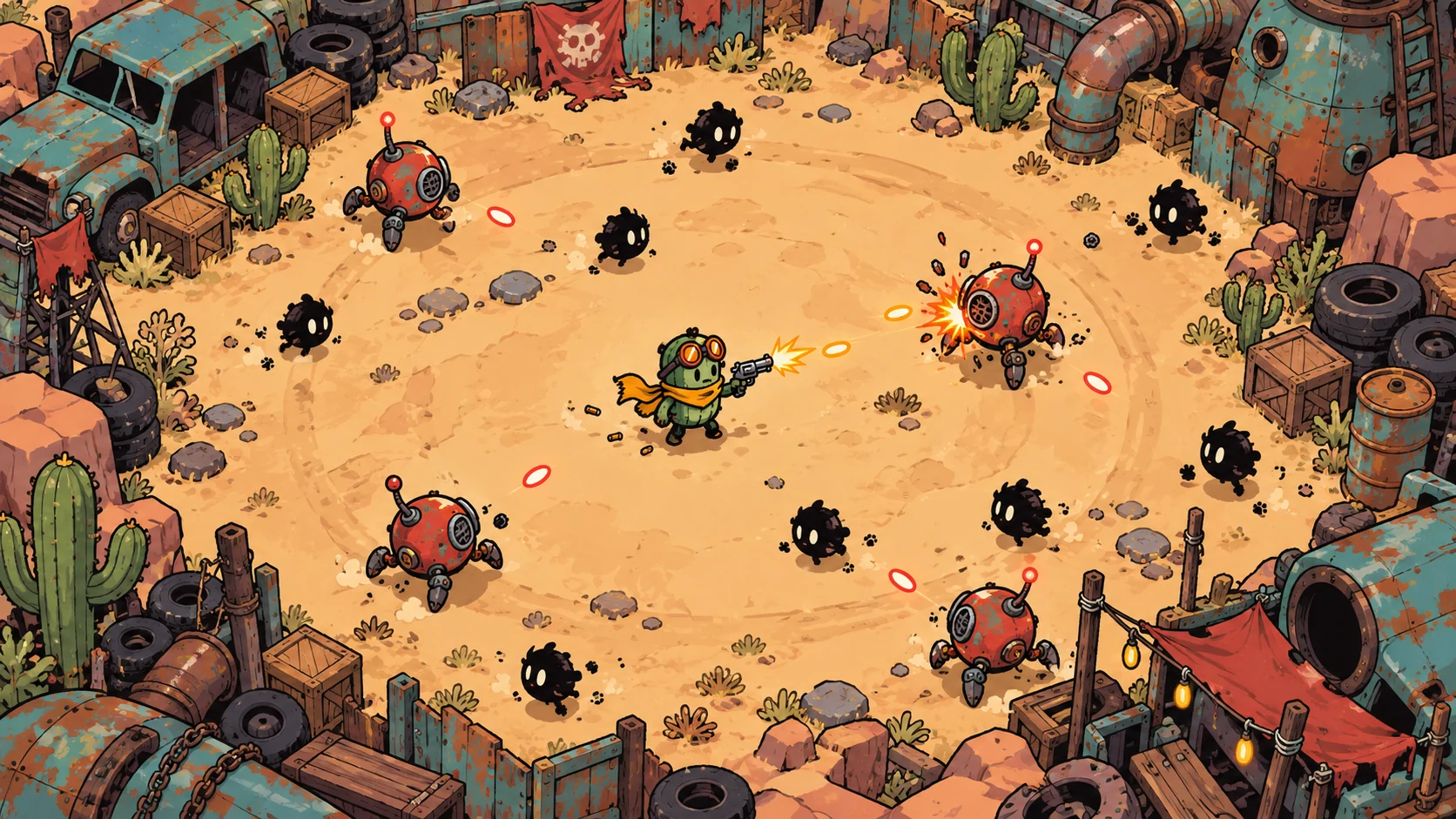
Cartoon
Scrapyard survivalExpressive heroes. Readable arena action.
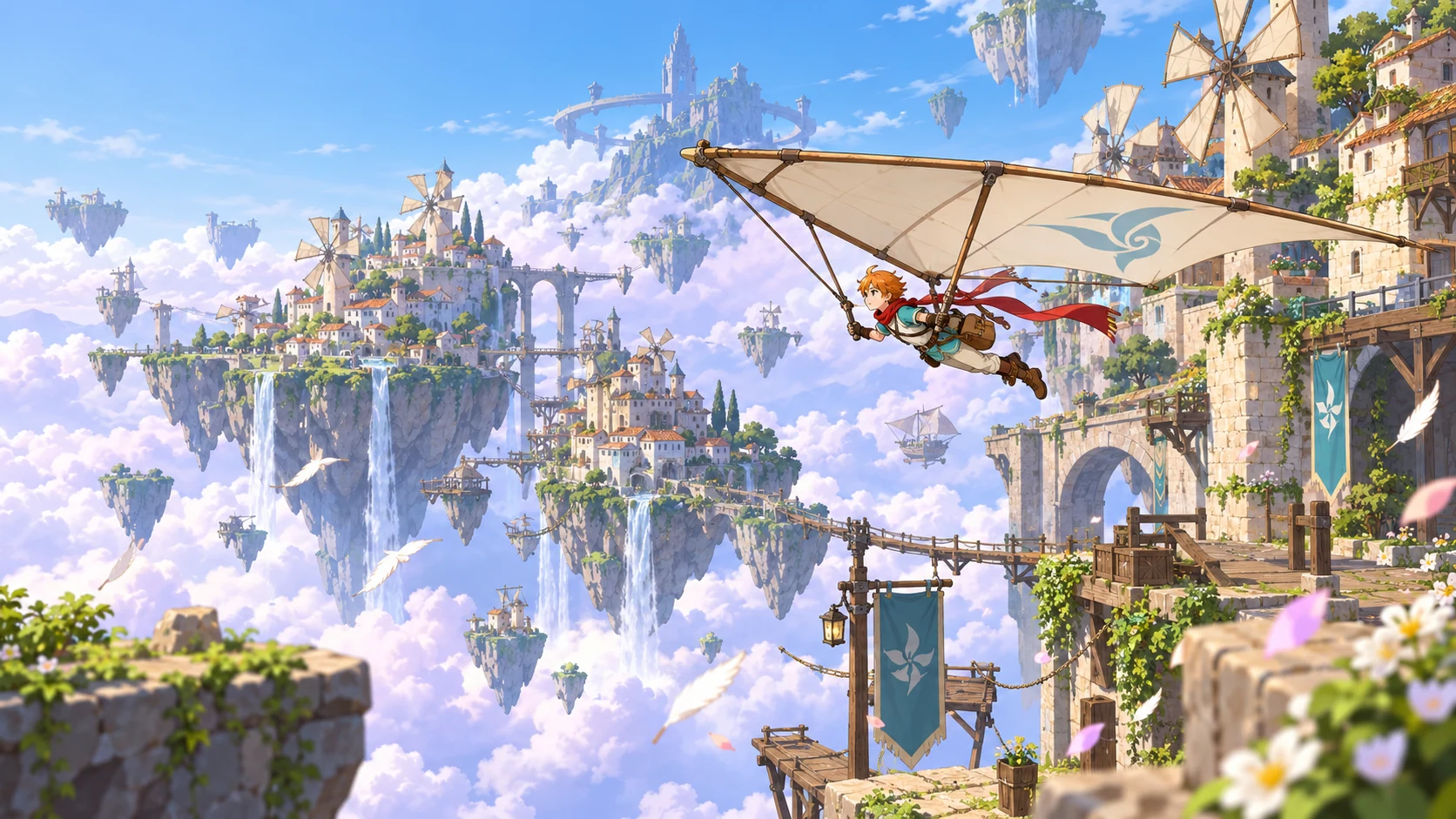
Anime
Wind-courier explorationClean lines, airy worlds and flowing details.
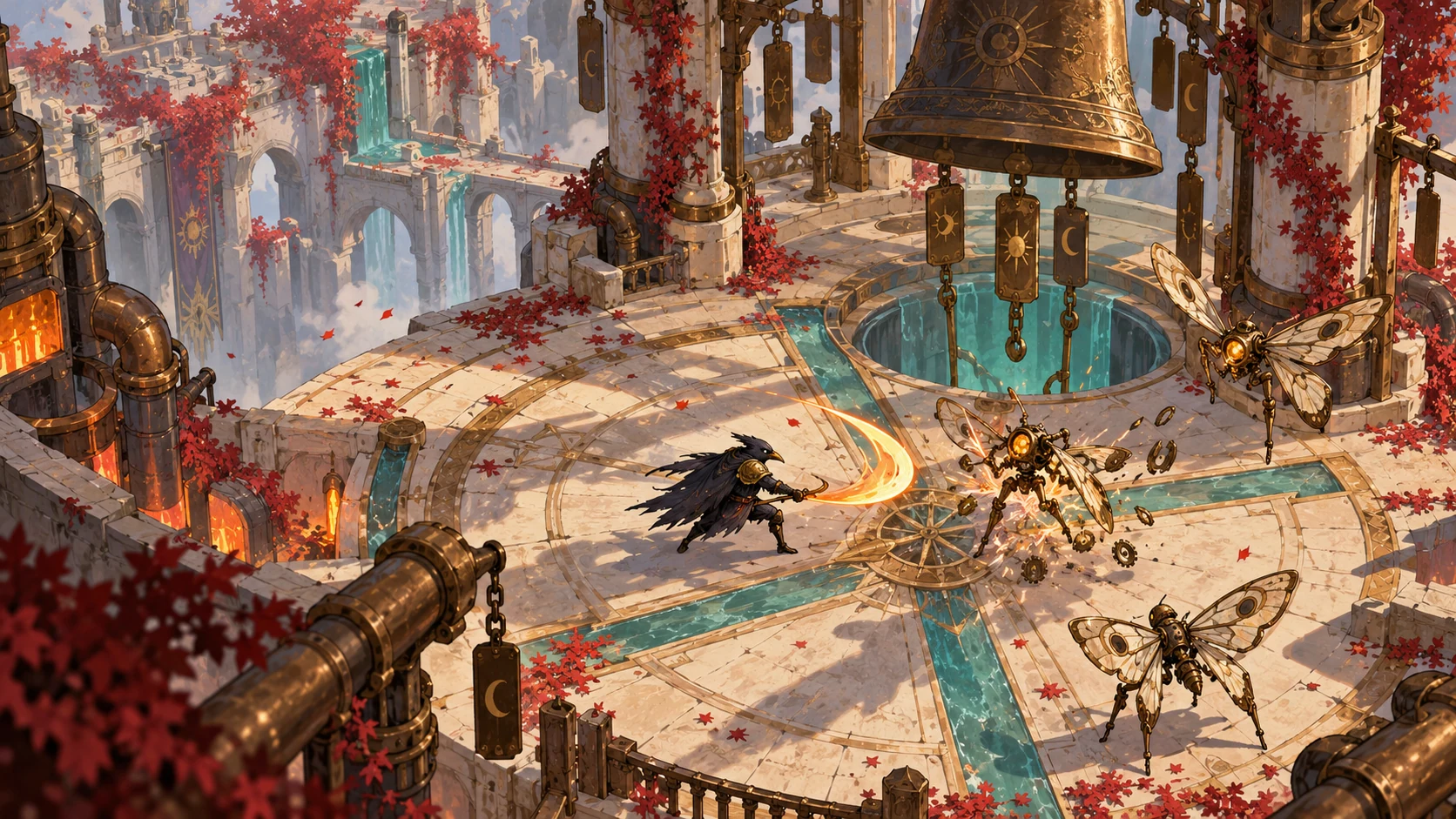
Hand-painted
Wind-bell combatInk, brushwork and an isometric battlefield.
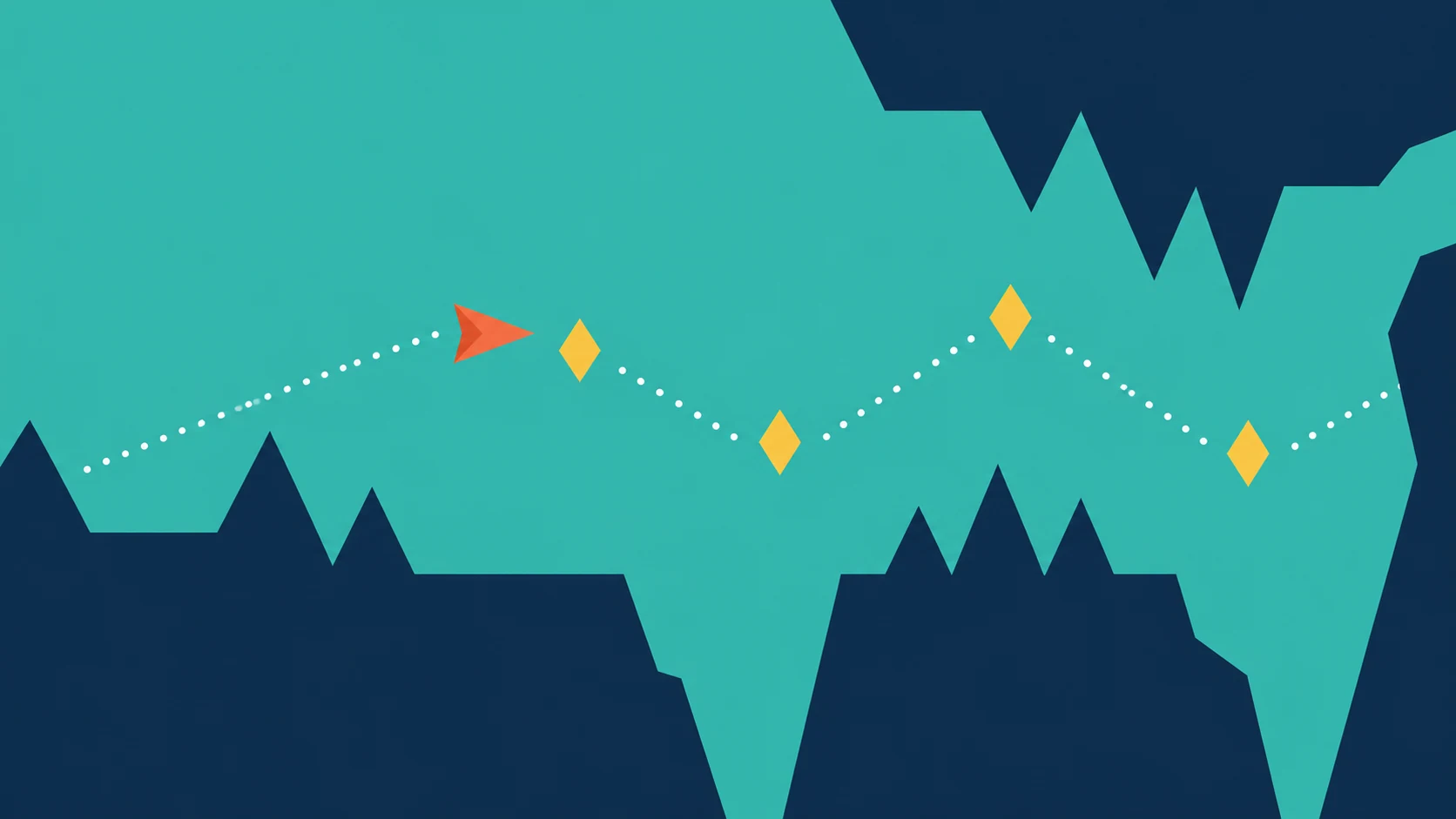
Flat 2D
Geometric gliderSimple shapes. A strong visual rhythm.
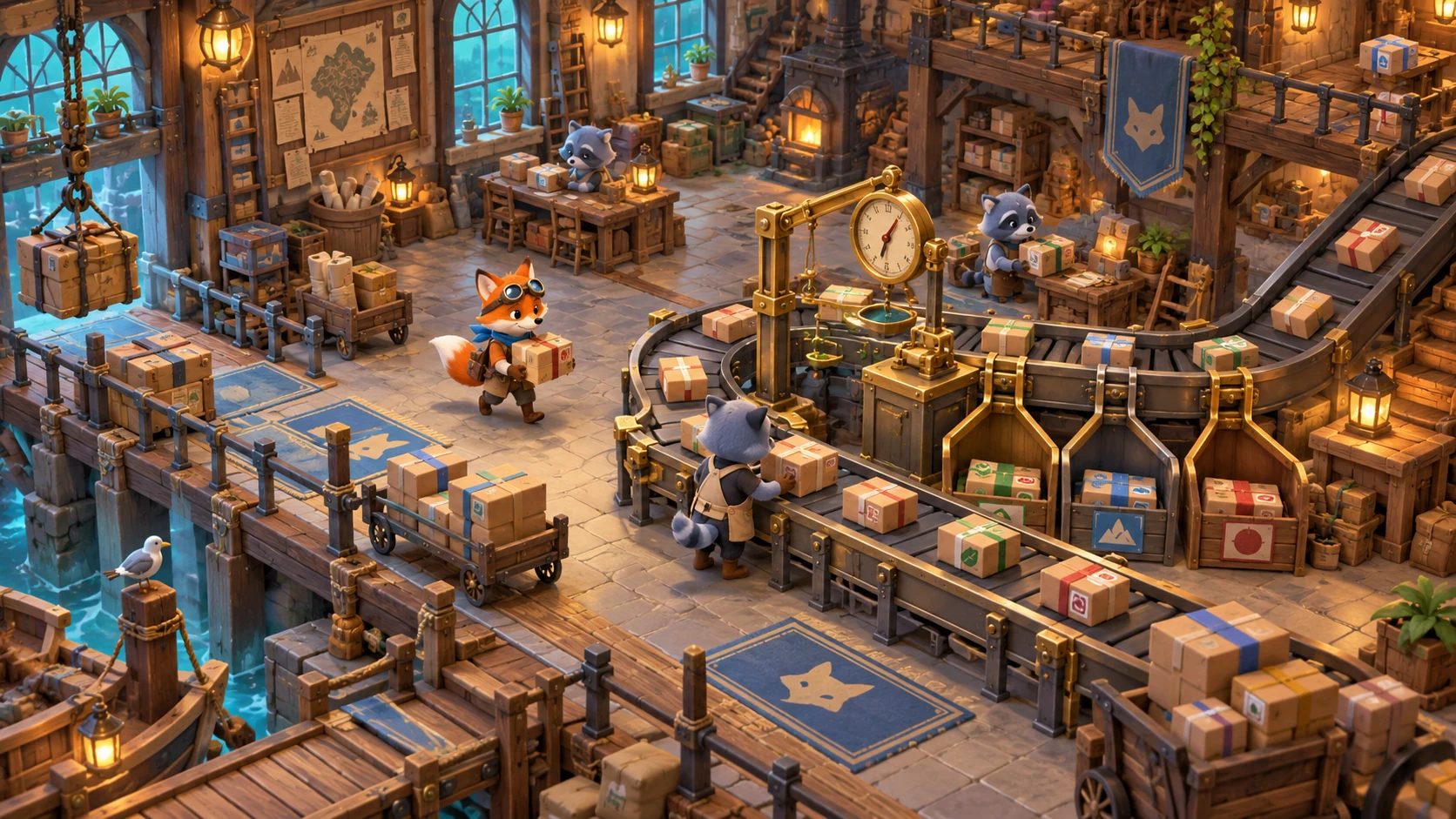
3D Look
Parcel workshopRendered-looking art for a 2D pipeline.
Original game-art directions, not playable game builds. 3D Look creates rendered-looking 2D art, not 3D models.
FROM ONE CHARACTER TO A LARGER WORLD
One conversation.
A connected project.
Keep your character. Explore outfits and expressions. Build matching enemies and a world around them.
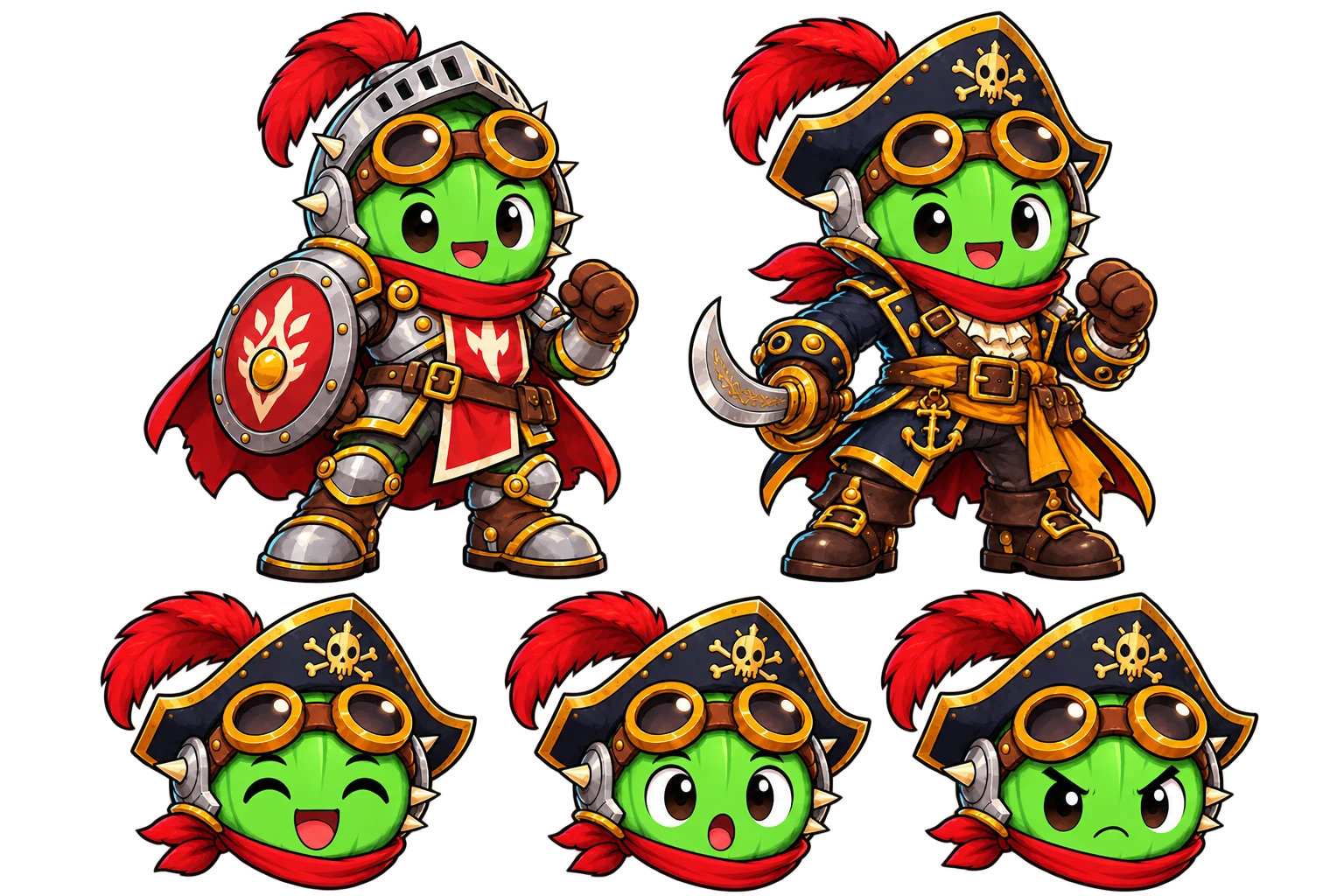
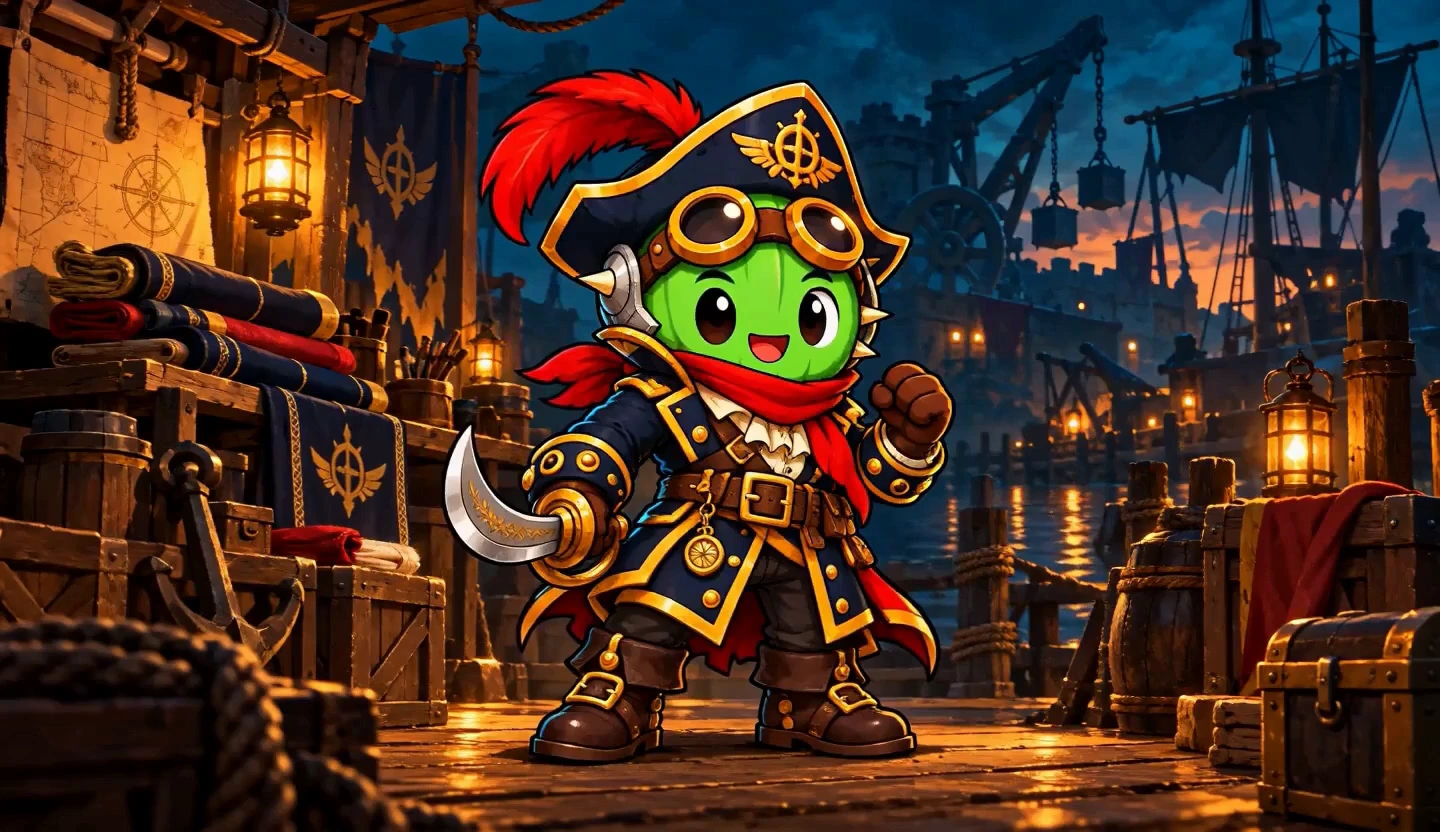
Explore new outfits while keeping your character’s identity.
YOUR CHARACTER → ITS WORLD → MATCHING LAYERS
Combine characters, backgrounds and props. Add supplied effects and a separate ground shadow. Adjust the shadow’s position and size, or export it on its own. Review Moti’s plan and quote before creating.
ONE CHARACTER. MANY MOVES.
One character.
Moves for your whole game.
Ask Moti for a whole set of actions. Keep everyday movement and complete combat moves together, then review each result separately.
Everyday movement
4 basic moves



Complete combat moves
3 complex moves


Seven motions from the same character reference · Complete actions replay for viewing; the final death pose is preserved.
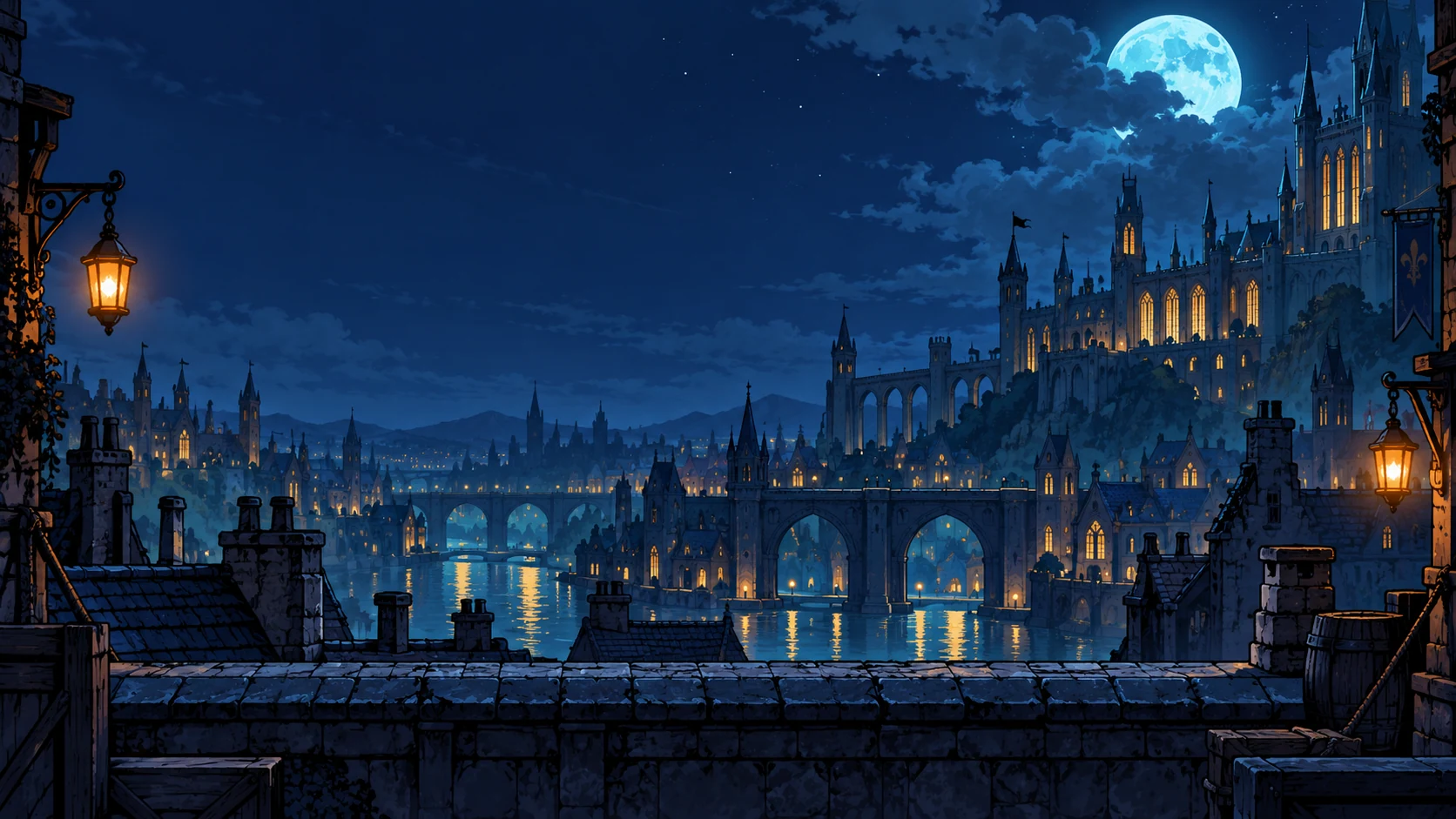
01 / VIDEO FIRST, FRAMES AFTER
Motion first.
Details in every stride.
We start with continuous video, then extract the frames. Hair trails behind. The cape catches the stride. Accessories move with the character.
Create your own animation →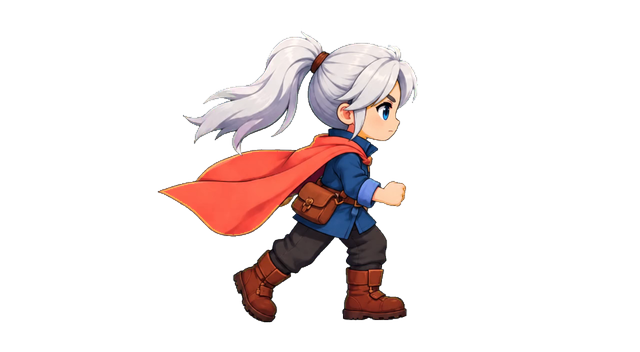
Actual extracted motion · Detail views show the same source frame, enlarged.
02 / THE RIGHT FRAMES FOR THE MOVE
Compact loops.
Room for complex moves.
8–16 frames can make a useful short run or idle. For a longer move, 32–64 can retain more of the turn, the airborne slash and the follow-through. Compare this complete action at the same speed.
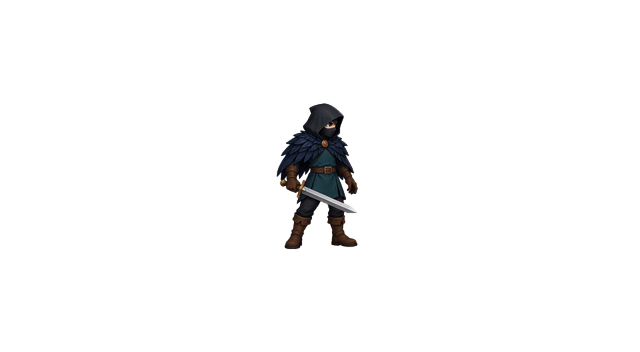
All four selections sample the same 73-frame source and preserve the complete 3.04s action. Replays here for comparison; the action is a single move, not a seamless loop.
Choose for the action, not just the number. More frames do not automatically make a better animation.
03 / KEEP THE MOMENTS YOU WANT
Every source frame.
Your final cut.
Start with a suggested selection. Compare the available versions, inspect any source frame, then keep your own. The full pool stays visible, so you can decide what belongs in the animation.
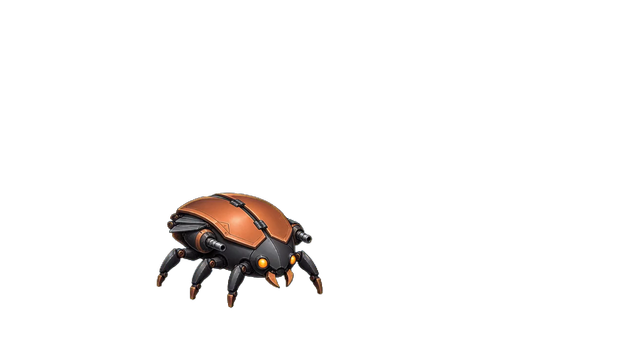
16 frames selected from all 73 source frames in this clip.
3.04s source span · Complete transformation, replayed at the source pace.
All 73 source frames · Scroll to explore. Click a frame to inspect.
Interactive example · choices here are not saved to a project. Create and select your own frames in the workspace. Free / Starter / Creator ≤16; active Pro / Studio ≤64 selected usable frames.
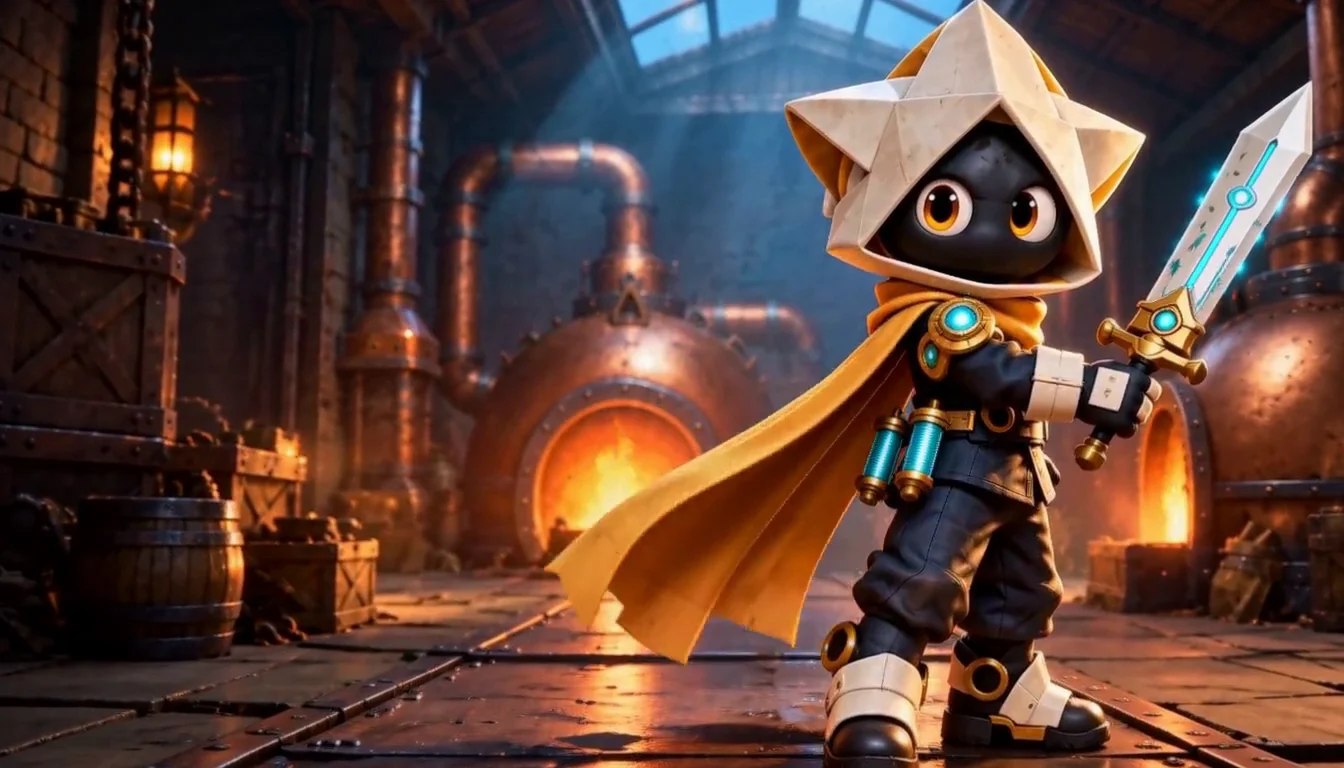
YOUR GAME ART STARTS HERE
Small ideas.
Bigger worlds.
Describe a character, a world or an action.
Create it with Moti.
Review the plan and quote before creating.
YOUR POSES. YOUR PACE. YOUR FINAL CUT.
Shape the action.
Make every moment yours.
Keep the poses you want. Change their order and timing. Adjust position and size, then watch the whole action come together.

A misplaced pose breaks the punch. Remove the highlighted frame.
Choose the moments. Set the rhythm. Keep the character aligned.
Explore frame adjustmentsA NEW PALETTE. THE WHOLE ANIMATION.
Every frame.
One palette change.
Recolor the character across the sequence. Keep the equipment, poses and timing you already like.

One moving character. Six different source poses from the same animation.
New enemy variants or team colors, without rebuilding the motion.
Try a palette changeLUMEN · MOTION QUALITY CARE
Checked before delivery.
A retry when needed.
A failed check holds the affected result. Keep your character and brief while the issue is reviewed.

This generated death animation briefly introduces an extra cannon from the right.
Keep the source and request. Apply a supported correction and check the result again.
The recovery policy covers one affected image or motion replacement at no extra Credits, using the same source and brief.
Edited from a real blocked result and a manually requested retake. Live automatic recovery is still being validated. New creative requests after an accepted result are quoted separately.
Take the frames you choose.PNG frames · Sprite sheets · GIF · ZIP
See export formatsCOMMON QUESTIONS
Before your next adventure.
Can I use my own art style?
Yes. Bring a reference in the workspace or start with Pixel Art, Cartoon, Anime, Hand-painted, Flat 2D or 3D Look. 3D Look creates rendered 2D artwork, not a 3D model.
How does this sprite animator work?
MotifDeck starts from an approved character, generates a motion video, then extracts and cleans up frames. You choose frames and timing after generation rather than committing to an 8- or 16-frame result beforehand.
How many frames can I export?
Select and review usable frames after generation: up to 16 on Free, Starter and Creator, or up to 64 on active Pro and Studio. The source must contain enough usable frames. Downloading newly generated production files requires an eligible paid unlock for that exact version. Your uploaded originals and previously authorized downloads retain their access.
Does sending a brief start paid generation?
No. The public input carries a draft to the workspace. Review the task, its required sources and its current quote before confirming generation.
What files can I download?
Download the PNG atlas and metadata returned by the packer for your run. Available files appear in the result; check them before importing into a game.
Can I add effects or a shadow?
Compatible workflows support supplied effect layers and a separate ground shadow. Prepare the effect material first and review placement throughout the action.
More workflow details in Docs. Frame allowances and Credits in Pricing.