Player characters
Describe the view, proportions and signature equipment that make the character readable in play.

Turn a character brief or reference into a pixel or 2D game sprite. Shape its silhouette, outfit and expression, then keep building from the version you approve.
Your brief opens in Moti. Add references and review task availability, the plan and quote before generating.
Start with an idea. Review the plan and price before generation.
AI SPRITE GENERATOR / SEE THE POSSIBILITY
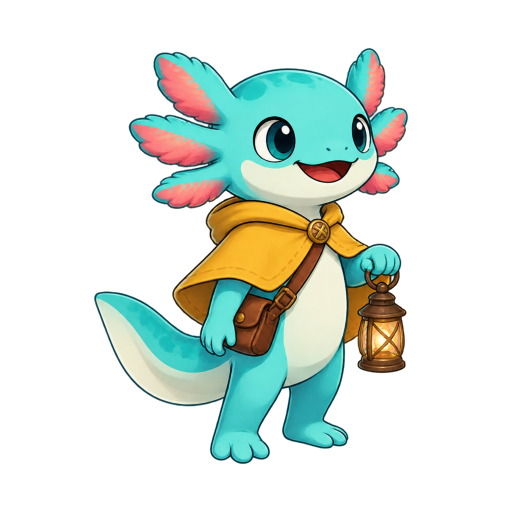
Start with a character brief, review the generated candidate and keep the version you approve. This character completed that path in the workspace.
Start with your idea →THE CHARACTER BRIEF
A turquoise axolotl.
A mustard cape.
A lantern for the journey.
From a character request to a generated candidate. This version was reviewed, accepted and reopened in the workspace.
CHARACTERS FOR YOUR WHOLE GAME
Give each character a role and a personality. Build them in the style your project needs.
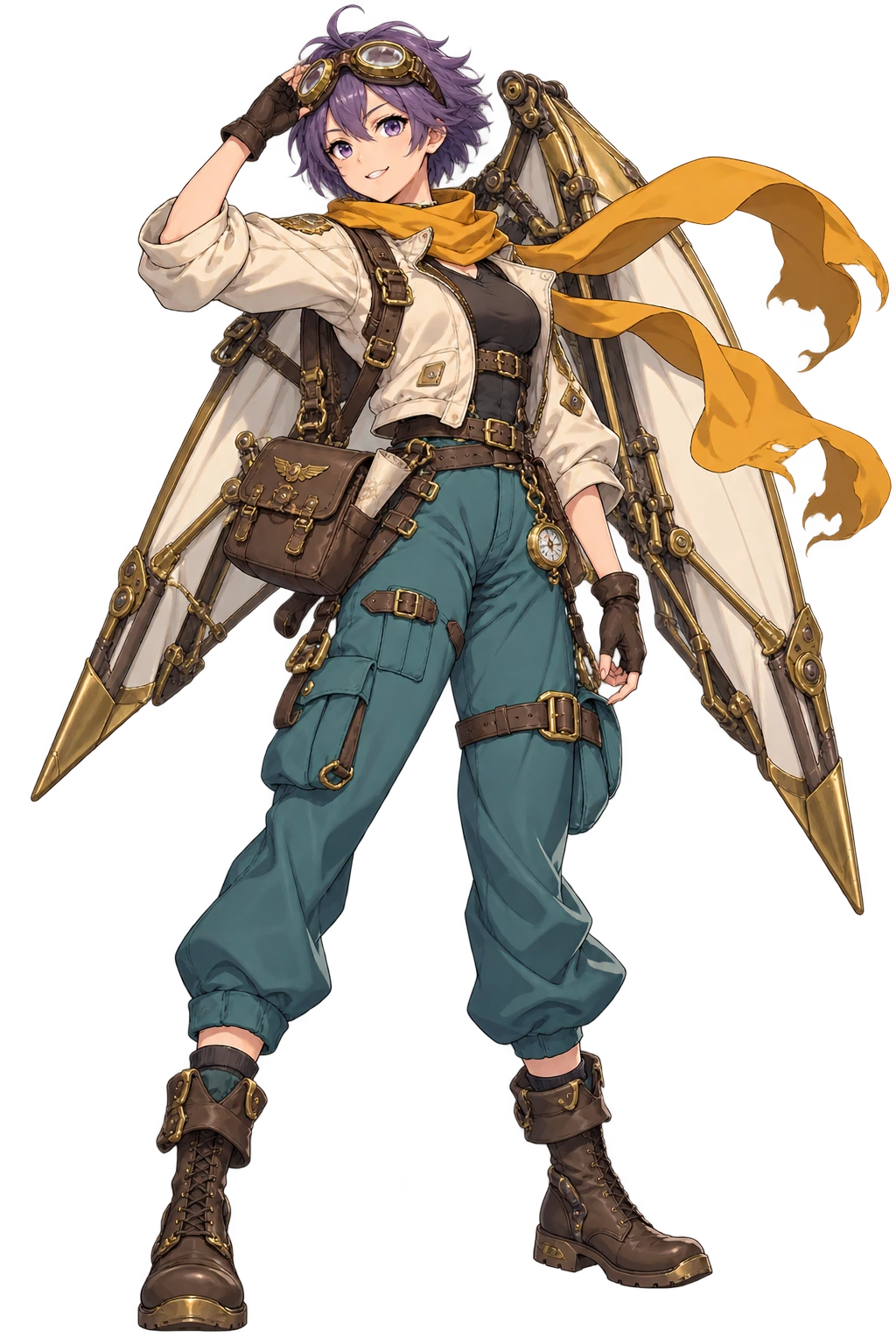
A clear silhouette. Signature equipment.
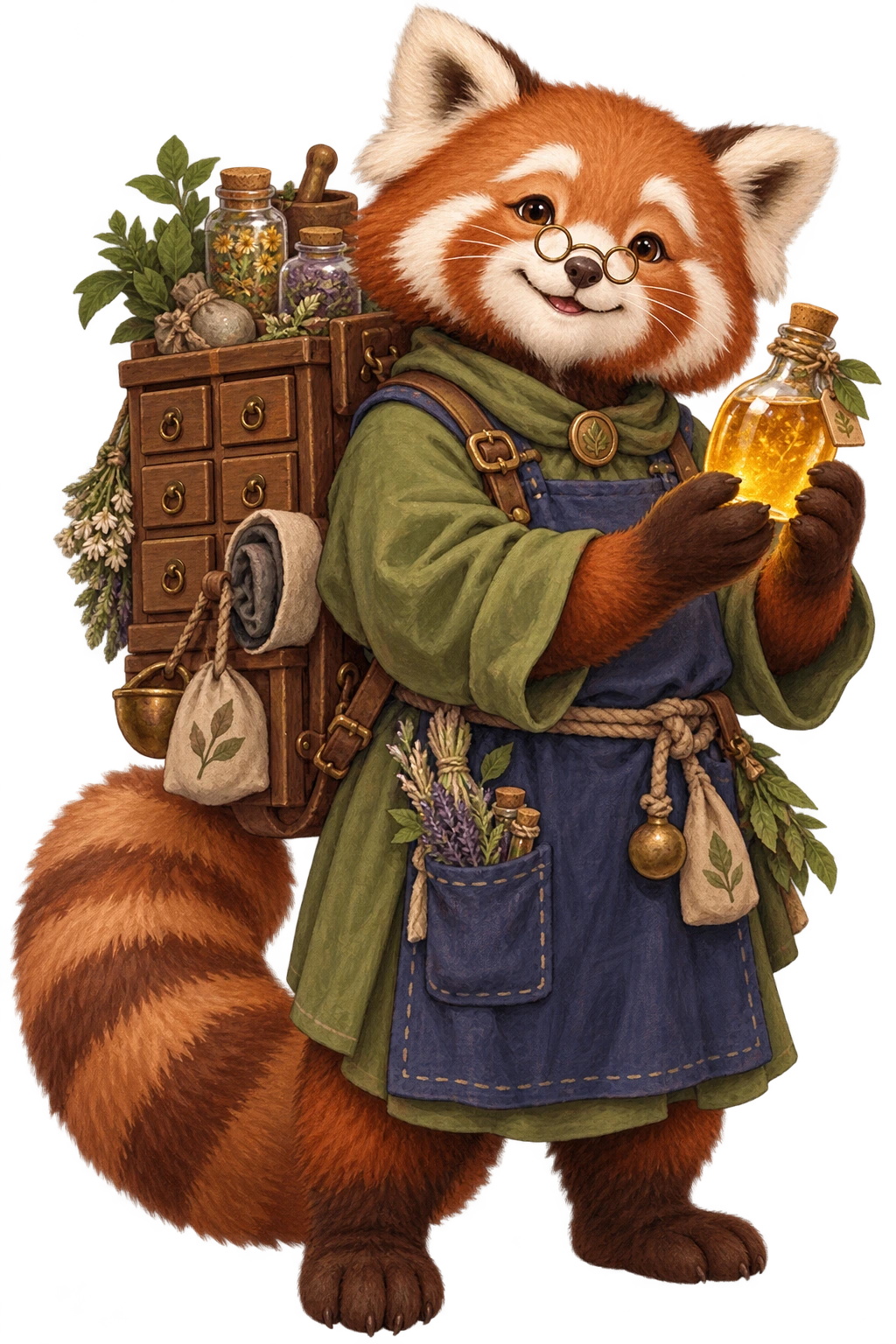
A memorable face for a familiar role.
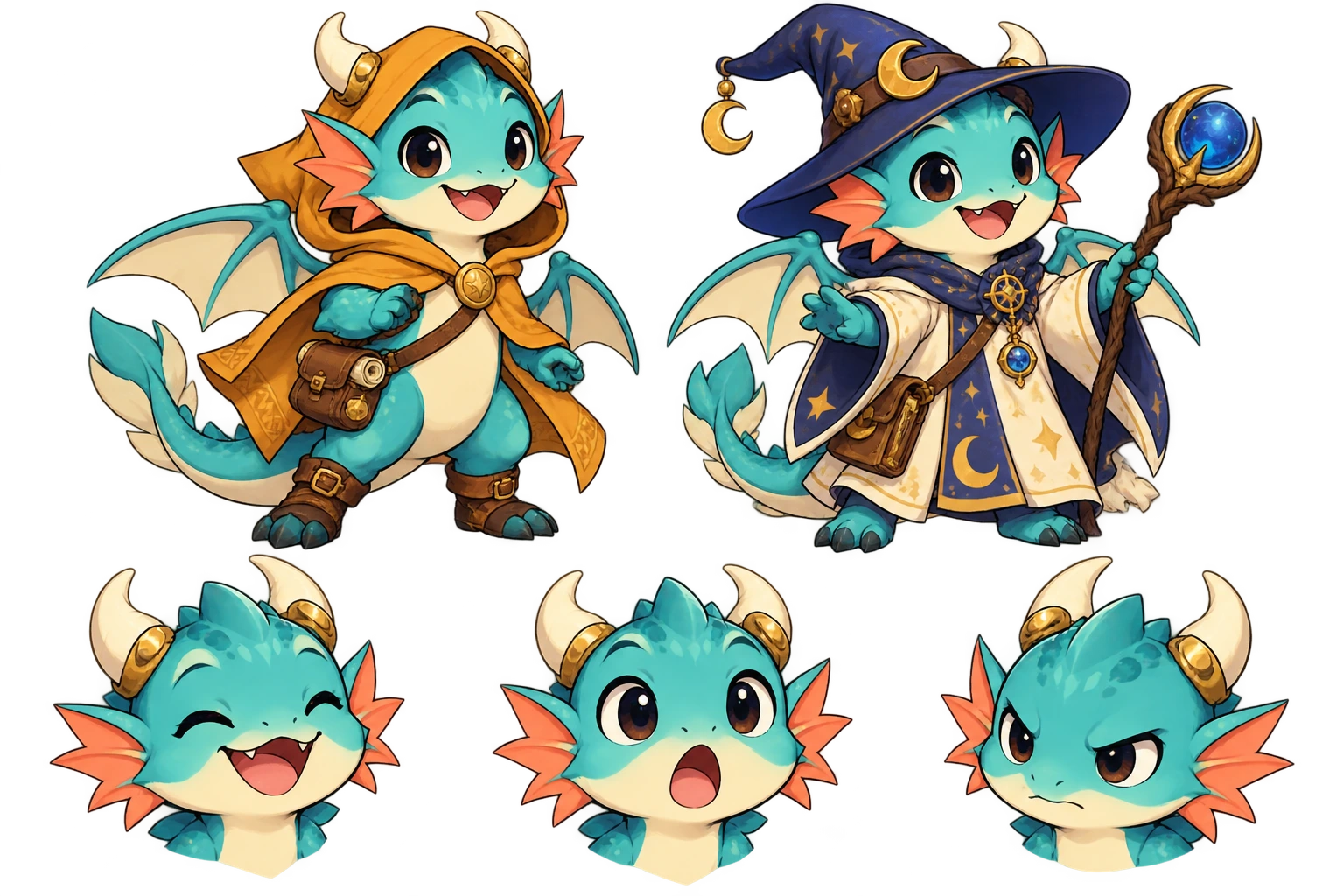
Explore outfits and expressions from the character you keep.
YOUR IDEA. YOUR NEXT STEP.
Start with the role the character plays. A player hero, a merchant and a small enemy need different silhouettes, equipment and expressions. Approve that starting point before asking for another version.
Describe the view, proportions and signature equipment that make the character readable in play.
Build a shopkeeper, companion or enemy around a clear role and a few recognizable details.
Use the accepted character as the source. State what should change and which details should stay.
KEEP YOUR PROJECT MOVING
Once you approve a character, build its action set or try a new palette for its variants.
ONE CHARACTER. MANY MOVES.
Ask Moti for a whole set of actions. Keep everyday movement and complete combat moves together, then review each result separately.





Seven motions from the same character reference · Complete actions replay for viewing; the final death pose is preserved.
Compare the supplied sheet with three actual palette outputs. The character geometry and transparency remain the same.
One supplied sheet. Three actual palette outputs. Every version keeps the same four poses, 1536 × 576 canvas and source transparency.
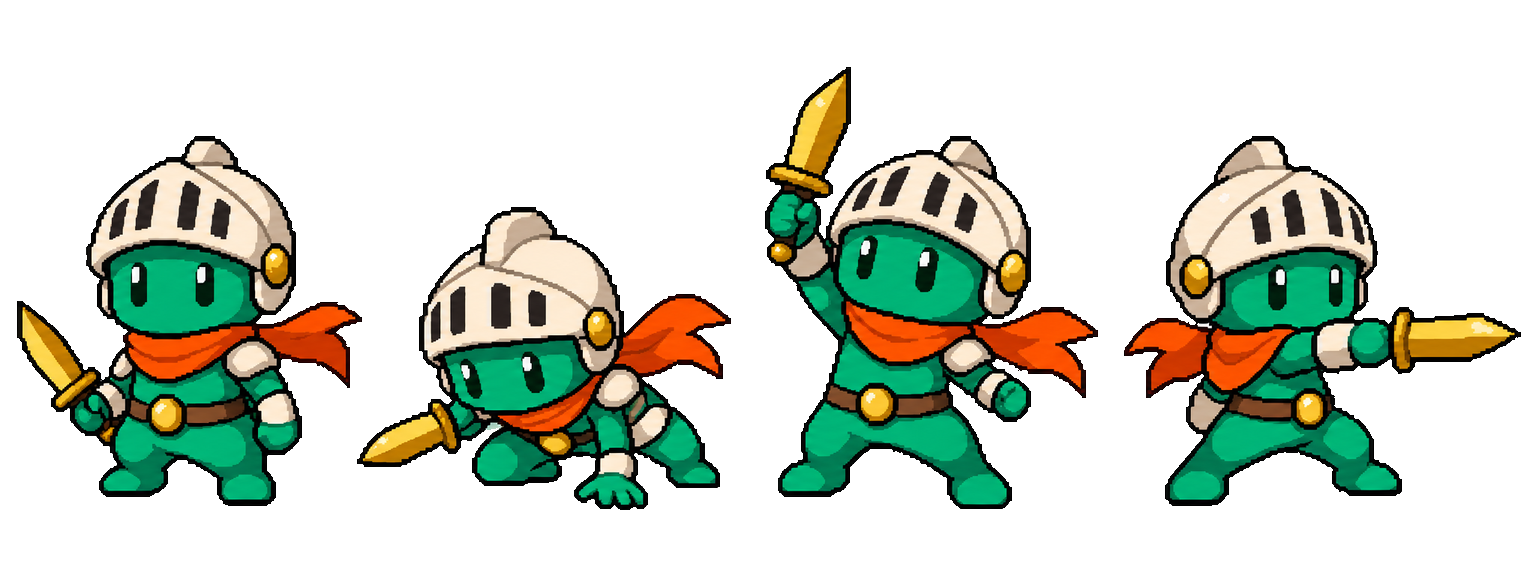
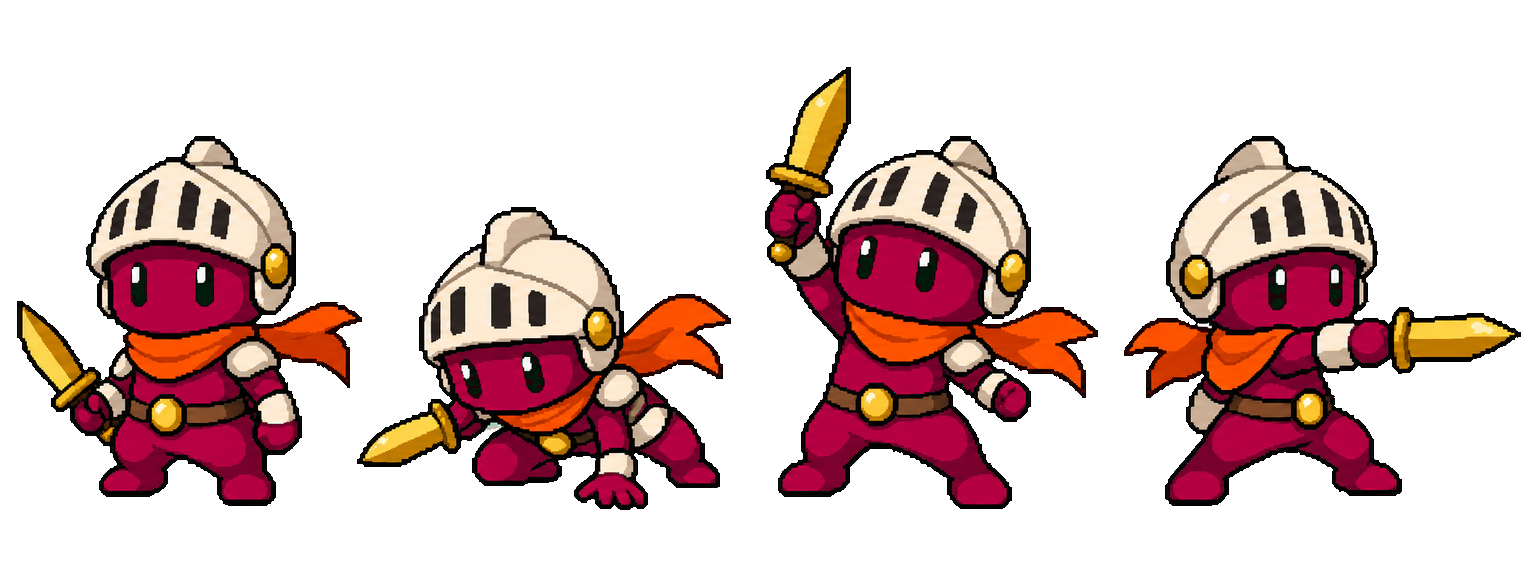
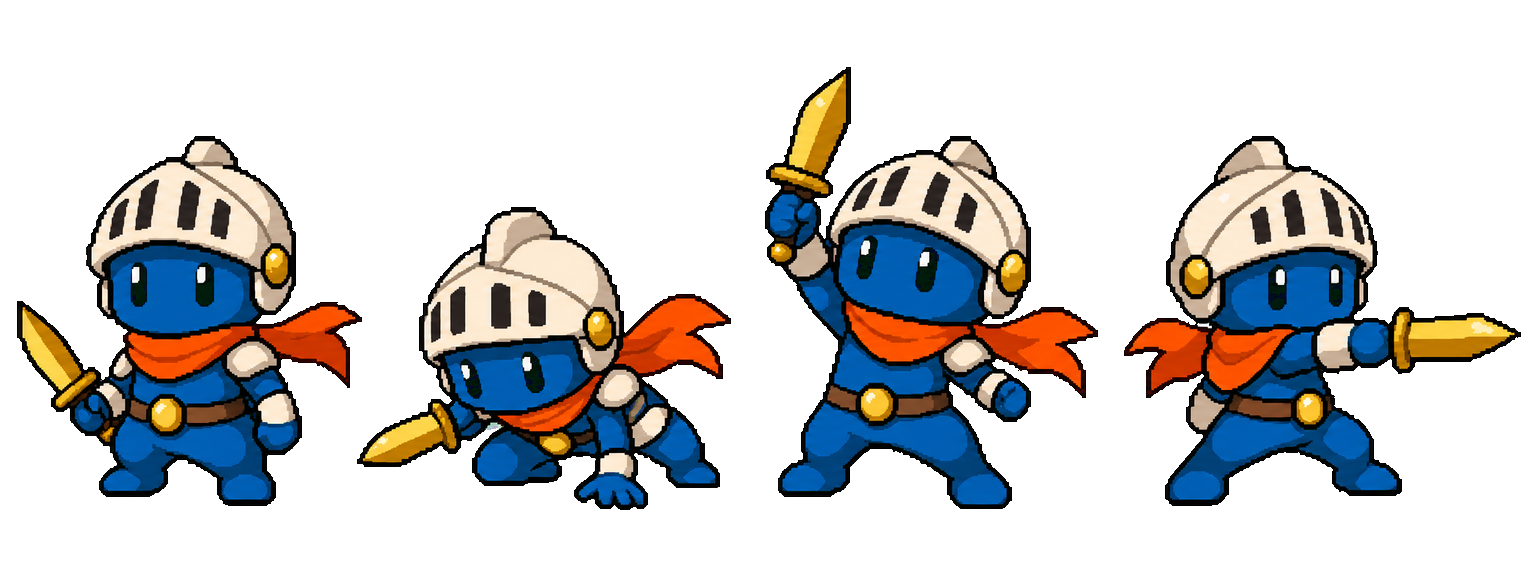
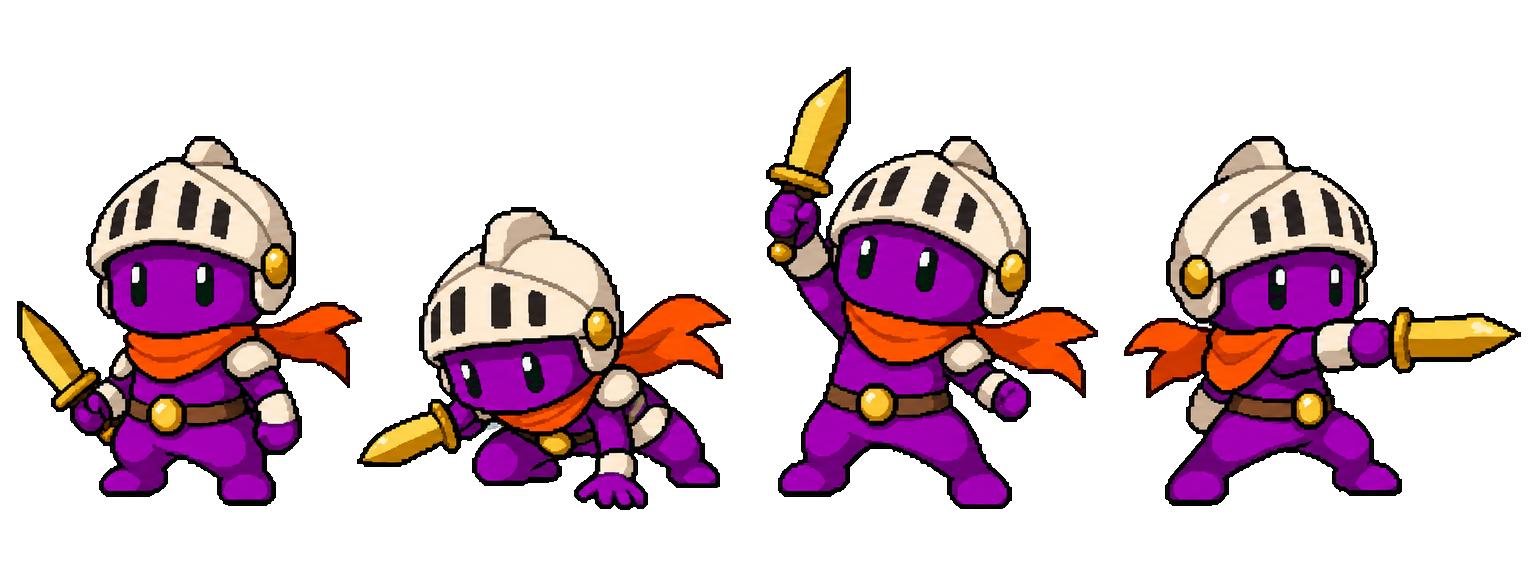
Actual mapped PNG outputs, with all four source poses preserved.
Recolor your animationCOMMON QUESTIONS
Prepare your brief or source here, then continue in your workspace. Confirm the task there and review its results before exporting.
Give Moti a role, silhouette, outfit and a few essential details. Add a reference in the workspace when you have one.
Review the character before continuing. Ask for a different expression, outfit or piece of equipment using the approved image.
Continue with actions, matching props and scenes. Keep references and approved versions together in one project.
Bring a description or a reference. Give the reference a clear purpose: identity, style, outfit or equipment. Choose the art style and size in the workspace before confirming the quoted task.
Check the face, proportions, clothing and equipment. Compare the revised outfit with your accepted character. Keep the version you want before making its actions.
An AI sprite generator makes game artwork from a description or a reference. MotifDeck supports pixel characters and general 2D characters, then lets you refine and animate an approved character in the same project.
Yes. Bring a reference in the workspace or start with Pixel Art, Cartoon, Anime, Hand-painted, Flat 2D or 3D Look. 3D Look creates rendered 2D artwork, not a 3D model.
Pixel characters use native 32, 48 or 64 pixel targets. General 2D characters use 512 or 1024 pixel outputs. Size availability depends on the selected task.
Yes. Use the approved character as the source and describe the expression, outfit or equipment you want to change. Review the resulting version for identity and requested details.
Yes. Approve the character, describe an action and create continuous motion. Choose available frames and their timing after the motion is generated.
No. The public input carries a draft to the workspace. Review the task, its required sources and its current quote before confirming generation.
Yes. A reviewed static character is a complete result. Animation is optional; use the files available for that result and its download eligibility.
More workflow details in Docs. Frame allowances and Credits in Pricing.