
SPRITE SHEET SPLITTER
One sheet.
Every frame, yours.
Turn a regular-grid PNG into separate transparent frames. Keep the canvas, the colors and the order.
Included runs first, then 5 Credits per successful operation. PNGs, ZIPs and repeat downloads add no charge.
Static PNG · max 12 MB / 4 MP · up to 4,096 px per side. Use 8-bit or lower; export 16-bit or animated files as static 8-bit PNGs first.
Review privately uploads your PNG for a quote. Confirm before processing. See shared allowances.
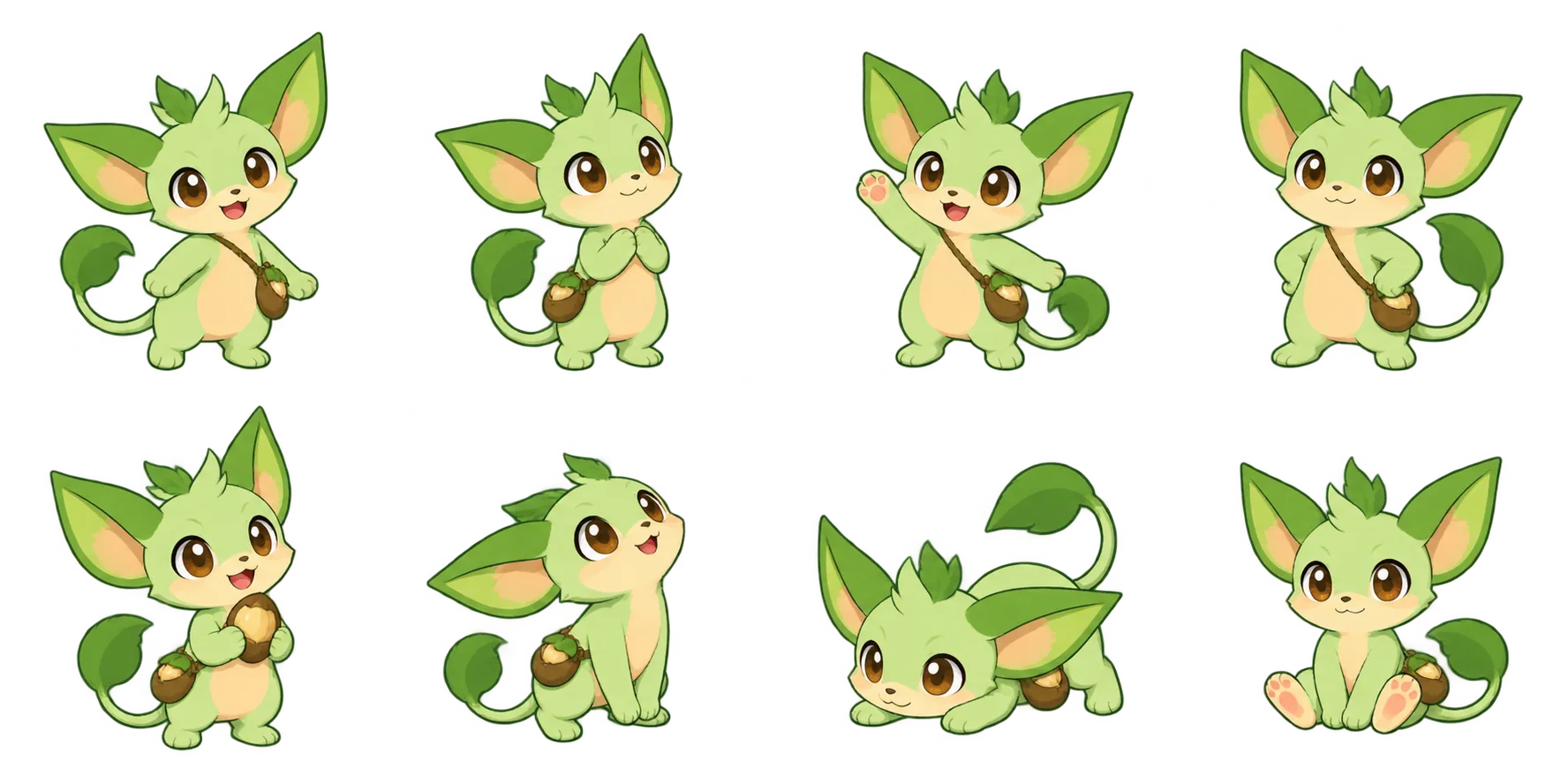
EXAMPLE SOURCE · 4 COLUMNS × 2 ROWS
A little room for every pose.
Start with the example or bring your own PNG. Source previews use no run.
Choose a PNG to preview it. Processing is quoted separately.
Saved splitter and resizer outputs from your own uploads are downloadable on Free. AI-generated originals and their restricted derivatives still follow your plan.
ONE SHEET. A WHOLE INVENTORY.
Good things come
in separate files.
Potions, weapons and little treasures. Click any cell to see exactly which part of this regular grid becomes its own PNG.

362 × 362 px per frame.
The transparent margins stay in place.
Interactive source preview. Select the example in the tool, review its quote and confirm to create your saved PNGs and ZIP.
EVERY CELL KEEPS ITS CANVAS.
A little room
for every pose.
A raised arm. A wide stance. A different silhouette. Splitting preserves each complete cell, including the clear space around your character.
Try the pose sheetSource-pose study. Choose a cell to inspect it.
PACK JUST WHAT YOU NEED.
A few favorites.
One tidy selection.
Try choosing the pieces you would keep. In a saved result, the same selection creates your ZIP while every frame keeps its original number.
Selection preview. Create the saved result in the tool to download your files.
Split this sourceOne complete successful sheet uses one shared run. Choosing a subset and downloading it again adds no charge.
BRING YOUR OWN PNG.
A regular grid.
A reliable split.
Use equal cells without gaps or outer padding. The width and height must divide evenly by your columns and rows.
Source selection and previews use no run. Review processing shows the exact shared-run or Credit quote; confirm when you are ready to create the saved files.
Back to your sheetBEFORE YOU SPLIT
The useful
details.
How do I split a sprite sheet into separate images?
Choose a static PNG and enter its columns and rows. Sign in, select Review processing, and confirm the displayed shared-run or Credit quote. After the complete split succeeds, download individual PNGs or a ZIP of your selection. Match the grid to your source. The inventory and pose examples use their own row counts.
How do shared runs and Credits work?
Sign in to use the existing shared Creative Tool allowance. Free has three lifetime runs. Paid plans refresh 20, 60, 200 or 500 runs each subscription service month; Studio annual has 1,000 per service month. Included runs are used first, then one complete successful sheet split costs 5 Credits. PNG, ZIP, selected subsets and repeat downloads do not add runs or Credits.
Can a Free account download processed uploads?
Yes. After successful included-run or Credit processing, the owner can download these splitter outputs made from their own uploaded PNG, including on Free. This narrow right does not unlock AI-generated originals or other restricted generated derivatives.
Is the source uploaded?
Source selection and its browser preview do not use a run. Review processing uploads the PNG privately for validation and a quote. Processing begins only after you confirm. Your source and saved outputs are accessible only through your signed-in account.
What happens to transparency and colors?
Each output frame keeps the source cell’s exact pixel colors and alpha values, including semitransparent pixels. The PNGs are exported as 8-bit RGBA. Optional source metadata such as text, color profiles and print resolution is not copied.
Can I split a tightly packed atlas or a sheet with padding?
This tool handles even grids without gaps or outer padding. A tightly packed atlas needs its placement data, such as a JSON atlas, and is not supported here. Export an unpadded regular grid before splitting.
Which file types and sizes work?
Use static PNG files up to 12 MB, 4,194,304 pixels in total and 4,096 pixels on either side. Indexed, grayscale and interlaced PNGs at 8-bit or lower are supported. Animated PNG, GIF, JPEG, WebP and 16-bit PNG require a static 8-bit PNG export first. A grid can contain up to 128 frames.
In what order are the frames numbered?
Frames are numbered from left to right across the first row, then continue on the next row. Frame numbers keep that order when you choose a smaller selection for a ZIP.
A whole sheet in.
Your next frames out.
Split your PNG Shared runs first, then 5 Credits per successful split. Downloading your saved result adds no charge.