Create characters, props and backgrounds with Moti. Or give a character you love a Halloween look.
Start with an idea. Review the plan and price before generation.
Original art direction illustration
THE HALLOWEEN COLLECTION
Six little sparks. Your kind of spooky.
Choose a starting idea. Change the brief, bring your style and make it belong in your world.
01Character
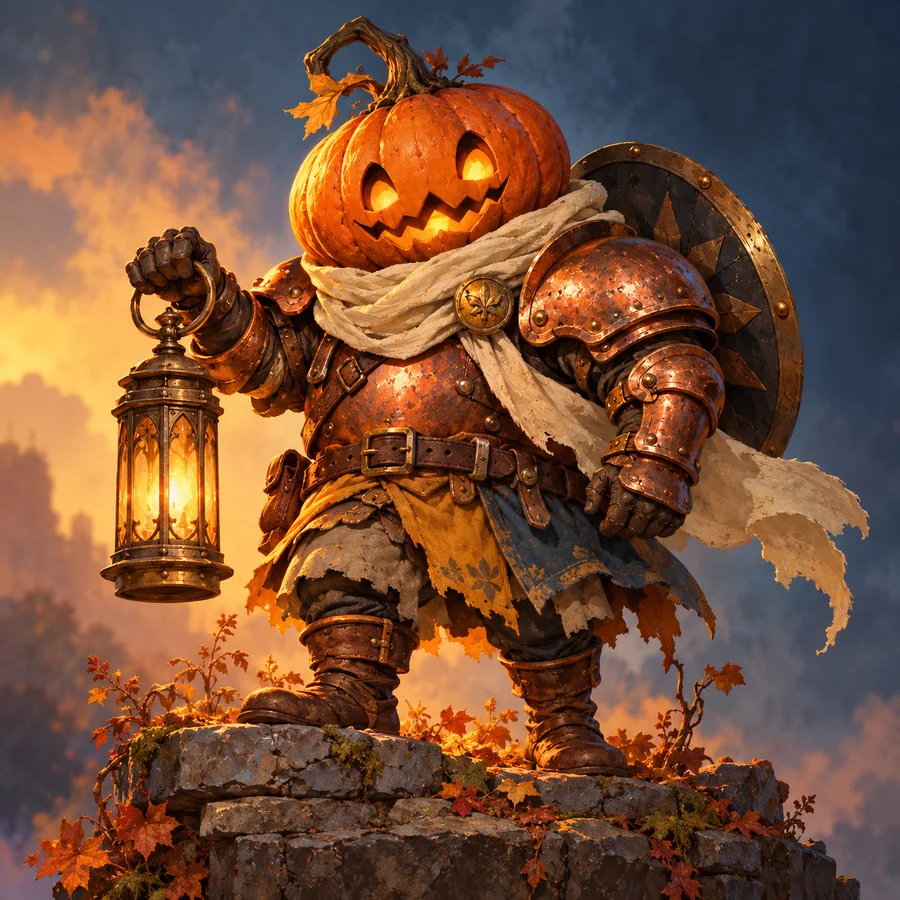
Pumpkin Knight
A little lantern. A very brave adventurer.
Read prompt
Create one original pumpkin-headed knight with a small carved smile, hammered copper armor, a cream scarf, leather boots and a brass lantern. A compact full-body game character with a clear silhouette, complete hands and feet, and restrained amber, teal and violet colors. Keep the background simple so the character is easy to inspect.
02Character
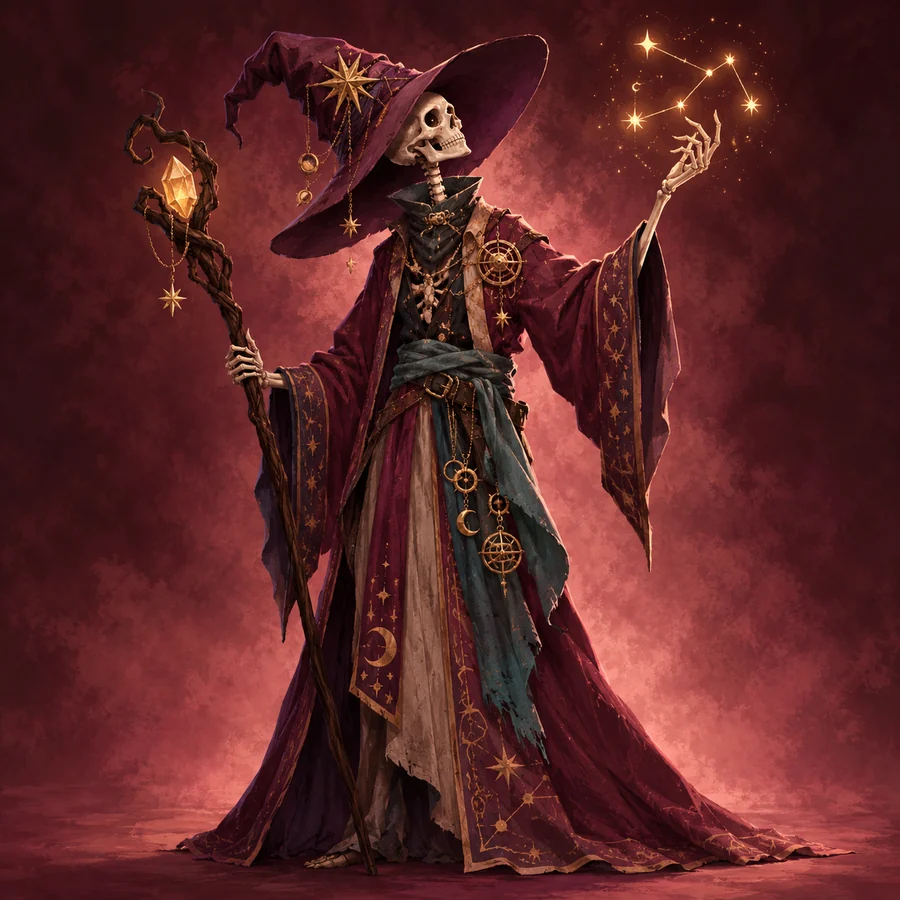
Skeleton Mage
A friendly face behind a curious spell.
Read prompt
Create one original friendly skeleton mage with an ivory skull, an oversized violet wizard hat, a long mulberry robe with a teal sash and one wooden staff with an amber crystal. Expressive eyes, compact full-body game proportions and a readable silhouette. Keep the entire hat, staff and feet inside the canvas. Use a simple background.
03Creature
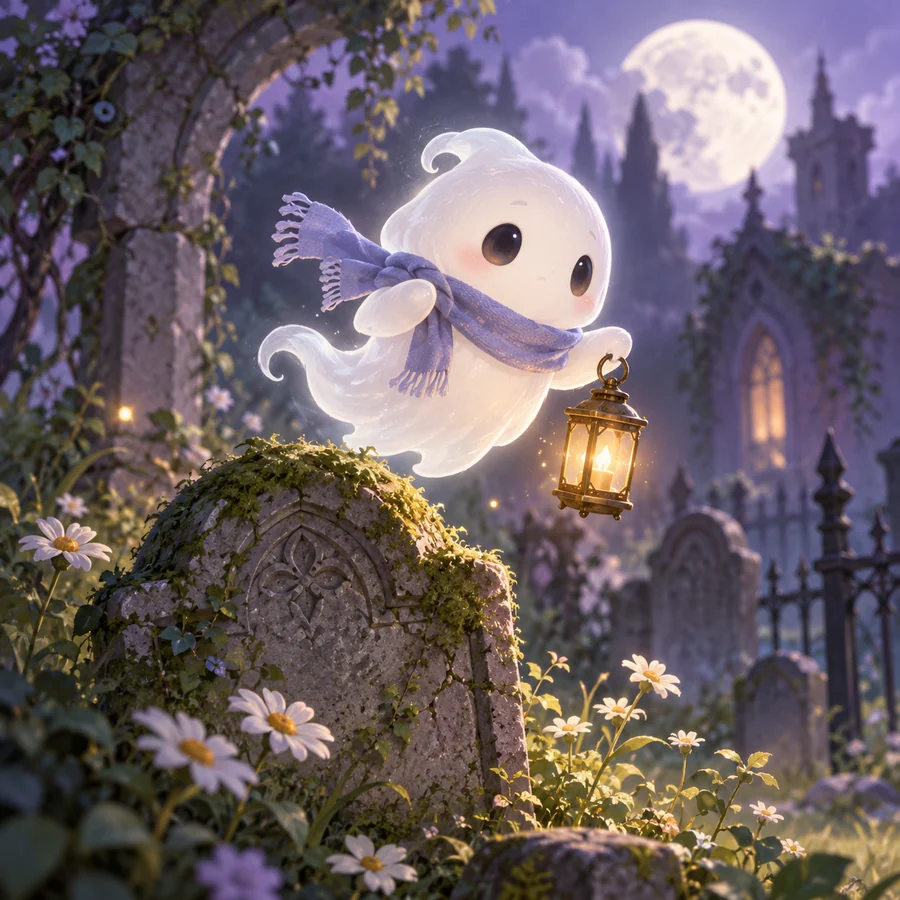
Ghost Companion
Every midnight quest needs a friend.
Read prompt
Create one original friendly ivory ghost companion with a rounded floating body, two small arms, expressive dark eyes, a violet scarf and one tiny brass lantern. Clear game-readable silhouette and restrained warm highlights. Show the entire creature against a simple background, with no extra characters.
04Character
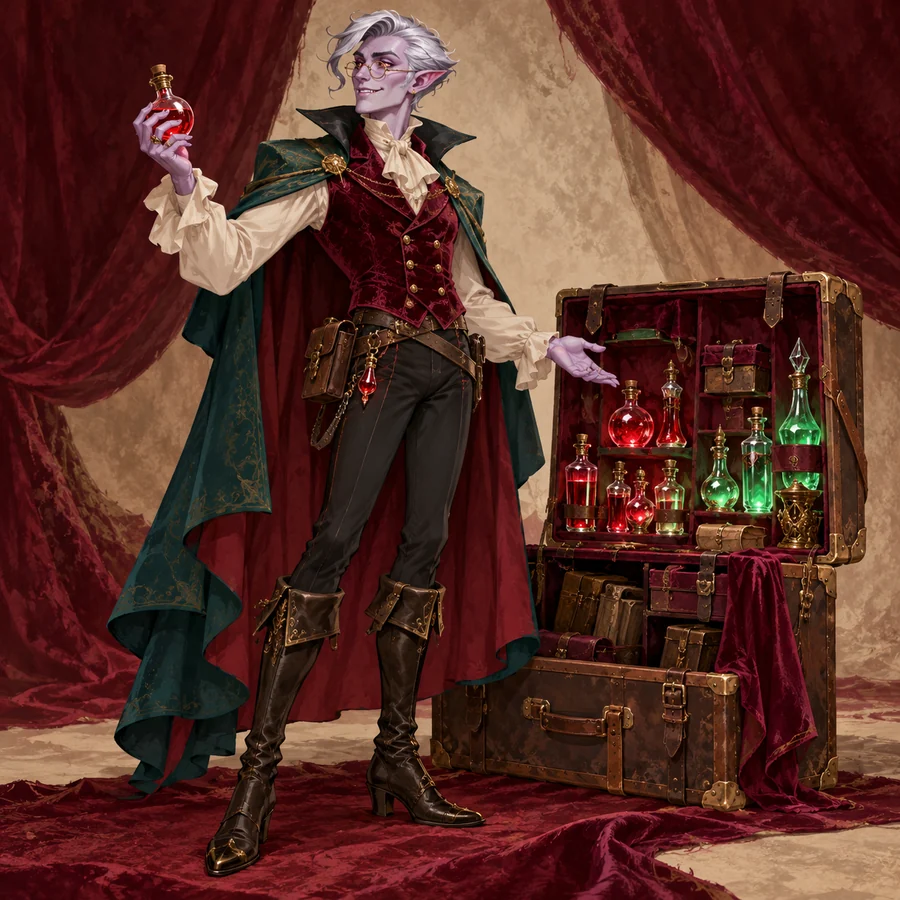
Vampire Merchant
Unusual wares. Excellent night service.
Read prompt
Create one original friendly vampire merchant with pale lavender skin, pointed ears, round spectacles, a burgundy waistcoat and a teal cape. He carries one small wooden case of potions. Compact full-body game proportions, readable clothing shapes and a clear silhouette. Keep the hands, feet and case fully visible on a simple background.
05Background
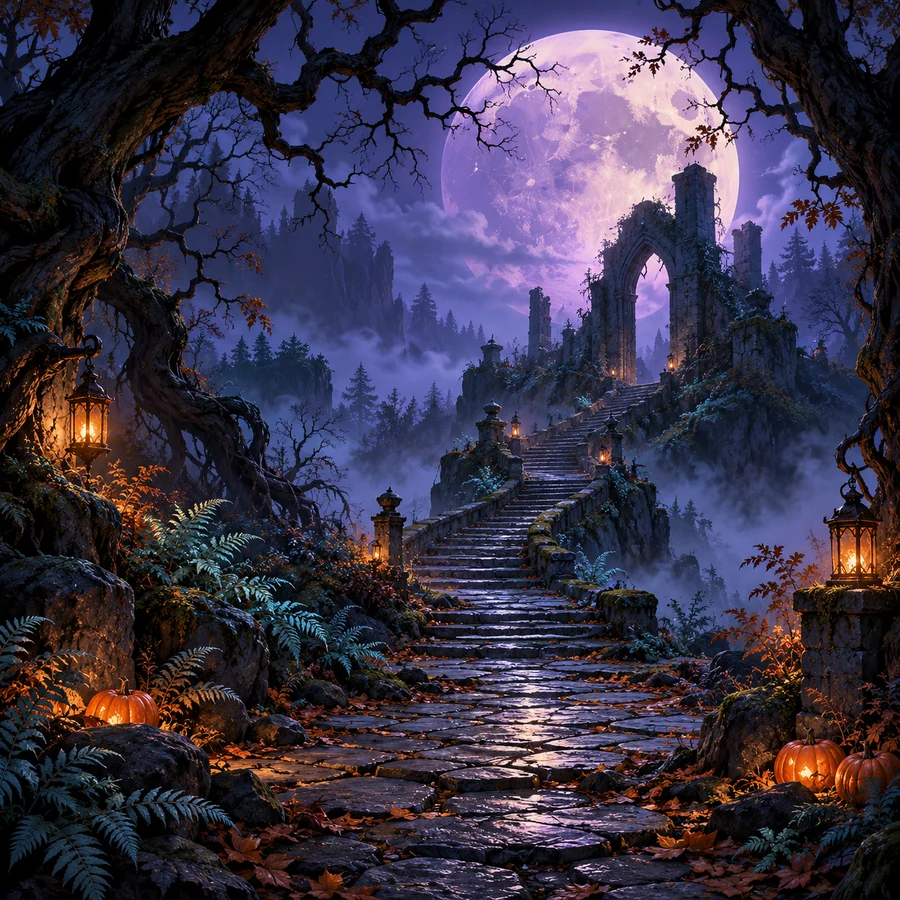
Haunted Forest
A moonlit path into your next chapter.
Read prompt
Create a simple moonlit enchanted-forest background for a 2D game. Crooked trees frame an open path, a small distant stone arch and a violet moon. Place a few pumpkins and warm amber lanterns near the edges. Use distinct foreground and distant silhouettes, readable depth and an uncluttered central path. No characters, interface or text. This is background artwork, not a playable map or a seamless tileset.
06Item
Halloween Props
Small treasures with a spooky story.
Read prompt
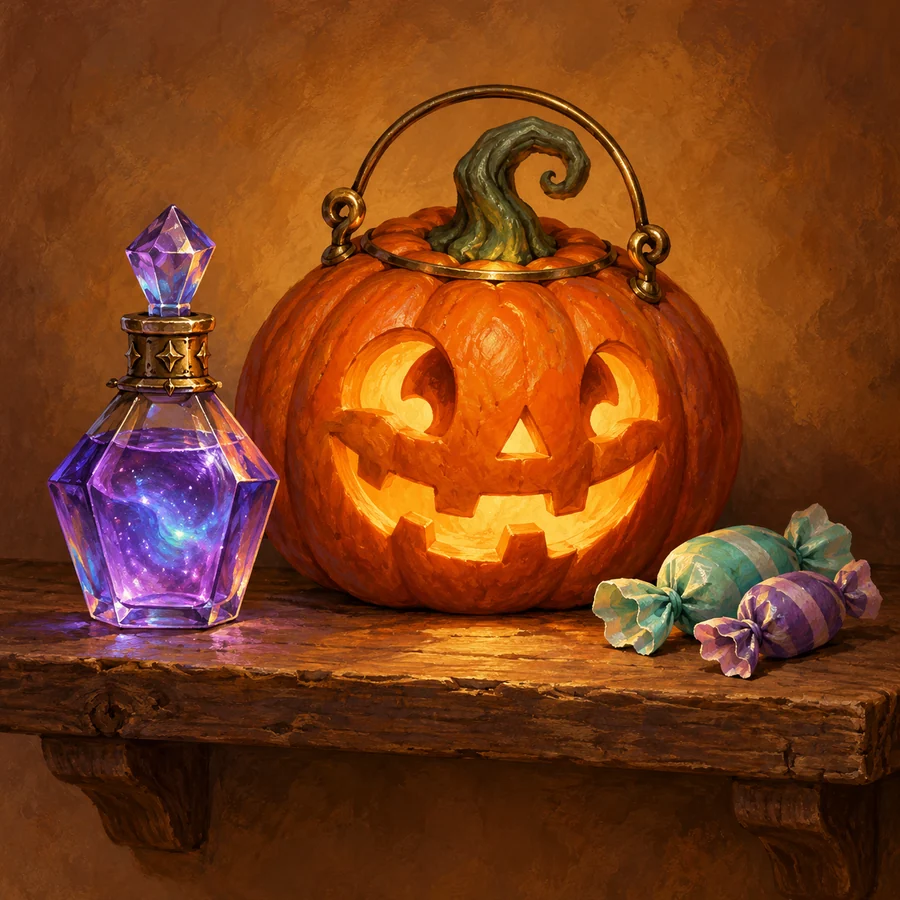
Create one isolated carved pumpkin lantern for a 2D game inventory. A round orange pumpkin with a small friendly face, a curved green stem, warm amber light and one recognizable brass detail. Keep its silhouette simple and the entire item visible. Use the approved project palette when available. No character, environment, lettering or extra items.
Original art direction illustrations · not MotifDeck-generated output previews. The item family shows several ideas; the item brief starts with one pumpkin lantern.
A STARTING POINT. YOUR FINAL SAY.
Make the idea your own.
Keep what you like. Change what your game needs.
Character directionPumpkin Knight
Name the subject and its job.
Choose the silhouette, palette and one defining detail.
Keep or change only what your project needs.
The illustration is a starting idea. Your edited brief sets the request.
This prepares a draft. Sign in, then review the plan and price before generation.
FROM AN IDEA TO AN ACTUAL FILE
Three studies. A useful place to start.
A new knight, a familiar face in costume and a matching world. See actual generated files, exact briefs and the details to inspect.
Chapter illustrations introduce the workflows. Open each study for the actual generated files, source images and inspection notes. Live account billing and hosted project save are outside the studies.
ONE PROJECT. A SHARED DIRECTION.
Your character. Its midnight world.
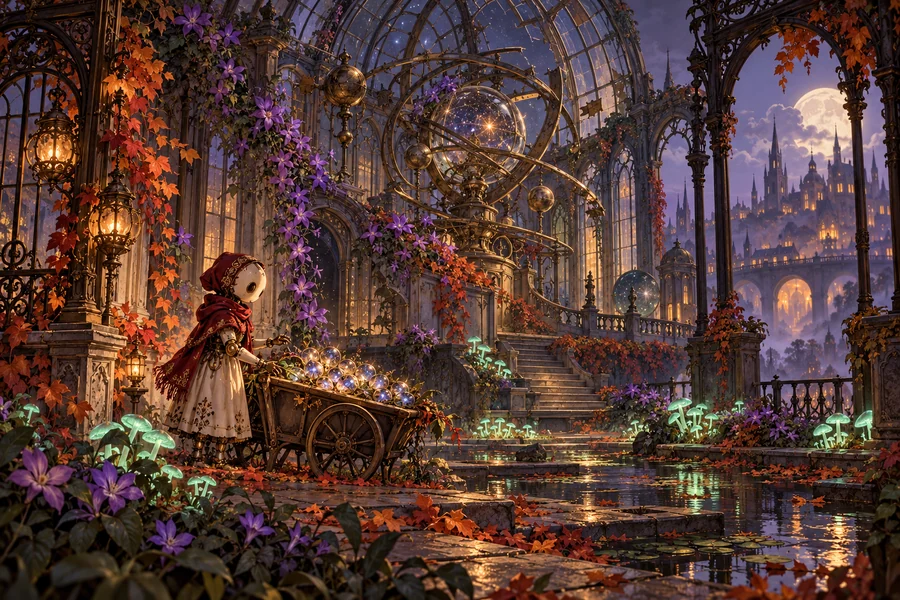
A porcelain gardener, a cart of glowing seeds and an abandoned observatory. Choose the materials and light that connect them, then give each asset a separate brief.
“Use my approved gardener as the style reference. Create one seed pouch with worn brass fittings and a muted red tie. Keep the object separate from the character.”
Art direction illustration. This world is a separate concept from the three tested studies. Select your own reference and review each new asset in your workspace.
Your own project stays at the center. Create one useful asset, then decide what belongs beside it.
01
Choose a direction.
Pick a preset, edit its prompt and choose the art style and target canvas.
02
Bring your context.
Sign in and choose a project. Add references or select the exact character you want to revise.
03
Review, then create.
Check Moti’s plan and quote before generation. Inspect the actual result before accepting it.
04
Keep building.
Download available files, plan a matching item or continue an approved character into animation.
A FEW PRACTICAL DETAILS
Before you venture out.
Current plans and Credits in Pricing. File details in Docs.
What does the Halloween game art generator make?+
Prepare a brief for original Halloween characters, creatures, individual props or simple backgrounds. Choose one of six starting ideas and continue with Moti in the existing game-art workspace. A background is artwork, not a playable game, full map or seamless tileset.
Can I dress up a character I already made?+
Yes. Choose a character or creature preset and select Dress up my character. In the workspace, choose the exact saved character version or add a reference you have permission to use. Describe what to keep and which outfit details to change. The preset provides inspiration; it does not replace the identity you chose.
Can I make Halloween pixel art as well as cartoon art?+
Yes. Choose Pixel Art for a native pixel target, or use Cartoon, Anime, Hand-painted, Flat 2D or 3D Look for general 2D artwork. Pixel static characters support 32, 48 and 64 pixel targets; general 2D stills use 512 or 1024. Availability depends on the selected task. Illustrations on this page show a cartoon direction, not native pixel output.
Can I animate my Halloween character?+
After approving your character, continue through the existing character animation workflow. Review the motion, choose usable frames and adjust timing before export. A static character can also be your finished task; animation is optional and has its own quote.
Does choosing a preset generate an image or spend Credits?+
No. Selecting a preset, copying its prompt or continuing to your workspace prepares a draft. Review the available settings, proposed task and price before confirming generation. This collection uses the existing account and Credits system.
Are these downloadable Halloween asset packs?+
The images here are original illustrative directions, not a downloadable asset pack or a guarantee of a generated result. Create and review your own assets in the workspace, then use the files available for that result. See the License and export documentation for details.

 Character