A world with a shared direction.
Carry your shapes, colors and atmosphere into props and simple scenes. A scene image is artwork for your project, not a playable game map.
A hero, a shopkeeper, a creature with a quirk.
Give your world someone to remember.
Your brief goes to your workspace. Review the plan and quote before generation.
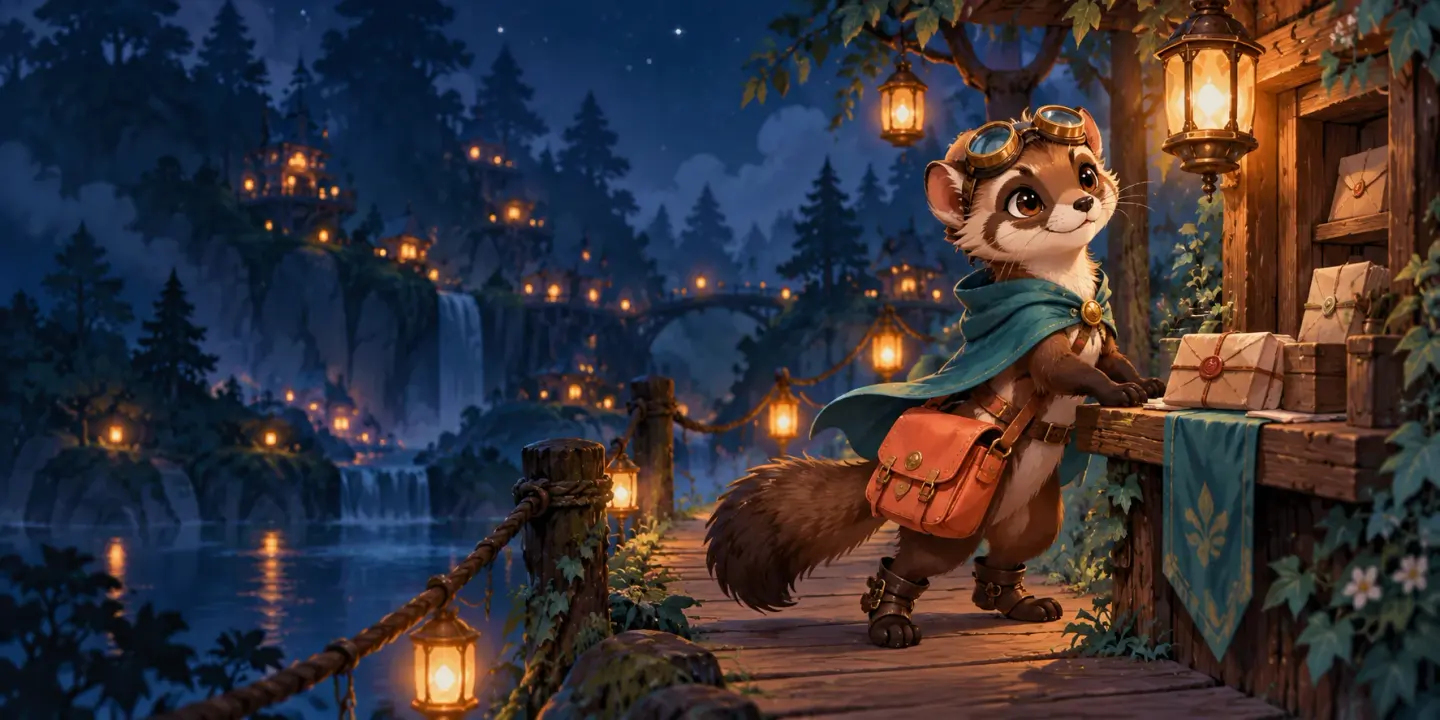
Original art-direction examples. Create and review your own results with Moti in the workspace.
CHARACTERS FOR YOUR WHOLE GAME
Start with a role, a memorable silhouette and one detail that makes them yours.
A tall dark-skinned human navigator with bright blue hair and a practical travel outfit. Confident adult proportions, an adventurous expression and a clear complete cartoon silhouette.
Make this character yoursONE CHARACTER. MORE STORY.
The purple hair. The glasses. The yellow apron. Keep the details that make the repairer recognizable while you explore a new expression or working outfit.

KEEP THE CHARACTER. NAME THE CHANGE.
Choose the exact character version in your project. Name the change, keep the anchors and review the new result.
FROM ONE CHARACTER TO A LARGER WORLD
An open-air harbor. A workshop by the canal. A skyship arriving overhead. Build the places and supporting cast around the character you keep.

Carry your shapes, colors and atmosphere into props and simple scenes. A scene image is artwork for your project, not a playable game map.
A merchant, a companion, a small enemy. Give each one a role and a recognizable silhouette while keeping the world’s visual language.
WHEN YOU’RE READY FOR THE NEXT MOVE
A static character can be the finished piece. If your project needs movement, choose an approved character and describe one clear action. Review continuous motion before you pick available frames and their timing.
Explore character animationSelect the exact approved source version.
Review the action plan and its separate quote.
Inspect motion, then select frames and timing.
COMMON QUESTIONS
Choose a cast idea or write your own. Pick Character or Creature, a 512 or 1024 canvas and a view.
Add references in the workspace. Review the task, required sources and current quote before generation.
Inspect the artwork, keep a version and choose any focused revision or optional animation as a separate next task.
It turns a character brief into cartoon 2D artwork. Start with a hero, creature or NPC, choose a canvas and view, then continue with Moti in your workspace to review the task and quote.
Yes. Choose Creature for a monster, animal or companion. Describe its species, body shape and standout detail. Choose Character for a person or a character with a clear role, outfit and equipment.
Choose a 512 × 512 or 1024 × 1024 canvas for Cartoon artwork. These are general 2D outputs. Native 32, 48 and 64 pixel targets belong to the separate Pixel Art workflow.
Yes. Add it in your workspace and identify whether it is the character to preserve or a reference for the art direction. A reference is not automatically an approved character for animation.
Choose the exact kept character version in your project, then describe the change and the details to preserve. Review the new version for identity, silhouette and requested changes before keeping it.
Animation is optional. Start from an approved character, describe an action, then review the continuous motion and available frames. Choose frames and timing at the result stage; an animation request has its own quote and confirmation.
This page is designed for game characters and creatures. It does not promise automatic photo-to-cartoon conversion or a likeness-preserving selfie filter.
No. Choosing an idea or continuing with your brief prepares a workspace draft. Review the proposed task, required sources and current quote before confirming generation. Download eligibility follows the result and your account.
Read more in Docs. Current plans, Credits and download eligibility in Pricing.
YOUR NEXT LITTLE HERO
Start with a personality. Review the plan before creating.