Start with a creature
Try an animal, a machine or several complementary ideas to suggest a recognizable silhouette.

Combine 2–5 animals, machines, professions or elements into a character idea. Give each ingredient a role, then shape the brief with Moti.
Choose 2–5 ingredients to draft an idea. Mixing the brief does not generate or charge for an image.
CHARACTER MIXER / SEE THE POSSIBILITY
Follow three actual selections—Owl, Botanist and Crystal—through Moti’s reviewed brief to the generated character. Download the real PNG and the brief behind it.
Try your ingredients →INPUT · THREE SELECTED IDEAS
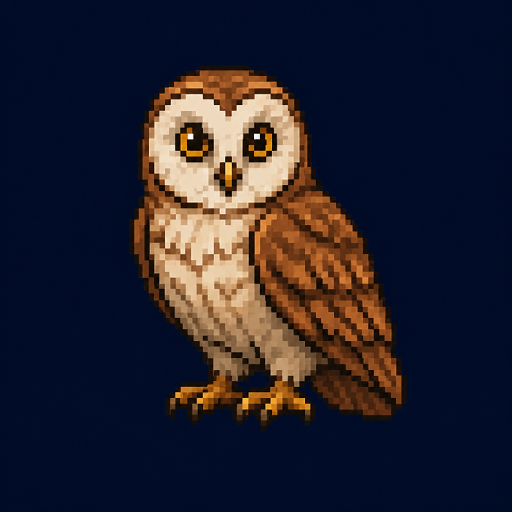 Owl
OwlFace, feathers and silhouette
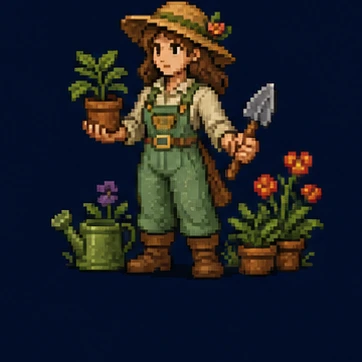 Botanist
Apron, seed pouches and herb satchel
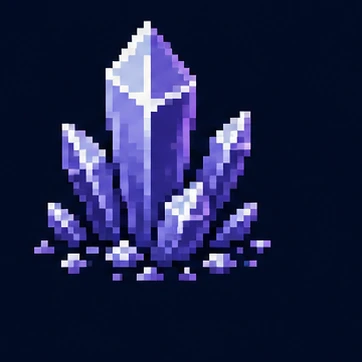 Crystal
Teal growth on a gardening staff
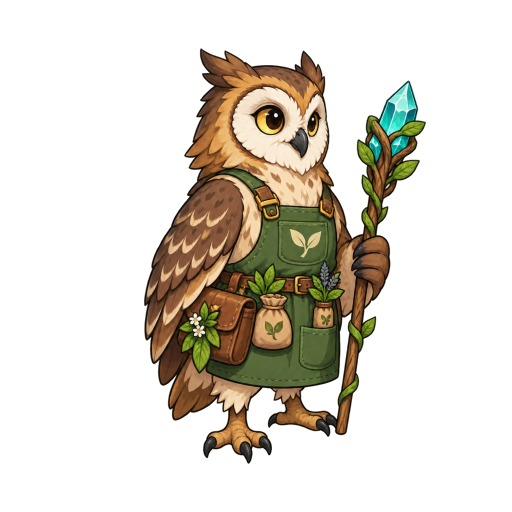
Moti’s reviewed brief brings the owl’s feathers, a botanist’s apron and a crystal-tipped gardening staff into one character.
Cartoon · 512 × 512 · Right 45° view · 1 candidate
These are the actual selected ideas and generated result. The tiles guide the concept; they are not uploaded image references.
YOUR IDEA. YOUR NEXT STEP.
Choose two to five ingredients from animals, machines, professions and elements. Give the combination one clear idea: an animal can suggest a shape, a profession its role, and an element its equipment or powers.
Try an animal, a machine or several complementary ideas to suggest a recognizable silhouette.
Add a profession to guide the clothing, tools and personality of your character.
Use an element or a custom detail for the materials, equipment or powers that make the mix distinctive.
KEEP YOUR PROJECT MOVING
Review your new character first. Then give it a set of actions or build a world around its identity.
ONE CHARACTER. MANY MOVES.
Ask Moti for a whole set of actions. Keep everyday movement and complete combat moves together, then review each result separately.





Seven motions from the same character reference · Complete actions replay for viewing; the final death pose is preserved.
FROM ONE CHARACTER TO A LARGER WORLD
Keep your character. Explore outfits and expressions. Build matching enemies and a world around them.
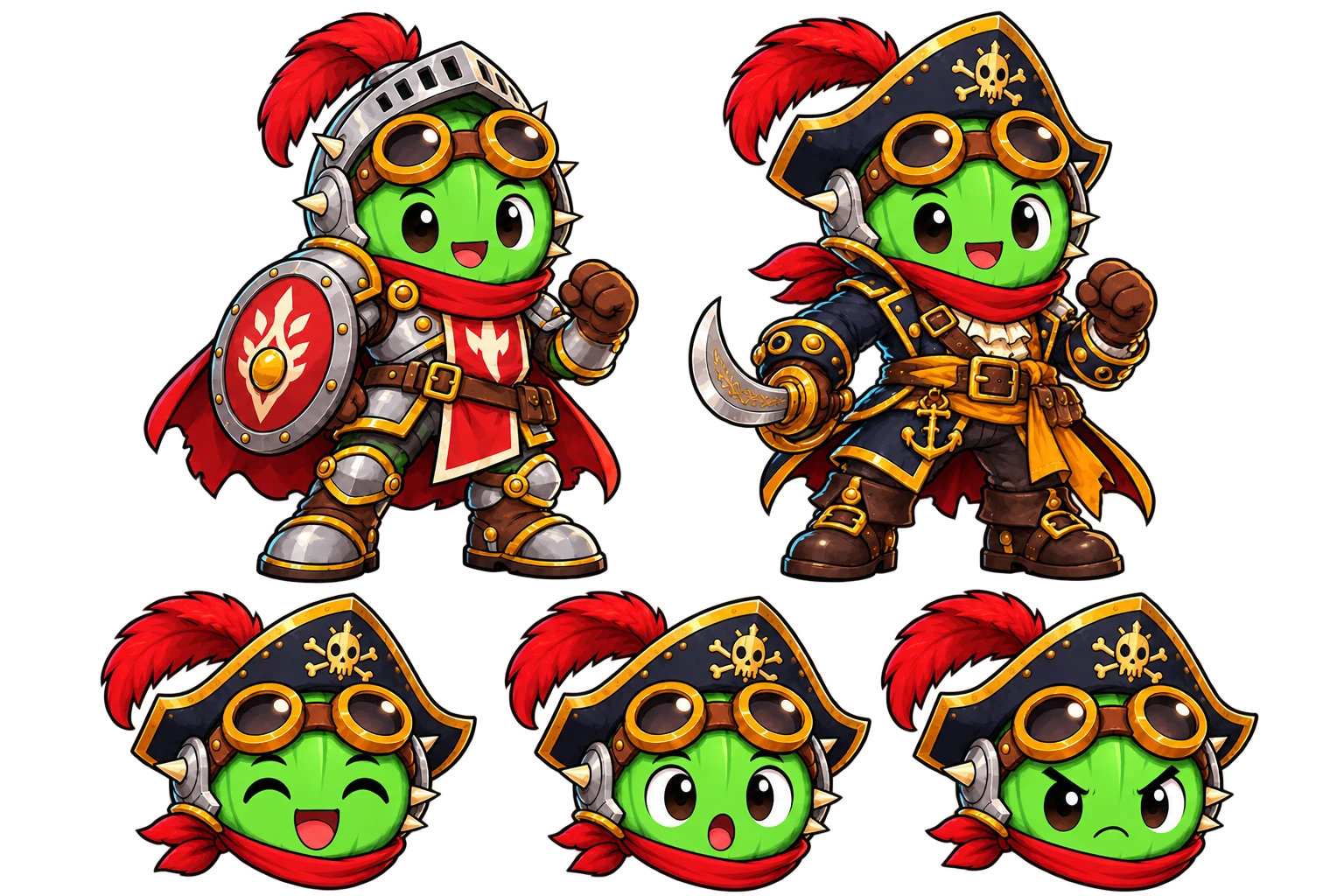
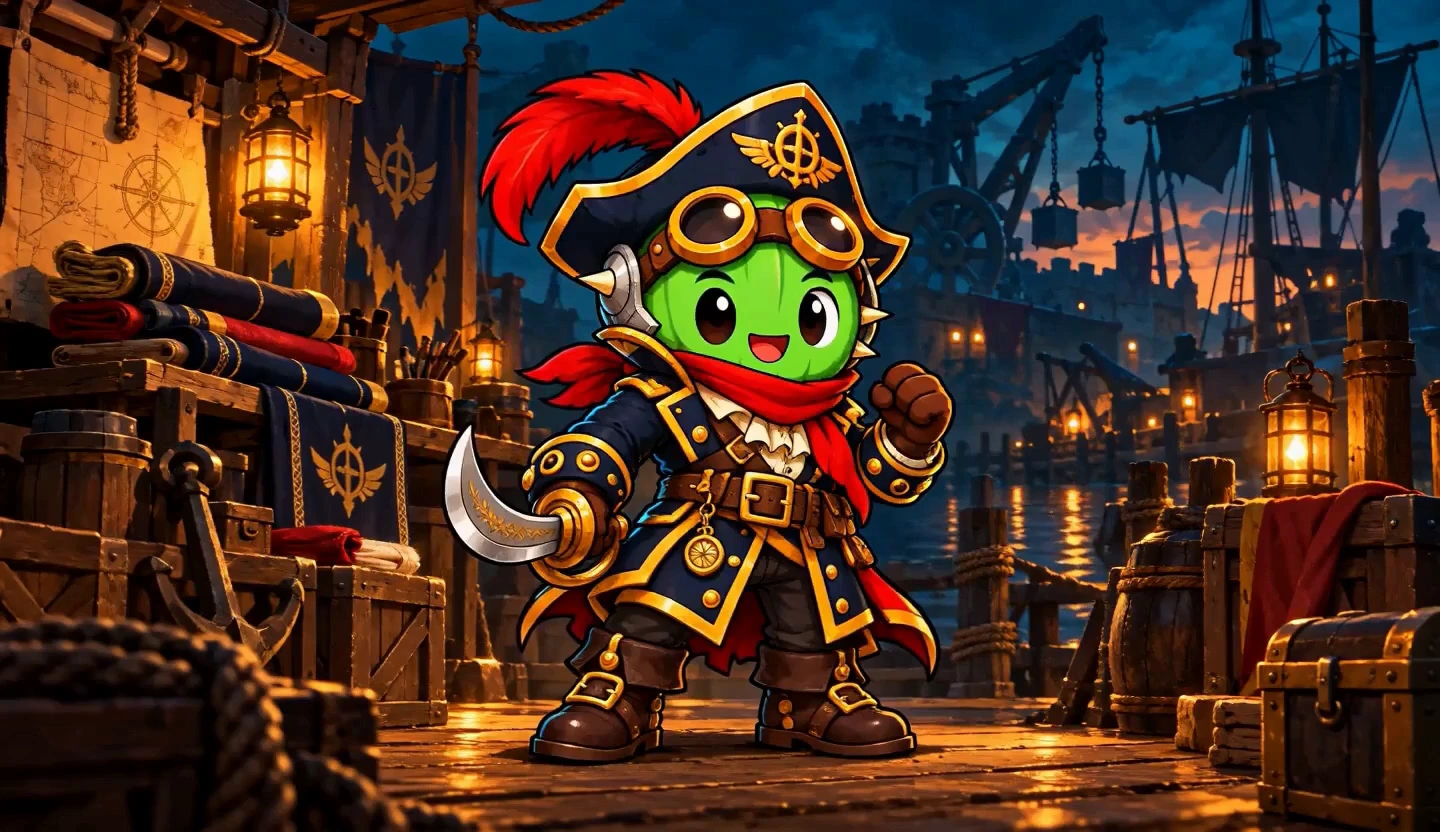
Explore new outfits while keeping your character’s identity.
YOUR CHARACTER → ITS WORLD → MATCHING LAYERS
Combine characters, backgrounds and props. Add supplied effects and a separate ground shadow. Adjust the shadow’s position and size, or export it on its own. Review Moti’s plan and quote before creating.
COMMON QUESTIONS
Prepare your brief or source here, then continue in your workspace. Confirm the task there and review its results before exporting.
Combine animals, machines, professions and elements. Choose several ideas from one category or mix across categories.
Include a few custom details or a reference. Decide which ingredients should define the silhouette and which belong in the equipment.
Review the assembled idea in the workspace before generation. Refine the resulting character and continue into actions and supporting assets.
Choose 2–5 ingredients and add the custom details you want to carry into the brief. References are optional in the workspace. Review the interpretation, plan and quote before generating an image.
Look at anatomy, attachment points, silhouette and equipment. Compare the interpretation with the ingredients and custom details you chose. Keep the strongest result as the source for the next task.
Character Mixer combines 2–5 selected ingredients into a game-character brief. It is for visual character ideas, rather than names, statistics or tabletop character sheets.
No. Selecting ingredients and drafting the idea does not generate an image. You review a quote in the workspace before confirming generation.
Yes. Add custom details alongside the available animals, machines, professions and elements. The total ingredient limit is five.
Yes. After generating and approving the character in a project, use that character as the source for motion.
Yes. The owl botanist is the actual generated result of the Owl, Botanist and Crystal selection, using the reviewed Moti brief shown in the download. You can download its transparent 512 × 512 PNG. For your own character, review the settings and Credits in the workspace before confirming generation.
More workflow details in Docs. Frame allowances and Credits in Pricing.