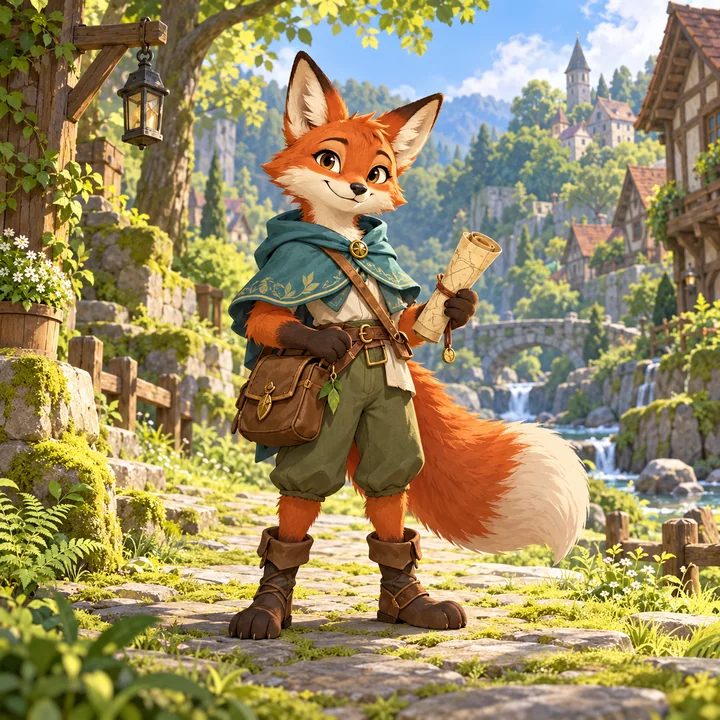
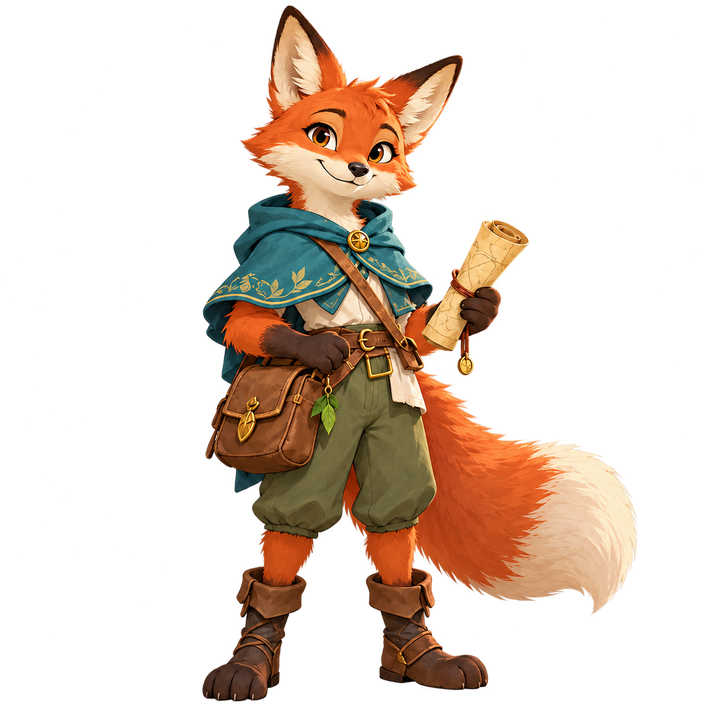
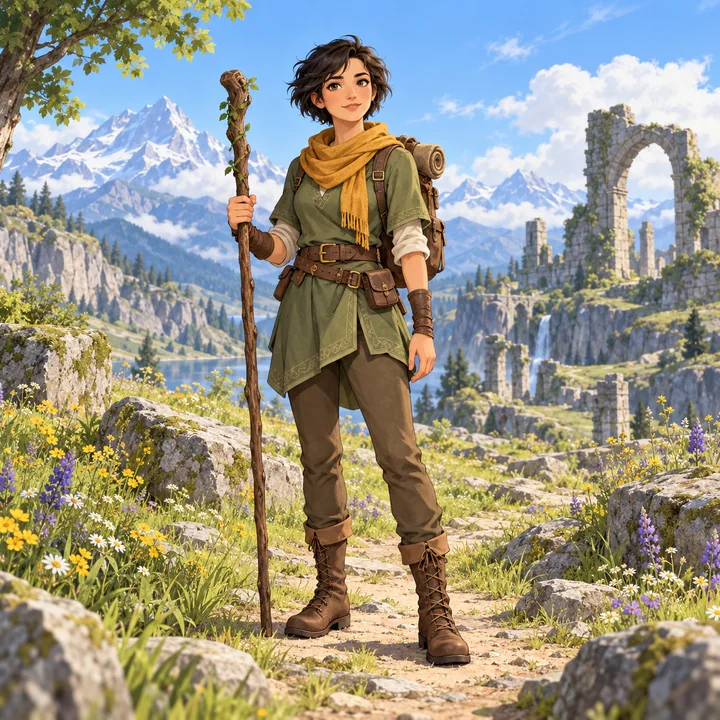
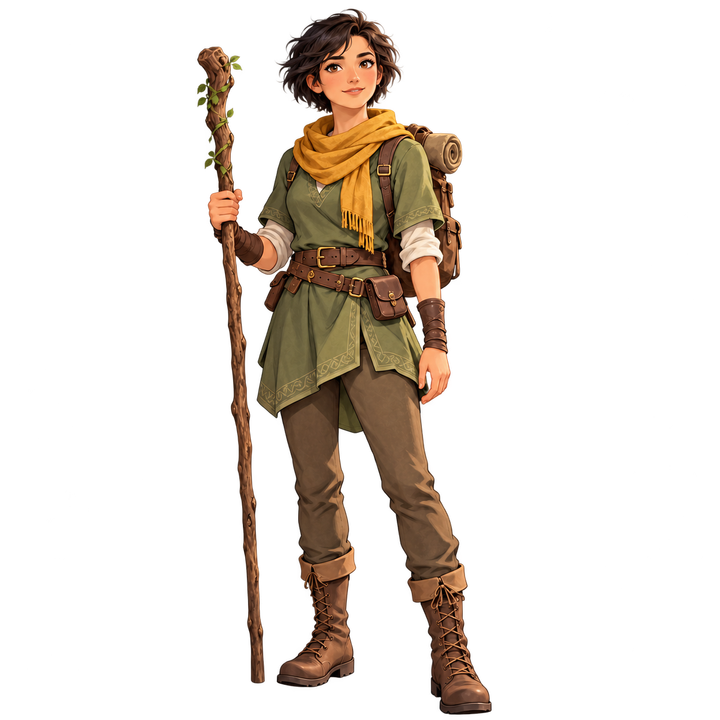
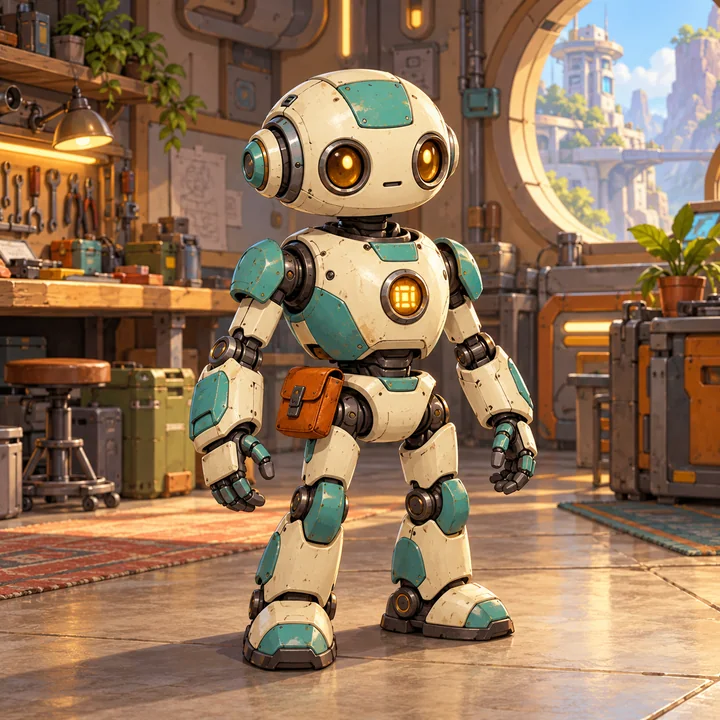
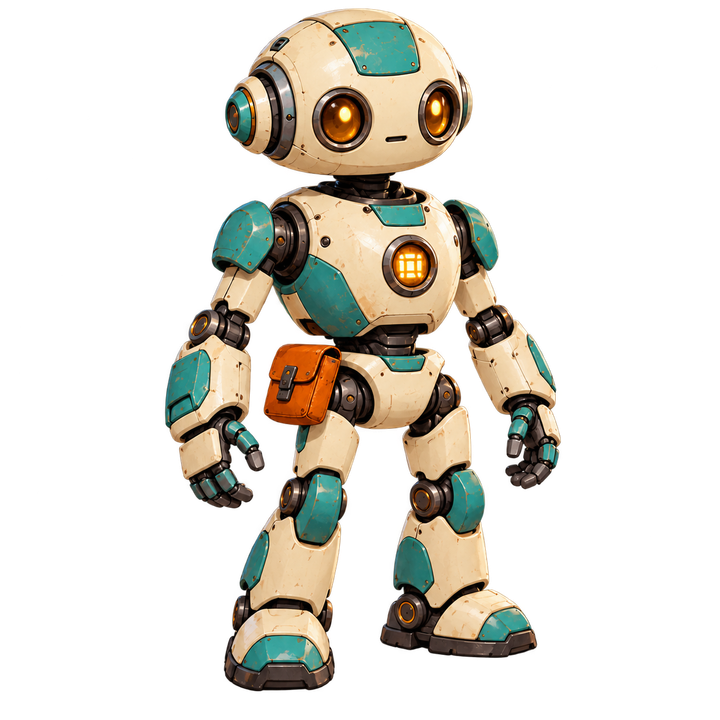
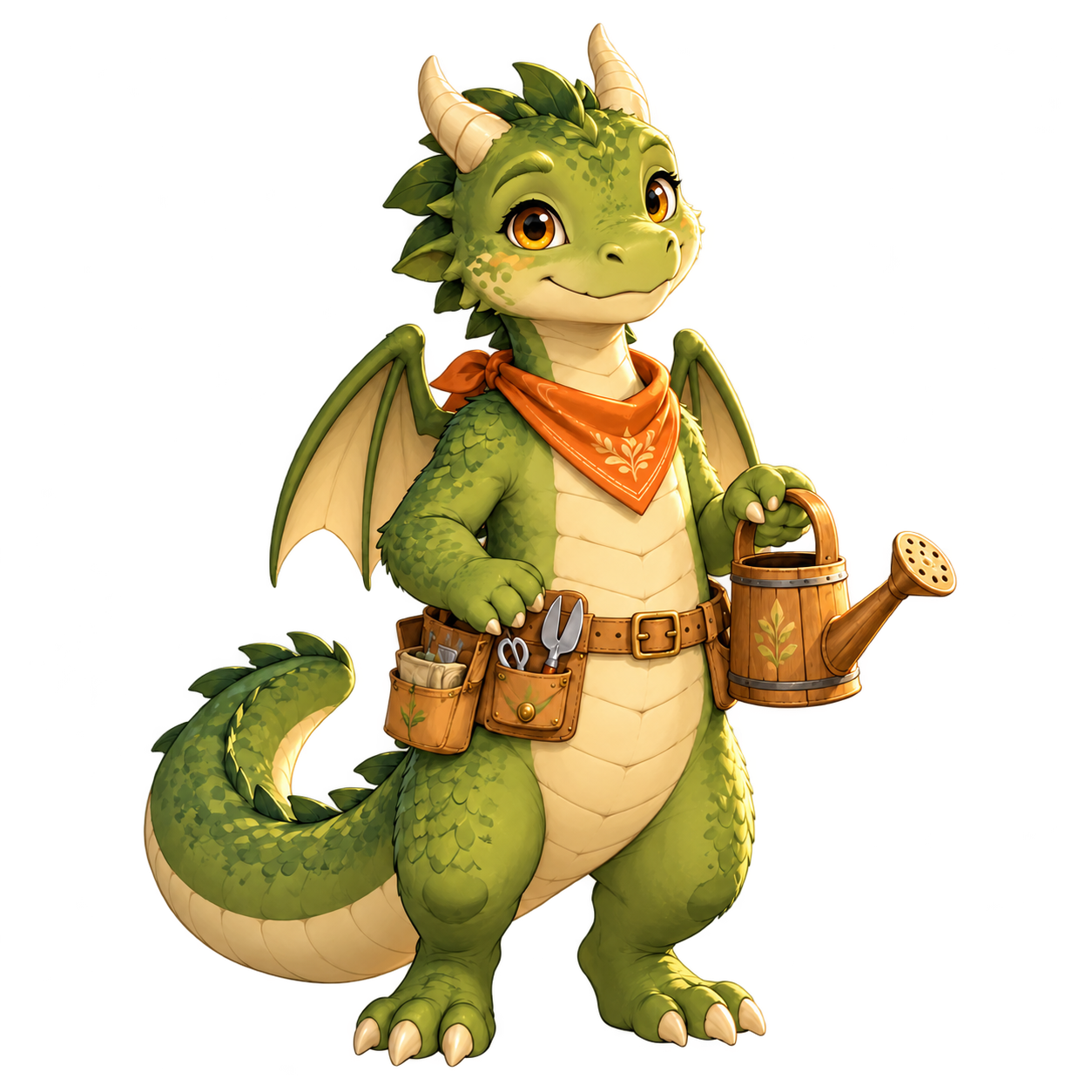
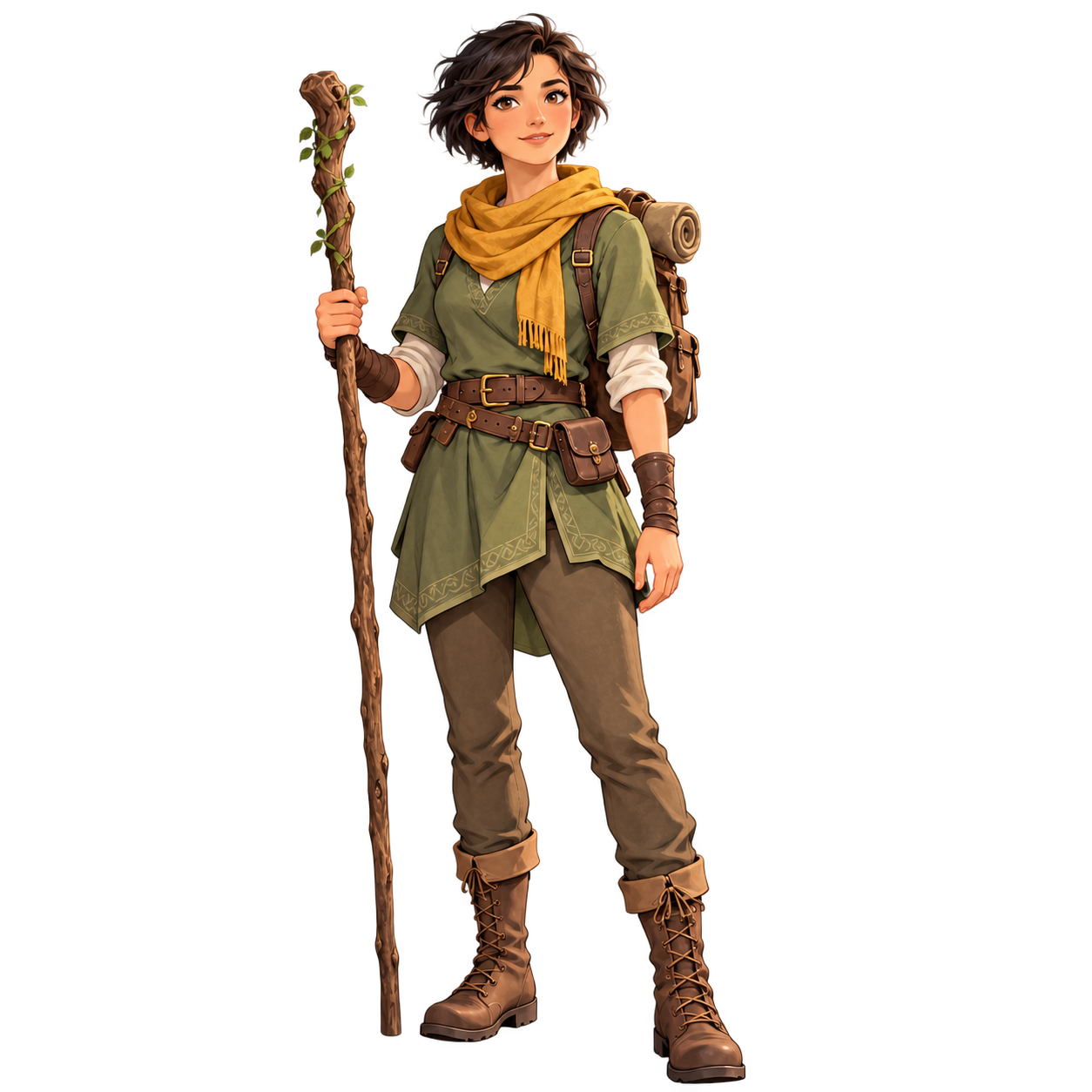
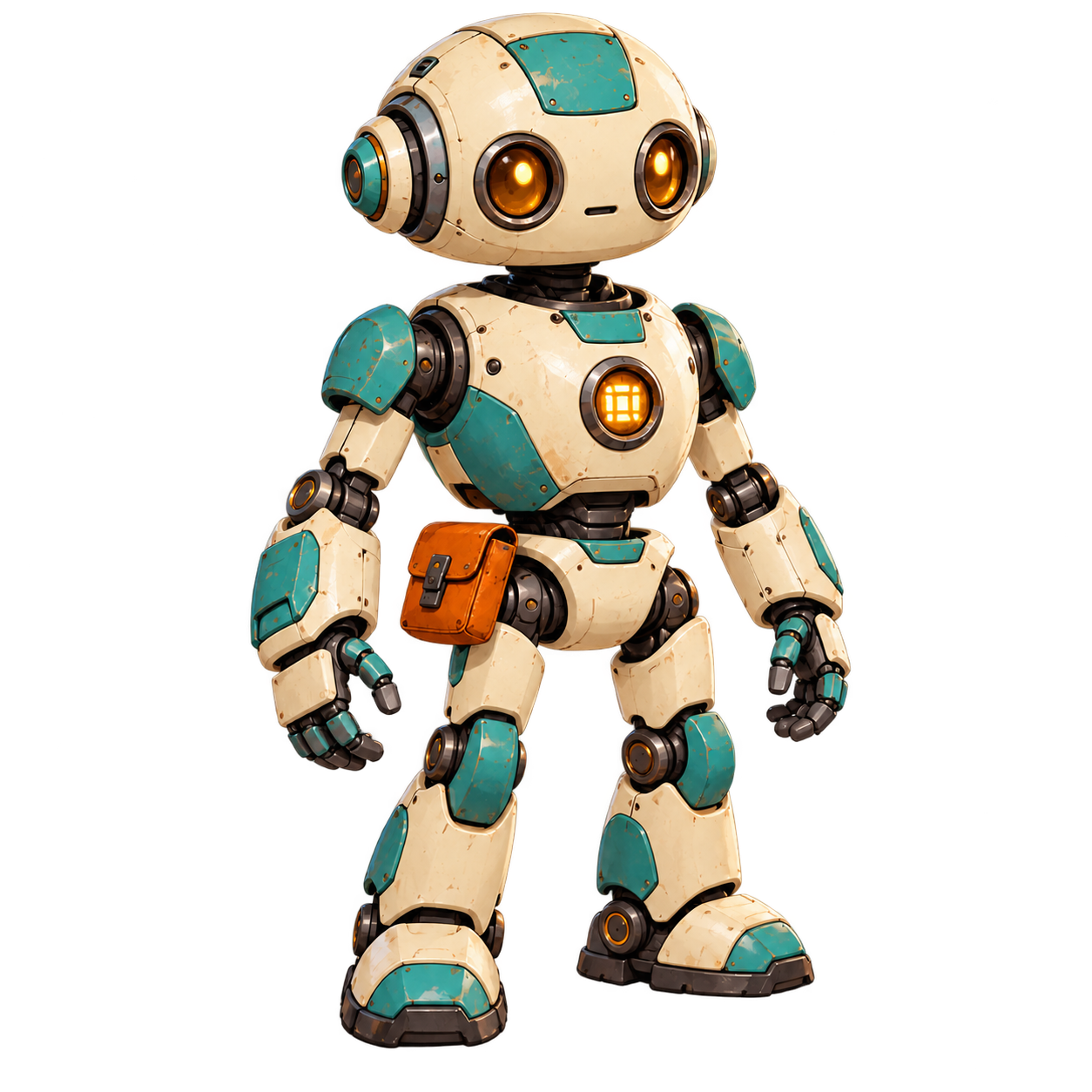
From a greenhouse creature to a workshop sidekick, see what changes when the scene is removed. Each after-image was edited from the original beside it.
Illustrative AI examples, created outside MotifDeck. Your result may differ. The checkerboard shows transparency.
BeforeOriginal scene
AfterBackground removed
01 / Creature characters
A dragon, out of the greenhouse.
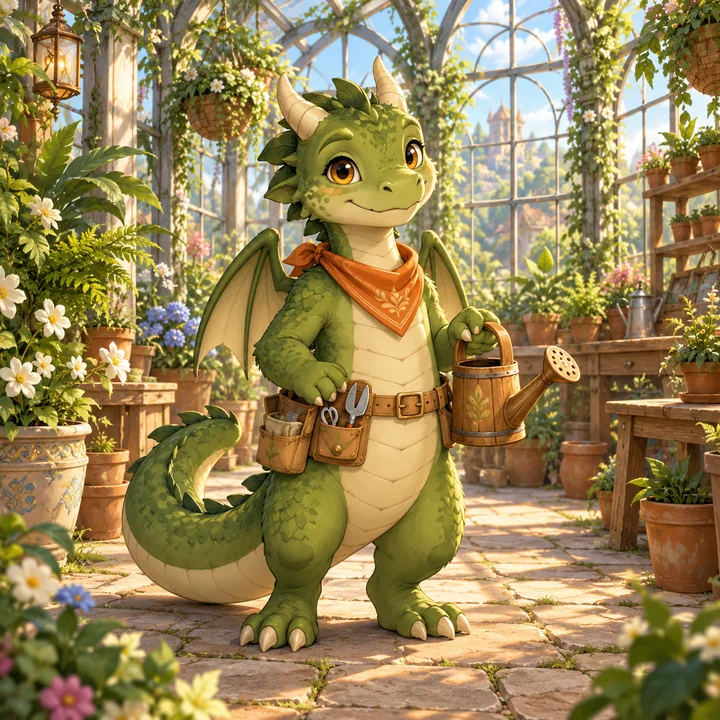
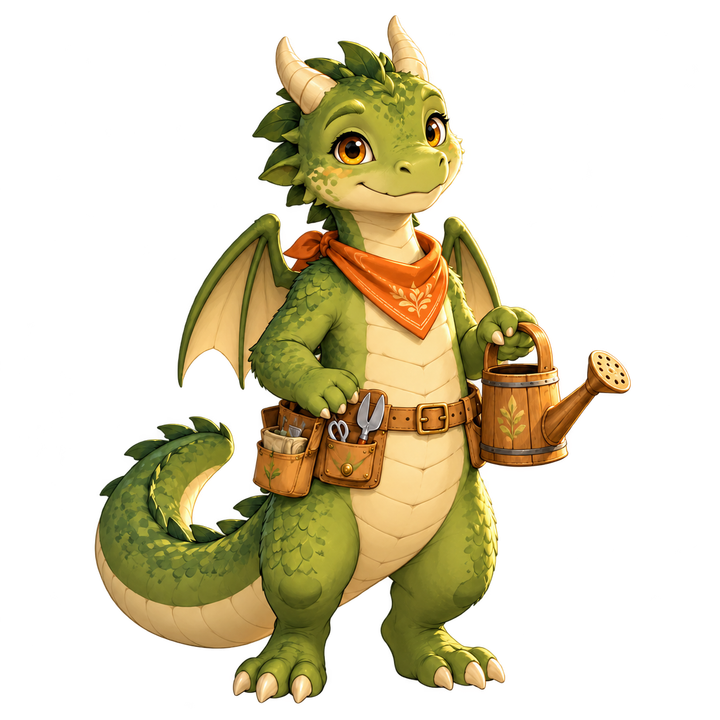
This little dragon tends a greenhouse full of flowers and foliage. The edited image removes the glass arches, plants and stone floor while keeping the character and its gardening gear.
Look closerCompare the wing tips, curled tail, claws and watering-can handle. The AI enlarged the dragon and changed some scale and equipment details.
One complete character. Leave space around the head, feet, tail and equipment. A cut-off body part cannot be recovered by simply removing the background.
Separate character from scenery. Clear outlines make the intended subject easier to describe. Avoid objects covering the body or several overlapping characters.
Review delicate details. Hair, fur, thin staffs, fingers, smoke and transparent effects can change or leave edge residue. Check them on both light and dark backgrounds.
Your files, explained
Upload
One PNG, JPG or WebP Up to 10 MB · up to 4096 × 4096
AI output
1024 × 1024 transparent PNG The AI may redraw details or framing.
Transparency
PNG can keep an invisible background. A JPG or a painted checkerboard cannot.
Pixel art
This is a high-resolution AI image edit. Native pixel artwork needs its own pixel-level review.
COMMON QUESTIONS
Before you remove the background.
How do I remove a game character's background?
Upload one PNG, JPG or WebP, describe the subject to keep and review the 10-Credit AI task. After confirming, compare the returned transparent PNG with your original before downloading or using it for animation.
Can AI remove a complex background?
A detailed scene can be removed, but results depend on how clearly the character is separated from it. Overlapping characters, scenery covering the body, wispy effects and blurred edges need extra care. Review every result; a transparent file alone does not prove a clean cutout.
Will the character stay exactly the same?
AI may redraw the face, hair, clothing, equipment or framing. The original stays saved. This tool does not promise a pixel-for-pixel cutout or perfect removal from every scene. If exact pixels matter, keep the original and use a manual image editor.
What if my PNG is already transparent?
A PNG with transparency and clear edges can continue as the original without an AI background-removal task or Credit charge. Check that it contains one complete isolated character.
Why does my image still show a white square or checkerboard?
White pixels or a checkerboard painted into the image are still a background. Real transparency lets the colour behind the character show through. Our checkerboard is a display layer; it is not added to the PNG.
Does this tool generate a coloured background and remove it?
The AI request asks directly for a real transparent RGBA PNG. The returned image must have transparent pixels. An opaque image is not presented as a finished transparent result.
Can I take the result back to Sprite Animator?
Yes. When you arrive from the animation form, your action and other settings stay in a saved draft. Choose Use for animation after inspecting the result to return with the accepted character. Animation starts only after its own review and confirmation.
Is this suitable for native pixel art?
AI can change pixels and soften outlines. This tool returns a 1024 × 1024 image; it does not certify native 32, 48 or 64 pixel artwork. Check pixel art at its intended native size before using it.
Can I download the PNG on a free account?
Free accounts can preview the result and continue to animation using the owned project character. Production PNG downloads require paid access. Background removal and animation are separate tasks, each confirmed at its own price.
What do the examples on this page show?
Each pair starts with an AI-generated game scene, followed by a background-removal edit of that same image. These examples were made with an AI image tool outside MotifDeck to illustrate the workflow. Your result in MotifDeck may differ, including details and framing. The downloadable demo files are the actual returned PNGs.
More workflow details in Docs. Credits and plan limits in Pricing.
YOUR NEXT GAME CHARACTER
Keep the subject. Choose the next scene.
Have a character already? Start above. Need a new one? Create it first, then bring it into your game-art workflow.