Characters and avatars
Prioritize a readable silhouette, face and key equipment at the intended pixel size.

Create a pixel character, profile avatar, item icon or scene from your idea. Give small artwork a clear silhouette and palette, then inspect the actual pixels.
Choose a subject and pixel target. Your brief opens in Moti to review the task, sources and quote before generation.
Start with an idea. Review the plan and price before generation.
AI PIXEL ART GENERATOR / SEE THE POSSIBILITY
Inspect a native-size character, its actual palette and its transparent edges. Zoom in without smoothing away the pixels.
Start with your idea →
ACTUAL PIXELS. AN ACTUAL FILE.
Inspect the exact 64 × 64 result. Integer zoom keeps every square sharp; it adds no new detail.
Actual generated artwork, delivered through the pixel pipeline at 64 × 64. The model source was 1024 × 1024; this does not claim native 64-pixel model inference.
YOUR IDEA. YOUR NEXT STEP.
Pixel art can be a character, avatar, icon, item or an environment. Choose the subject and native target size for the intended use instead of treating every idea as the same kind of game sprite.
Prioritize a readable silhouette, face and key equipment at the intended pixel size.
Describe the object, view and details that must remain recognizable when the art is small.
Use a scene reference to establish a direction. Inspect actual generated native pixels separately from large promotional illustrations.
KEEP YOUR PROJECT MOVING
When your project needs motion or matching assets, continue from the pixel artwork you approve.
Related capability examples · General 2D artworkONE CHARACTER. MANY MOVES.
Ask Moti for a whole set of actions. Keep everyday movement and complete combat moves together, then review each result separately.







Seven motions from the same character reference · Complete actions replay for viewing; the final death pose is preserved.
FROM ONE CHARACTER TO A LARGER WORLD
Keep your character. Explore outfits and expressions. Build matching enemies and a world around them.
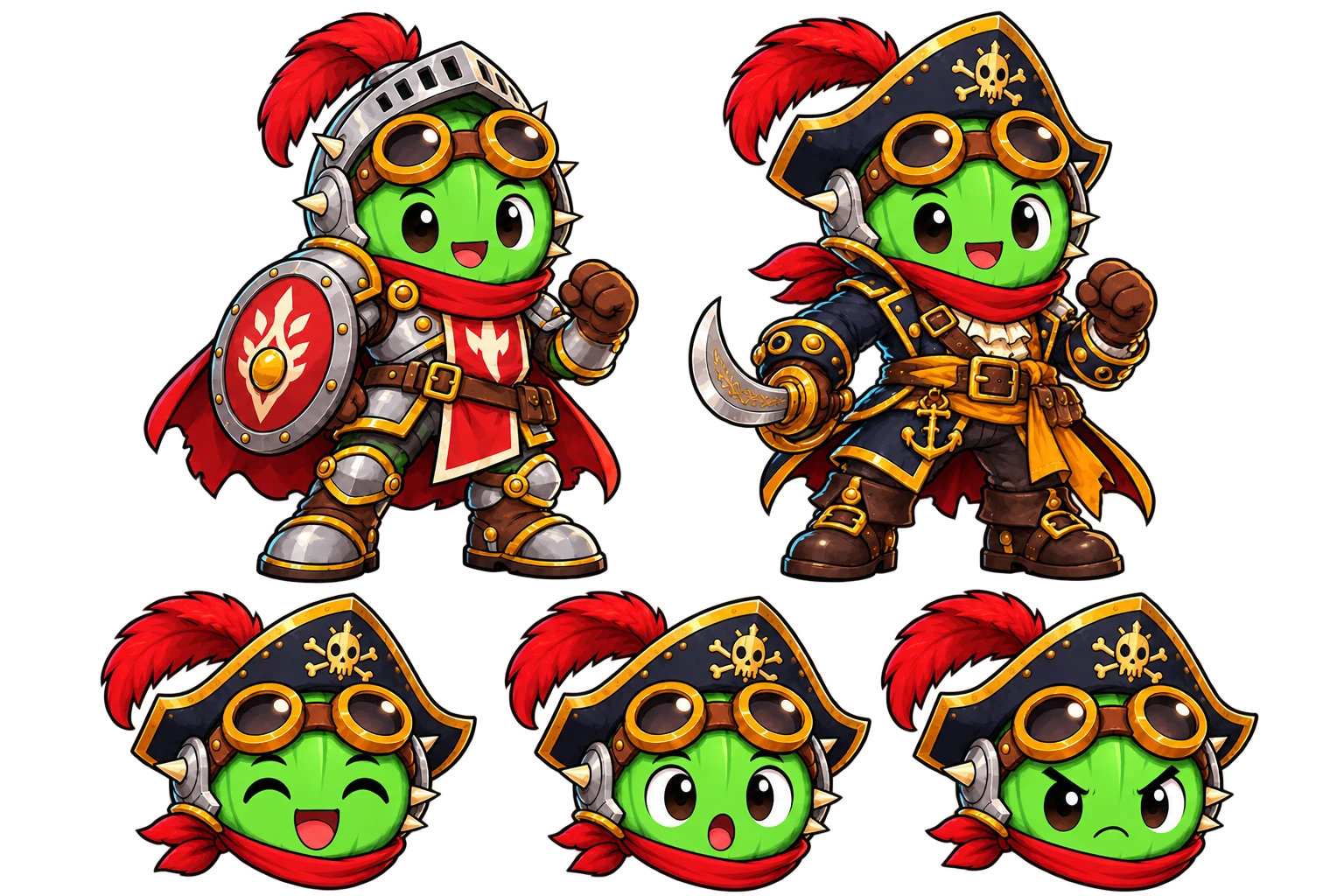
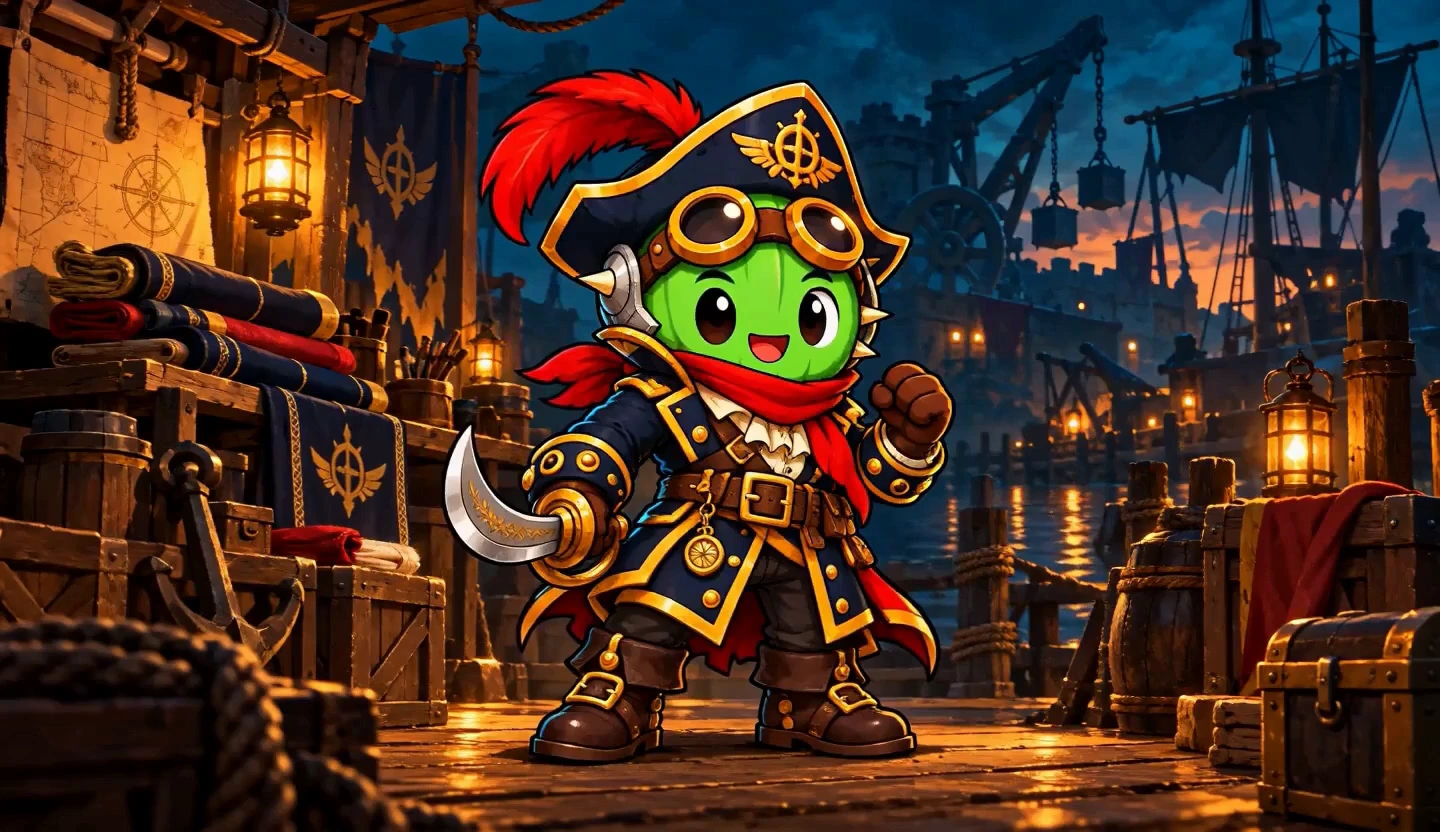
Explore new outfits while keeping your character’s identity.
YOUR CHARACTER → ITS WORLD → MATCHING LAYERS
Combine characters, backgrounds and props. Add supplied effects and a separate ground shadow. Adjust the shadow’s position and size, or export it on its own. Review Moti’s plan and quote before creating.
COMMON QUESTIONS
Prepare your brief or source here, then continue in your workspace. Confirm the task there and review its results before exporting.
Brief a character, avatar, icon, prop or scene. Specify its role, view and the details that must read at the intended size.
For characters, choose a native 32, 48 or 64 pixel target. Check the pixel grid, palette, transparency and complete silhouette.
Refine the expression or outfit and create matching assets. An approved game character can continue into motion and selected animation frames.
Choose a native 32, 48 or 64 pixel character target where supported. Give references a specific role, and keep the palette and view clear. General 2D uses a different size workflow.
Inspect the real grid and edges at native size and an integer zoom. A large image that looks pixelated is not evidence of a correct native pixel result. Review the supplied output before continuing into animation.
Prepare a pixel-art brief here, then continue with Moti in your workspace to review the task and quote. Use Sprite Editor to arrange existing animation frames.
Pixel static characters support 32, 48 and 64 pixel targets. Prop and scene dimensions follow their own task requirements; the character-size rule is not applied to every asset.
Yes. Approve a pixel character, create continuous motion and inspect the extracted frames at an integer preview scale. Review pixel consistency and transparency before export.
Yes. Add a reference in the workspace and describe which palette, shapes or identity details should guide the task.
Yes. MotifDeck also supports Cartoon, Anime, Hand-painted, Flat 2D and 3D Look for general 2D game artwork.
No. Style illustrations explain a direction. Review a native pixel character at its output size for a crisp grid, a limited palette and edges made of fully transparent or fully opaque pixels.
Yes. A character, avatar or icon can be the finished task. Review its actual output size and pixels, then use the files available for the result.
More workflow details in Docs. Frame allowances and Credits in Pricing.