GPT IMAGE 2.6 / GAME ART GUIDE
GPT Image 2.6 for game animation.
ChatGPT Images 2.6 can create animated GIFs from ideas and reference images. Explore the results, then prepare their frames for your 2D game.
Turn a GIF into a sprite sheetIndependent guide · Not affiliated with OpenAI
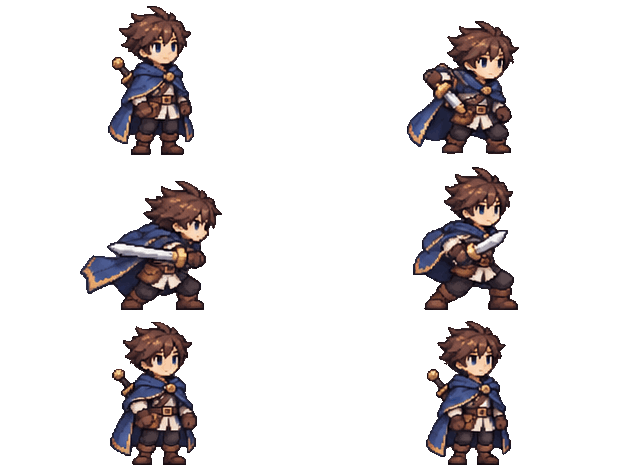
REAL EXAMPLES / MADE WITH CHATGPT
From one image
to a little life.
Characters, creatures and objects can all have a moment of motion. These are real ChatGPT GIFs; inspect the results frame by frame before using them in a game.
CHARACTER / SWORD ATTACK
One character.
A new move.
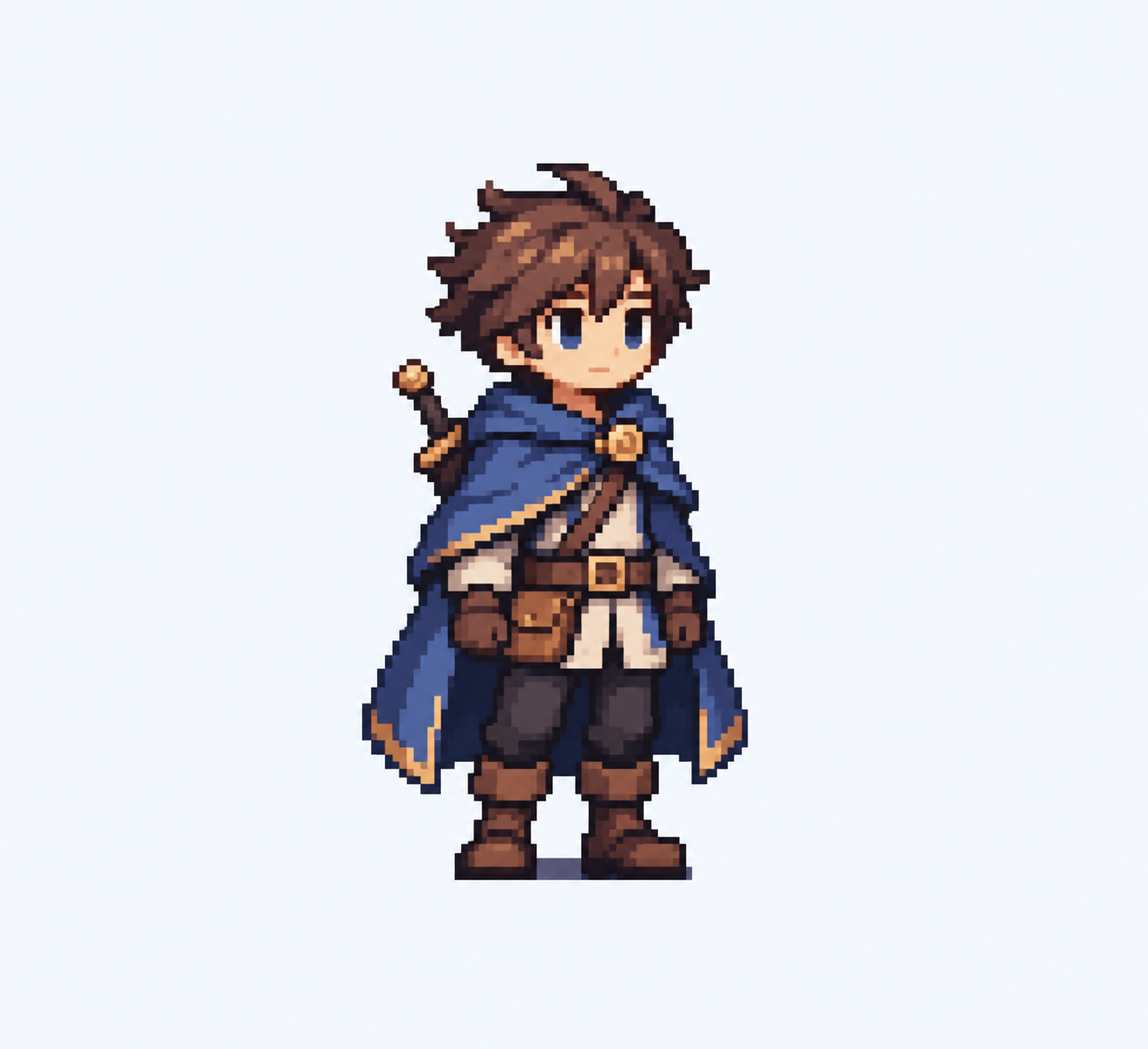
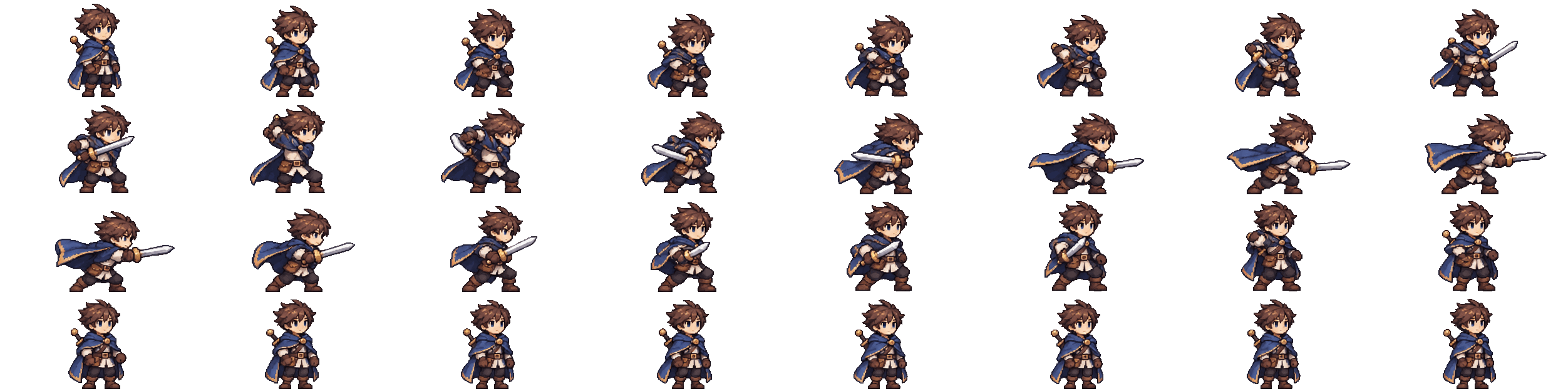
A character reference was supplied to ChatGPT with a request for a transparent GIF of a sword attack. The result contains 32 frames and runs for 2.24 seconds.
The original reference and the resulting GIF are shown together. Results vary.
THE SAME MOTION, FRAME BY FRAME
32 frames arranged in an 8 × 4 PNG grid.
A FEW MORE MOMENTS
More than characters.
These short GIFs explore a game object, a creature and a rider with her mount.
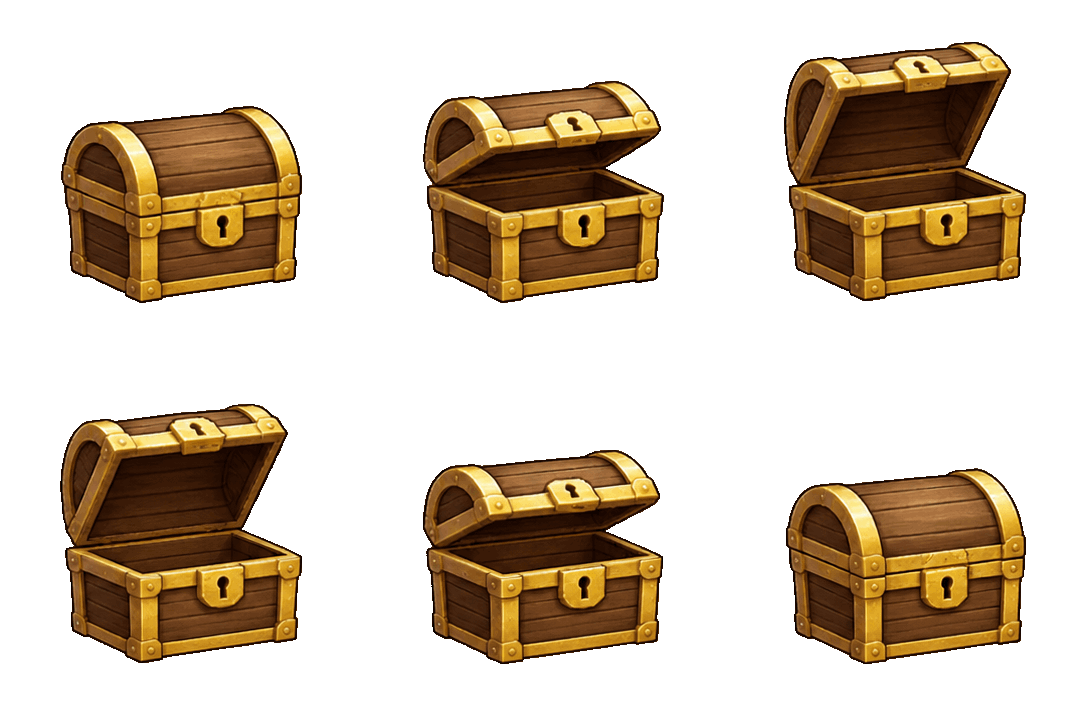
A little treasure.
A wooden chest opens, pauses, then closes.
12 FRAMES · 1.2 SECONDS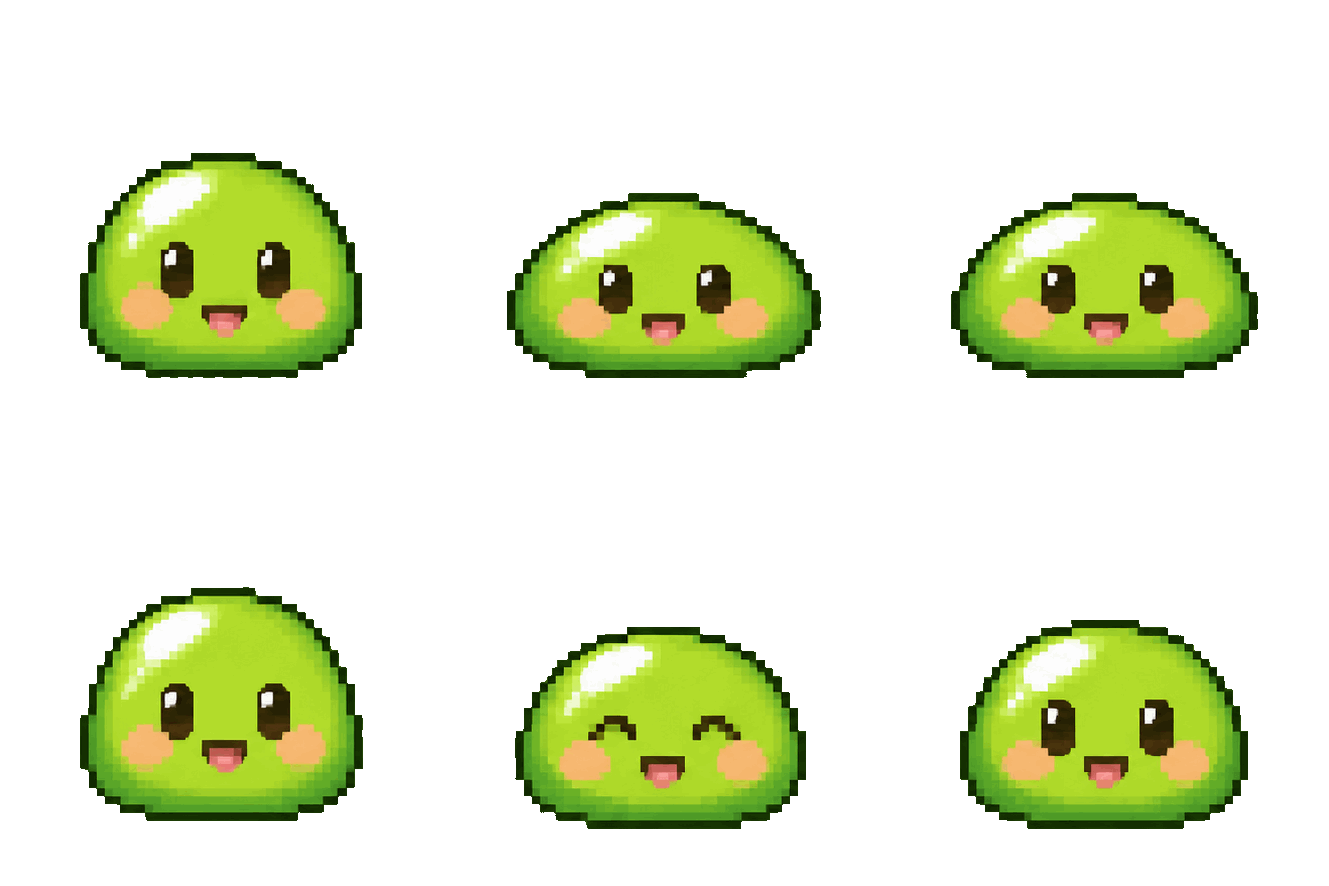
A little personality.
A green slime stretches, squashes and blinks.
8 FRAMES · 0.96 SECONDS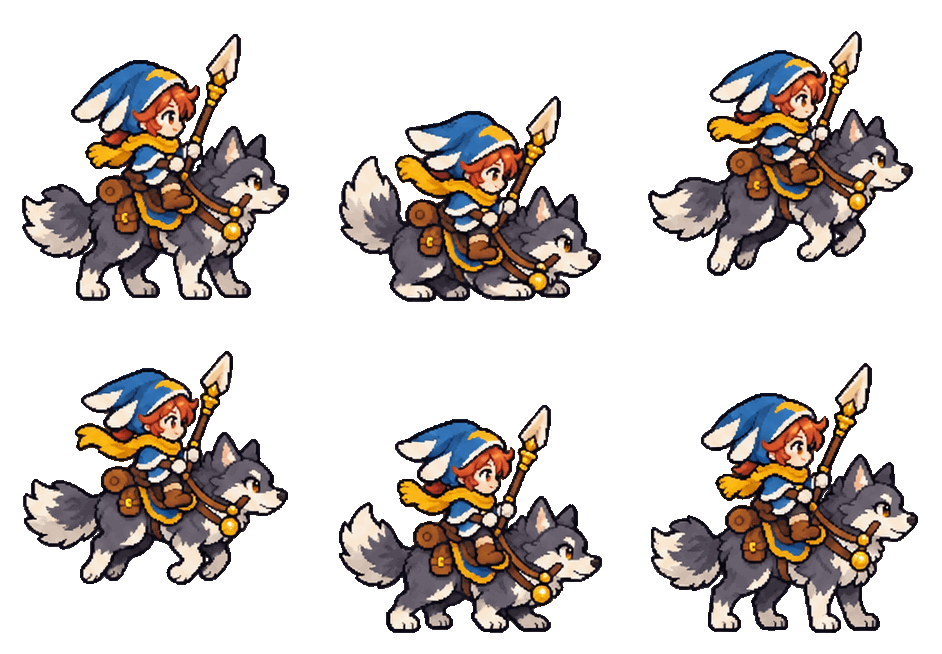
A leap together.
A rider and wolf crouch, jump and land together.
16 FRAMES · 1.28 SECONDSActual user-provided ChatGPT GIFs · Transparent backgrounds. The slime has a pixel-style appearance; check its grid and dimensions for your game.
WHAT TO CHECK
Can a GIF become a game sprite?
Yes. A GIF contains a sequence of images, and a converter can arrange those decoded frames into a sprite sheet. Inspect the character, placement and background before importing the sheet.
GIF pixels are either transparent or opaque; partially transparent edges are not preserved. Animation timing belongs in a separate file or your engine settings.
ChatGPT and the OpenAI API may expose different workflows. MotifDeck does not currently generate Images 2.6 GIFs; create and download your GIF first, then use the converter.
A PROMPT TO TRY
Start with your character.
Upload a character image to ChatGPT and describe one action. For example:
“Create an animated GIF of this character performing one sword attack and returning to the starting pose. Keep the character’s design, outfit and proportions consistent. Use a fixed camera and a transparent background. No text or scene.”
Results vary. A requested transparent background or consistent character is not guaranteed. See OpenAI’s Images 2.6 announcement and GIF API documentation.
THE NEXT STEP
Give those frames a place in your game.
Download your GIF, turn it into a PNG sprite sheet and check the frames and timing in your game engine. The converter arranges existing frames; it does not generate GIFs or remove opaque backgrounds.
Convert your GIFNeed more detailed motion?
For more involved character actions, explore MotifDeck’s character animation workflow: start with an approved character, generate motion/video, then choose and adjust frames for export. Review each result for consistency and action quality.
Continue with the sprite sheet alignment guide or explore the sprite sheet editor for supported assets.