Choose your GIF
Bring an animated character, prop or effect. The file stays on your device.
GIF TO SPRITE SHEET CONVERTER
Convert an animated GIF into a PNG sprite sheet in your browser. Arrange the frames in a grid, preserve existing transparency, and download frame timing as JSON.
YOUR GIF / YOUR BROWSER
Choose an animated GIF to arrange its frames in a PNG grid. Processing stays in your browser.
Up to 8 MB, 128 frames, 1024 × 1024 per frame; total and sheet pixel limits apply.
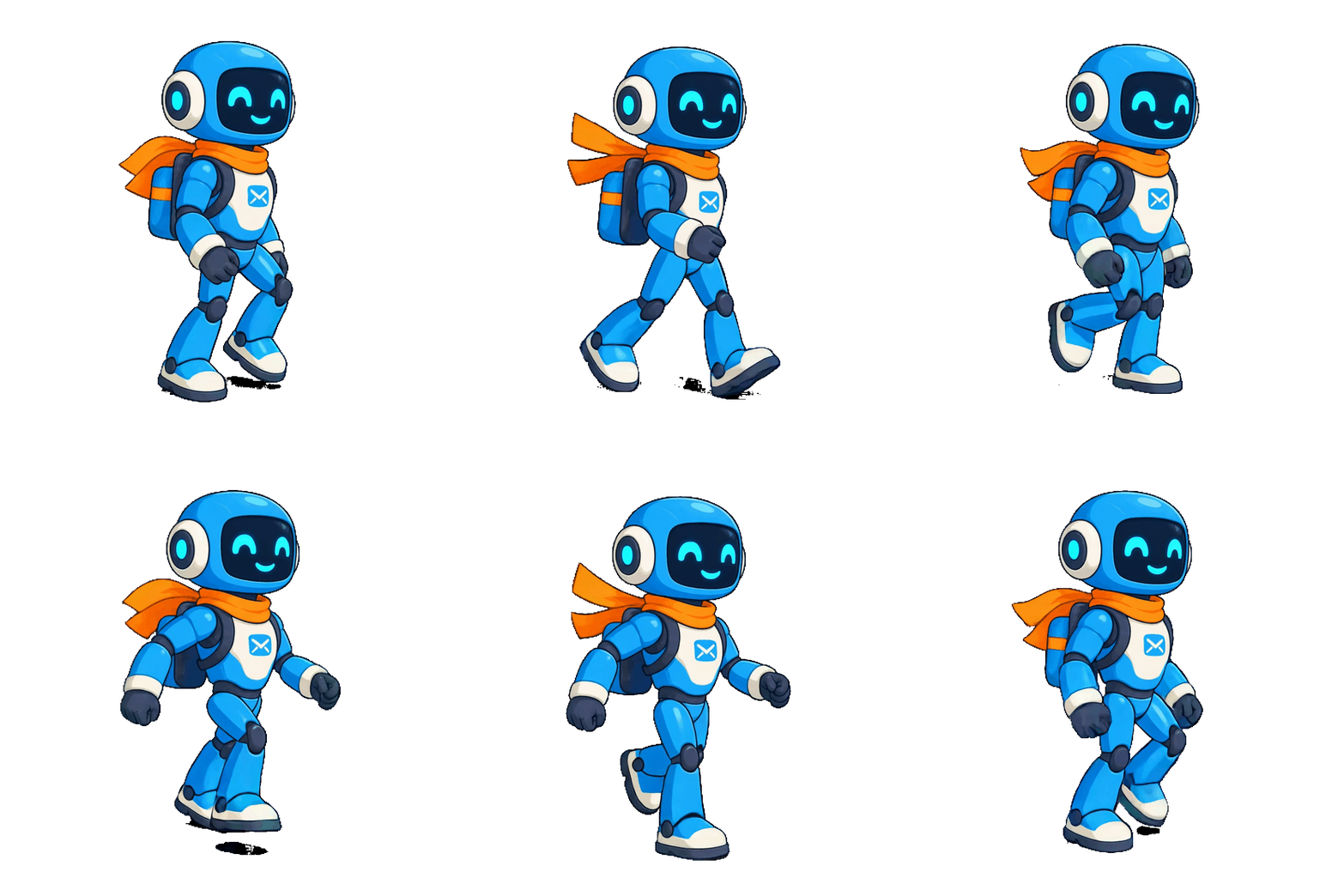
SEE THE FRAMES
A sprite sheet puts the poses of an animation into one image. Here is a real robot walk from the MotifDeck animation workflow: compare the moving preview with the saved 16-pose sheet.
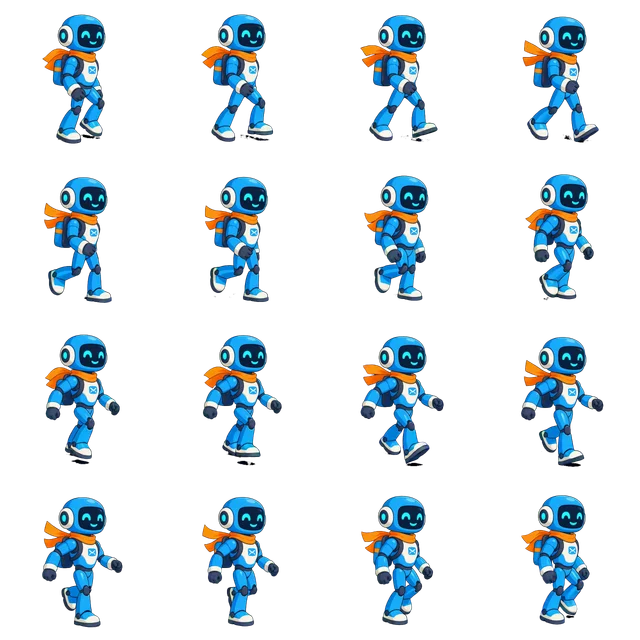
We tested the converter with a 16-frame robot GIF. It opened as an 8 × 2 grid, with 960 × 960 pixels per cell. Its timing JSON recorded the original frame delays, which vary from 40 to 90 milliseconds. This helps explain why one fixed playback speed may not reproduce every GIF exactly.
MotifDeck walk example · The 4 × 4 sheet shown is an existing animation export, not an output from this converter. View the walk’s frame and timing details.
HOW IT WORKS
Bring an animated character, prop or effect. The file stays on your device.
Choose the number of columns and preview your PNG grid.
Save the sheet and timing JSON. In your game engine, slice the PNG into equal cells using the displayed frame width and height; use the JSON durations to recreate the timing.
MADE A GIF WITH CHATGPT?
Starting with GPT Image 2.6? Check the character and transparent background in your downloaded GIF, then bring the file here.
Explore the Images 2.6 guide →
Real example · A user-provided GIF generated in ChatGPT from a character reference.
COMMON QUESTIONS
Transparent GIF pixels stay transparent in the PNG sheet. This converter does not remove a solid background or add smooth transparency absent from the GIF.
The PNG holds images, not playback timing. Download the separate JSON for each frame’s duration and coordinates; your game engine may require you to adapt those values.
The download is a regular PNG grid. You can import it and slice it into equal-sized frames in a game engine such as Unity or Godot. The separate timing JSON is a simple MotifDeck format and may need to be adapted; it is not a ready-made engine project.
No. It arranges the decoded frames; it does not repair character drift, resize pixels, remove backgrounds or guarantee a seamless loop.